

Checking out a tool for an aviation maintenance task shouldn’t require another search after you’ve already picked it up. Yet when several tools share a part number or description, you may still have to compare records to determine which one belongs to the asset you’re issuing.
That’s why Vista-Suite Enterprise integrates tool identification, checkout, and return into the mobile work order process. Scanning an NFC tag links the tool in your hand to its record, so you can quickly select the asset and complete the transaction from a mobile device. This reduces the need to search through tool records and keeps the issued tool connected to the maintenance task.
Use NFC Tags to Simplify Tool Identification
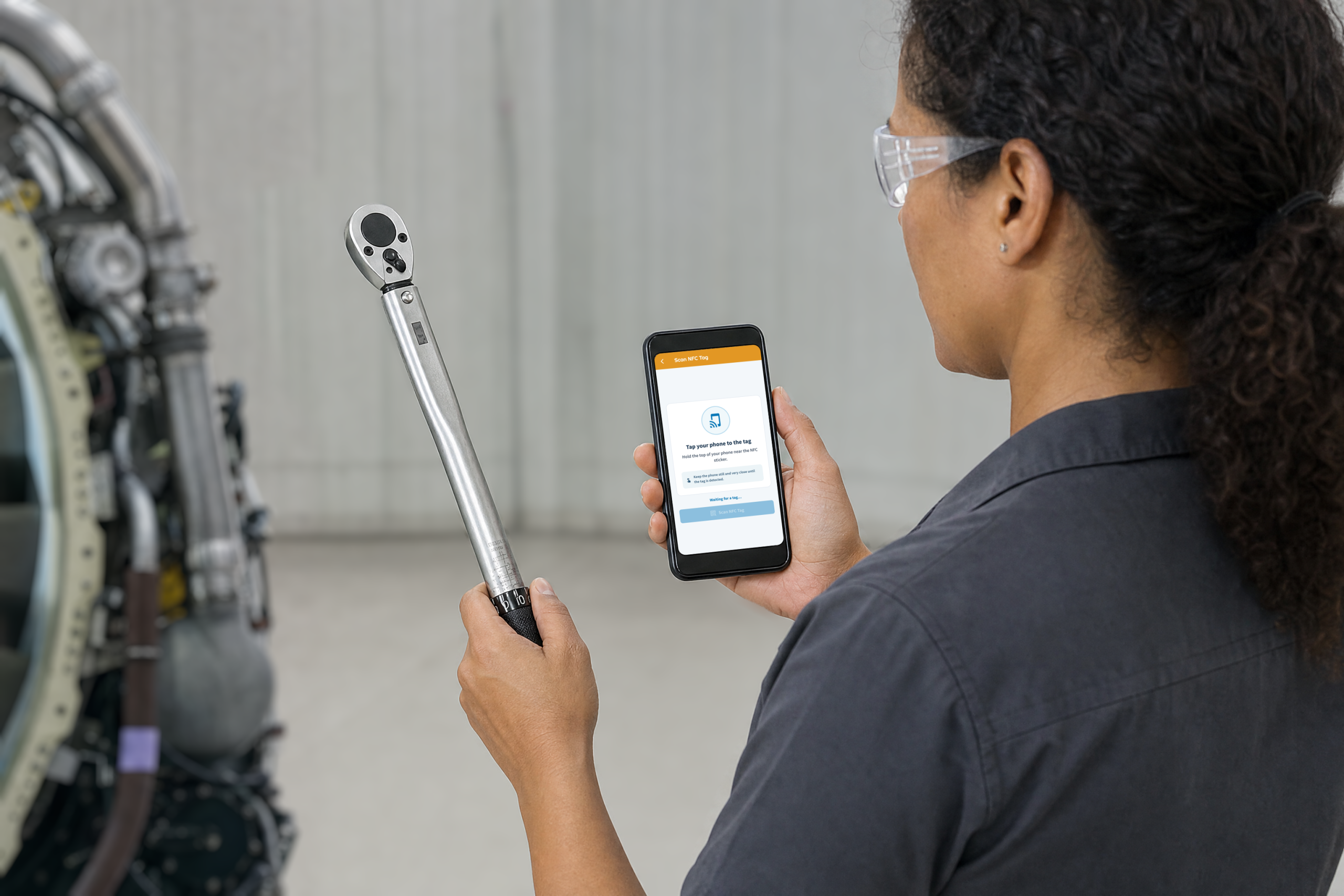
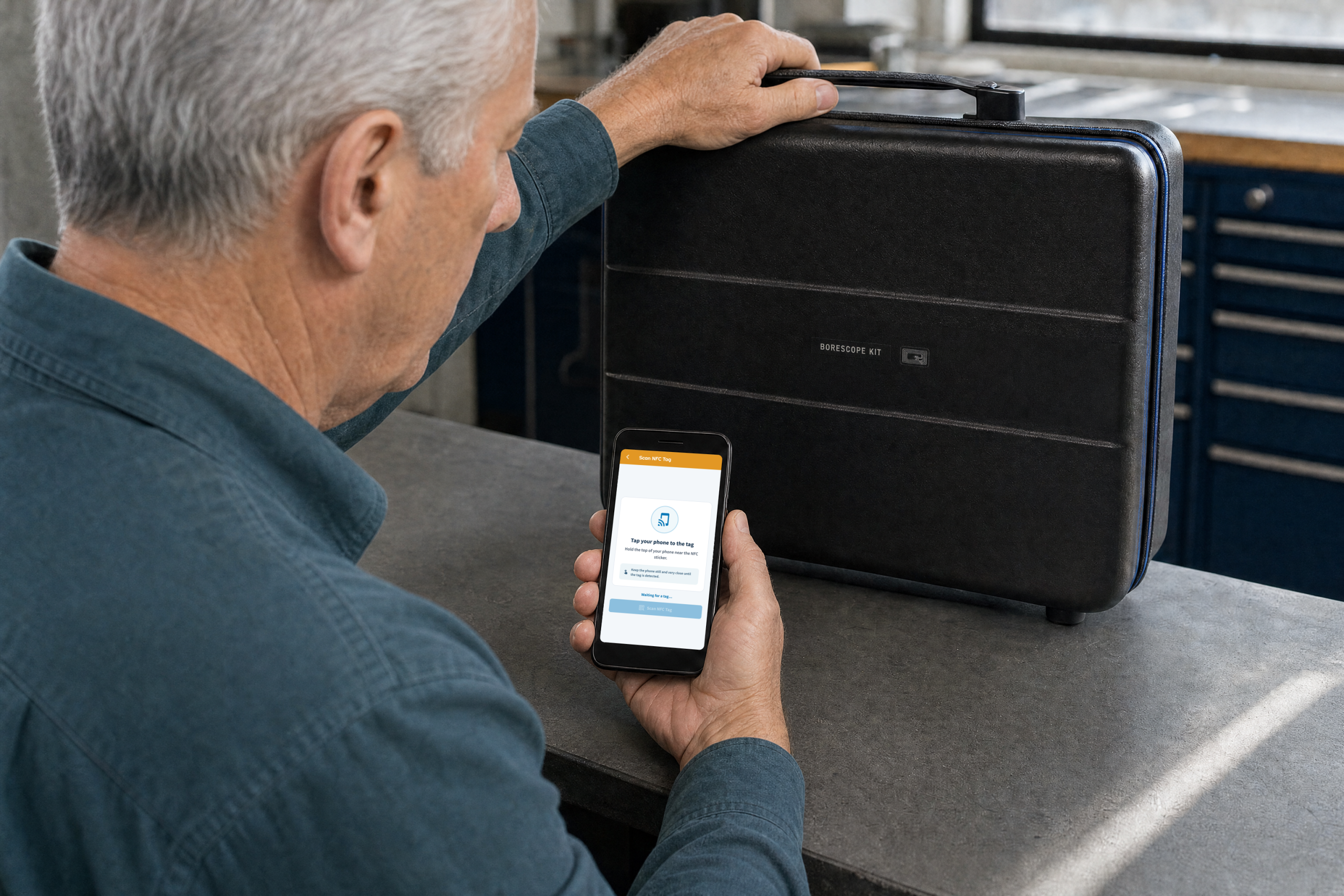
Near Field Communication, or NFC, is a short-range RFID technology. In Vista-Suite Enterprise, you can retrieve a tool’s record by holding a supported iPhone or Android phone close to its NFC tag. But first, an NFC tag must first be associated with an existing tool record in the mobile app. During setup, the app programs the tag with the information needed to retrieve that record and verifies that the information was written successfully.
Because several tools may share the same description, finding the right one manually can be challenging. Scanning the NFC tag brings up the exact record for the tool you picked up, so you can select that asset for checkout without searching through records for other similar tools to determine which one matches the tool you’re issuing.
NFC Tool Checkout for Aviation Work Order Tasks
Quickly identify tools for the job you’re already working on in the Vista-Suite Enterprise mobile app by opening a work order, selecting a task, and viewing its tooling requirements. From the required tool, you can check out the physical asset by simply scanning its NFC tag.
For example, a repair task might specify the tooling requirement as a precision screwdriver set. Reading the tag identifies the set you have in hand. You then enter the quantity and confirm checkout. The requirement and the issued asset remain connected, so you do not have to recreate the job association after identifying the tool.
NFC-assisted checkout reduces the effort of finding the correct tool record and lets you complete the checkout directly from your mobile device. The process records the selected asset, quantity, and maintenance task together, making routine checkout easier to complete and tool use easier to account for.
After checkout, you can see which tool was issued for the work, giving anyone reviewing the job a specific asset to refer to if a tooling question arises. This shared reference reduces the need to reconstruct the allocation in a separate conversation.
Mobile Tool Check-In for Aviation Maintenance
Returning a tool creates another point where the physical action and its record need to stay together. When recording the return means coming back to a workstation later, the transaction can remain unfinished after the tool has been put away. Vista-Suite Enterprise mobile check-in lets you complete the record while handling the return.
The mobile app provides a Check In Tool action and a confirmation once the return is recorded. When the correct tool is already selected, you can complete its return directly from that record, without repeating the tool lookup.
The mobile tooling list shows Available and Checked Out statuses, along with current and remaining quantities and recorded warehouse and location details. Recording returns provides a more accurate starting point for verifying whether a tool is available for the next task, so you can confirm its recorded status before interrupting another technician to ask.
Manage Aviation Tool Check-In and Check-Out with Vista-Suite Enterprise
Vista-Suite Enterprise combines NFC identification with mobile work order tooling so that the administrative steps can happen where you handle the tool. The Vista-Suite Enterprise mobile app, available for Apple and Android devices, provides access to the task requirement, the individual asset, and the check-in/checkout process. For technicians moving between maintenance work and shared tooling, that means less administrative effort each time a tool is issued or returned.
Schedule a live demo to see how Vista-Suite Enterprise uses NFC identification and mobile tooling management to support the way your maintenance operation works: ambryhill.com/demo.
More About NFC Tool Tracking in Vista-Suite Enterprise
Which Devices Support NFC Tool Identification?
NFC requires a supported iPhone or Android phone. The app reads the associated tag when you hold the phone close to it. QR scanning remains available on other devices.
Can You Select a Tool Without Reading an NFC Tag?
Yes. Manual tool selection is available during checkout. NFC provides another way to identify the physical asset within that process, so you can use the associated tag when it is available.
How Is an NFC Tag Connected to a Tool Record?
The mobile app supports setting up a blank or rewritable NFC tag. You find and select an existing tool record in Vista-Suite Enterprise, then associate the tool with an NFC tag through the Vista-Suite Enterprise mobile app NFC connection wizard. The app verifies that the information was written successfully, so the tag is ready for future scans.