

File Management for Every Item, Order, and Job
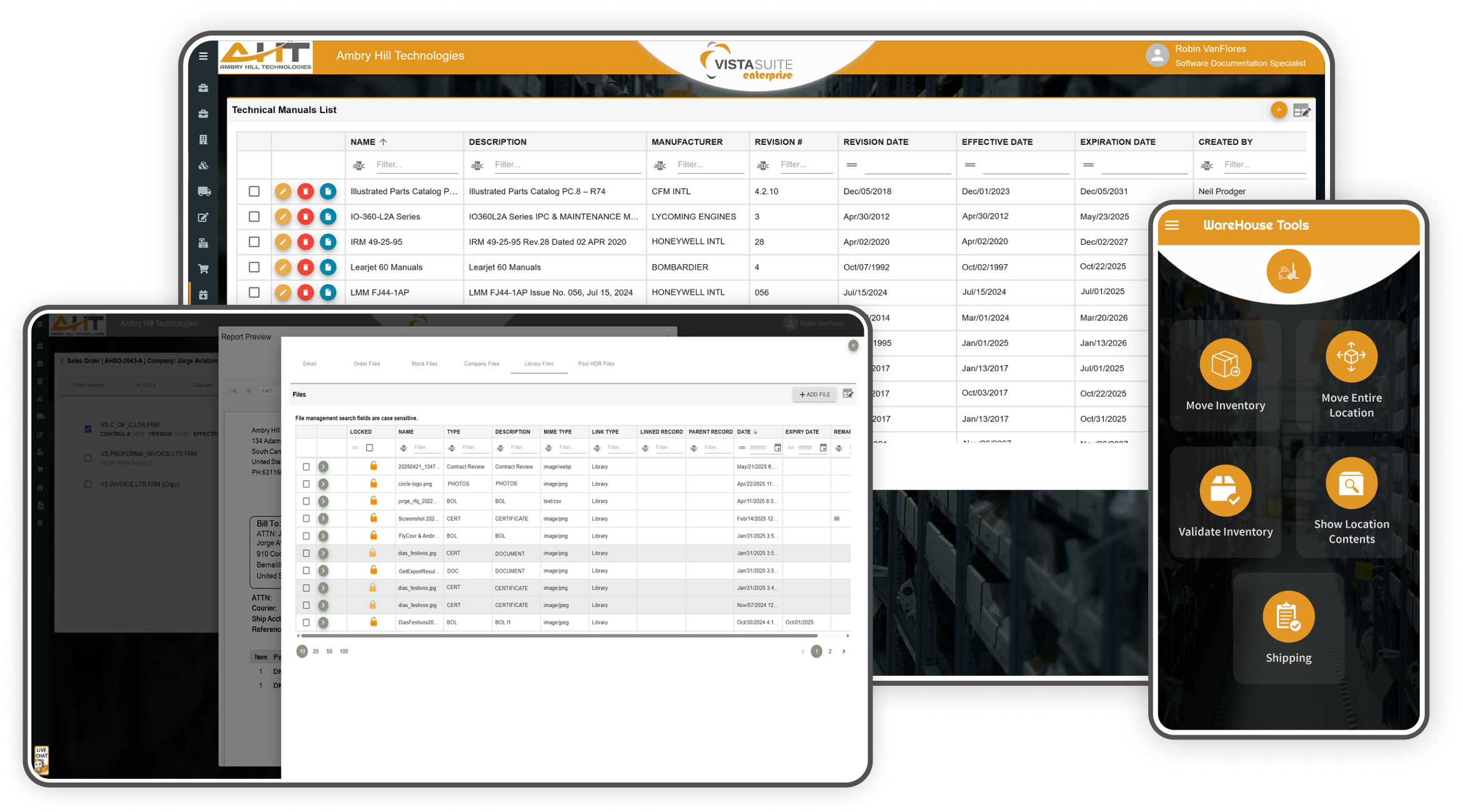
Upload documents, photos, and videos to records such as parts, inventory, transactions, tasks, or jobs, and access them through a searchable system-wide library. Scan QR codes to upload images from mobile devices, apply product banner images for visual reference, and share files externally via email.
Key Features
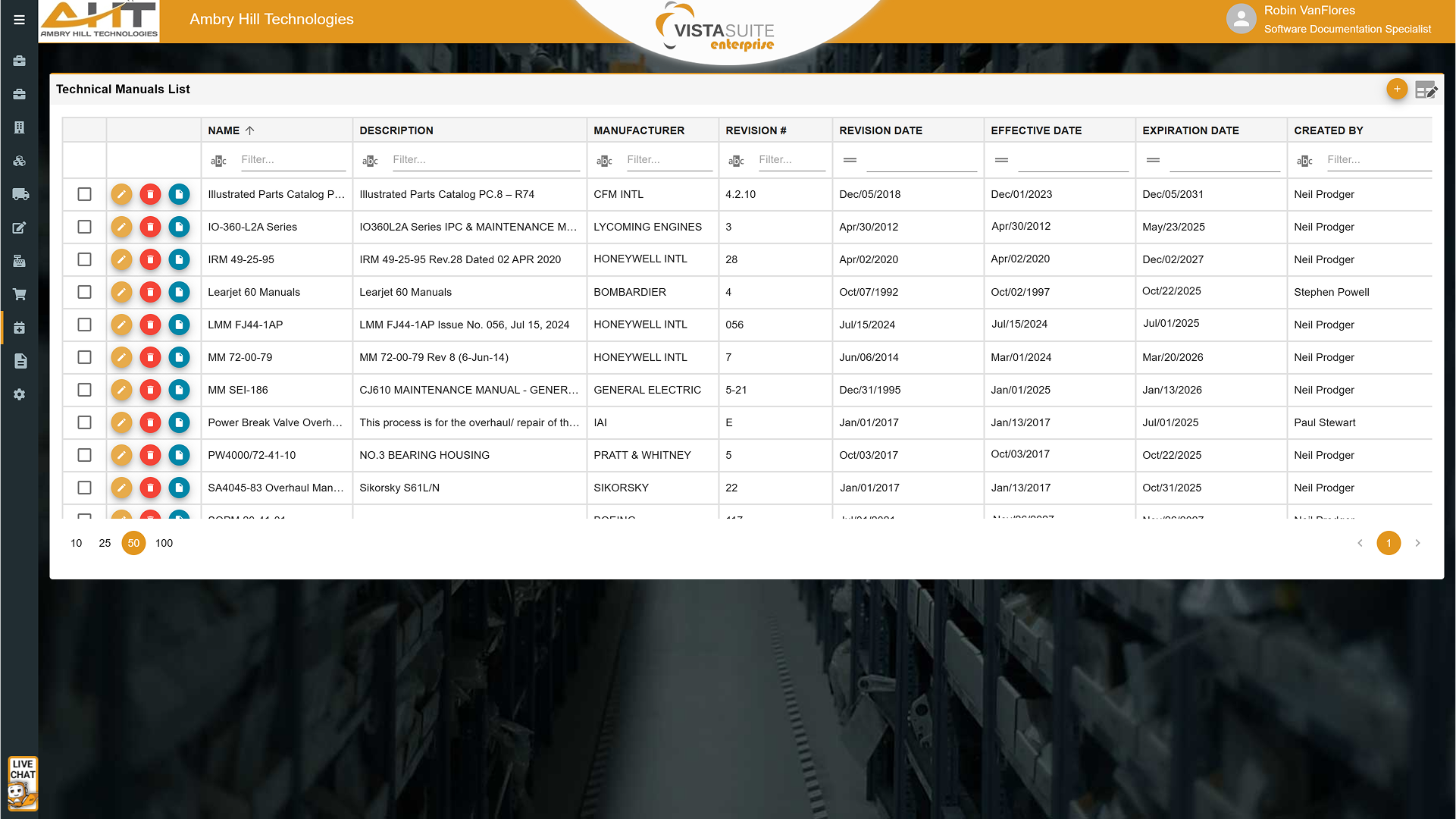
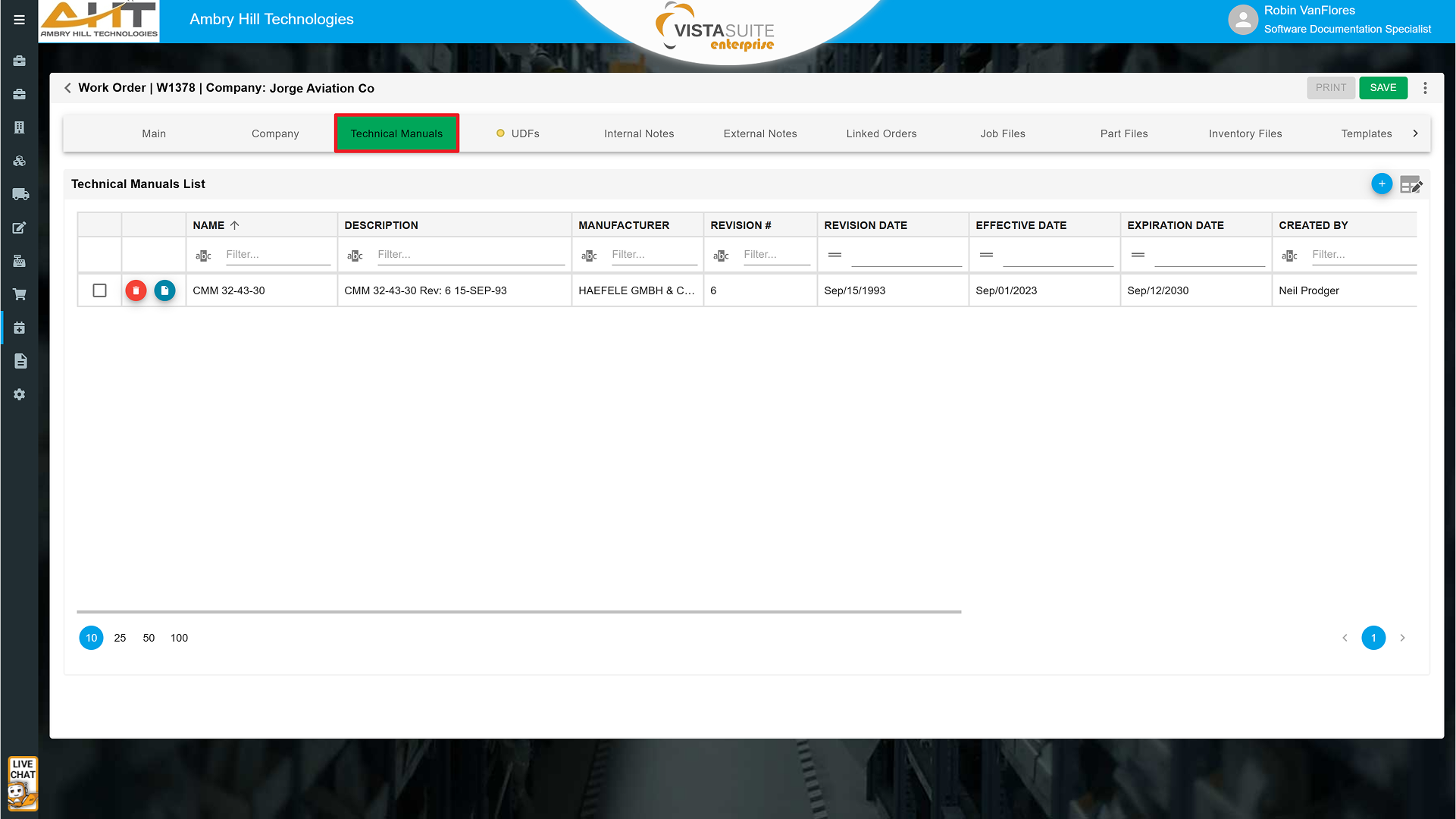
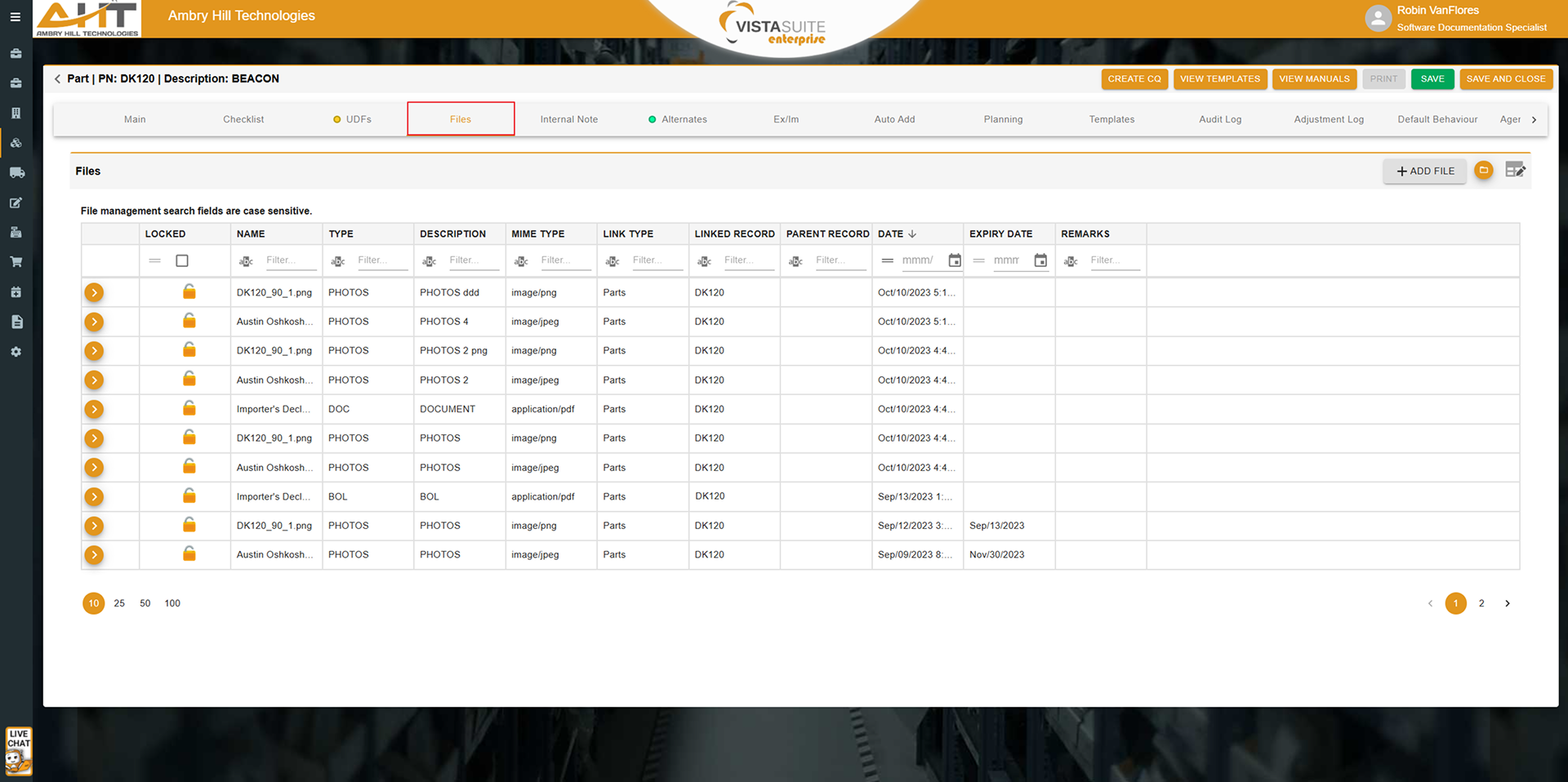
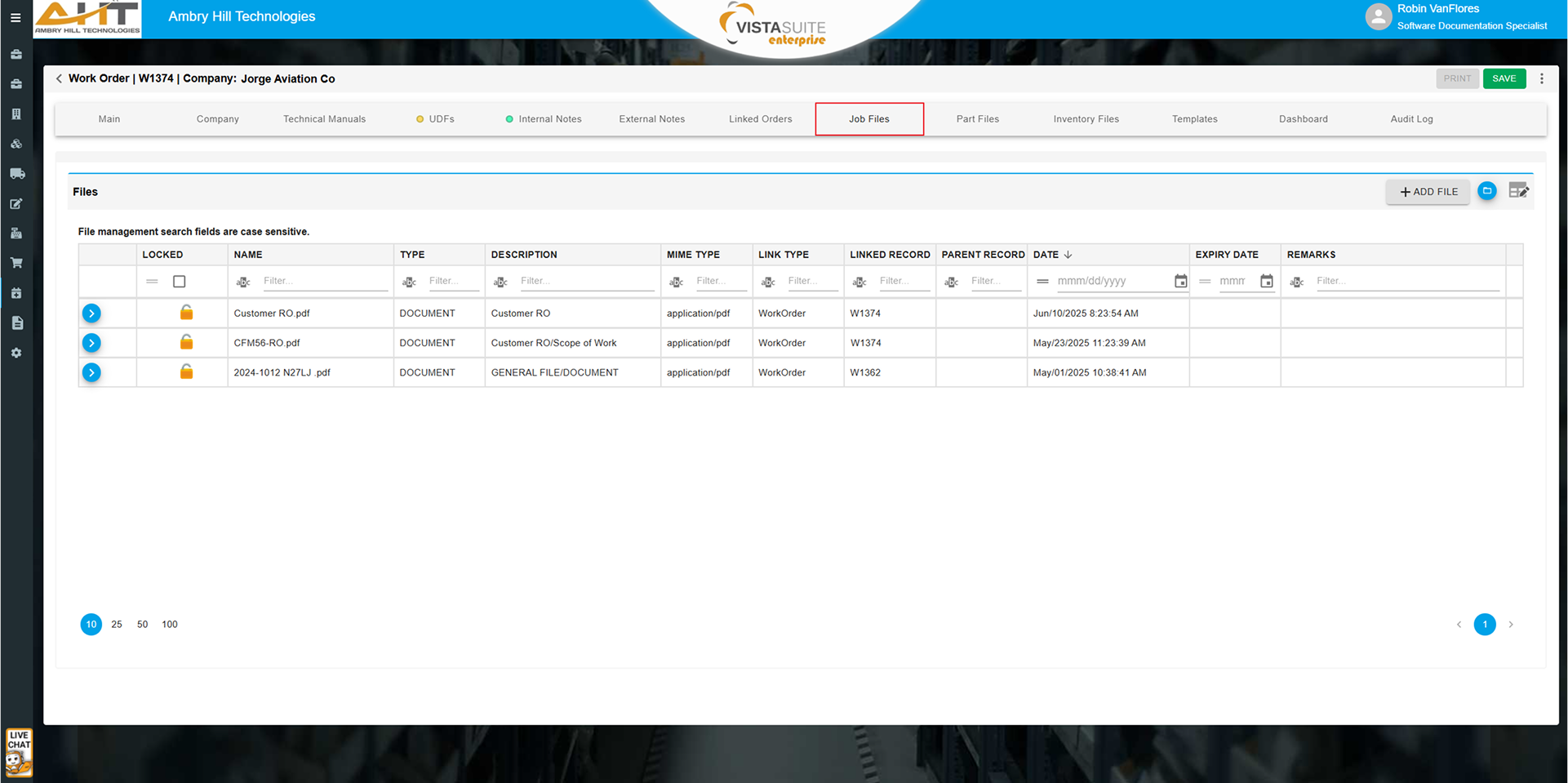
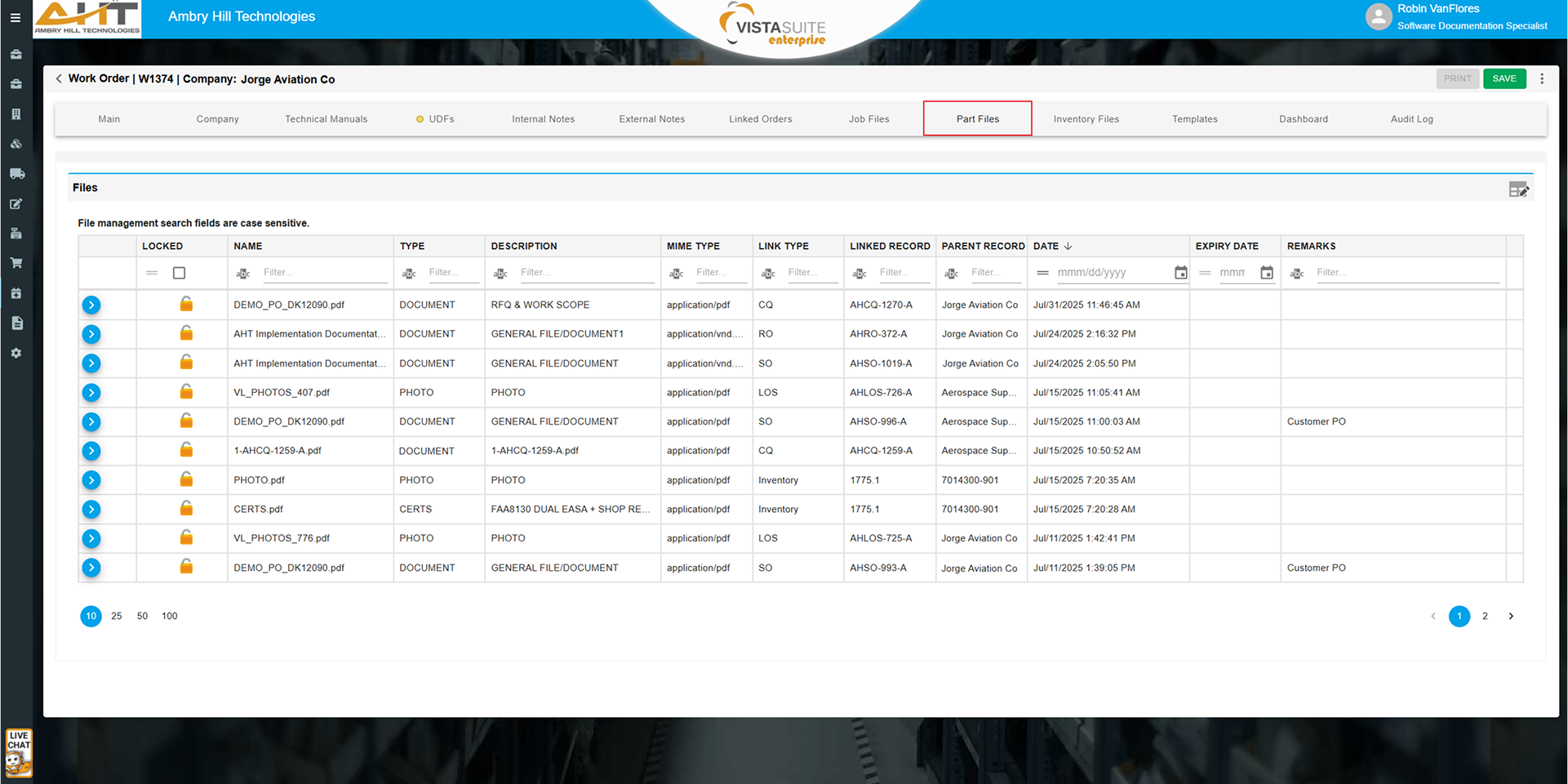
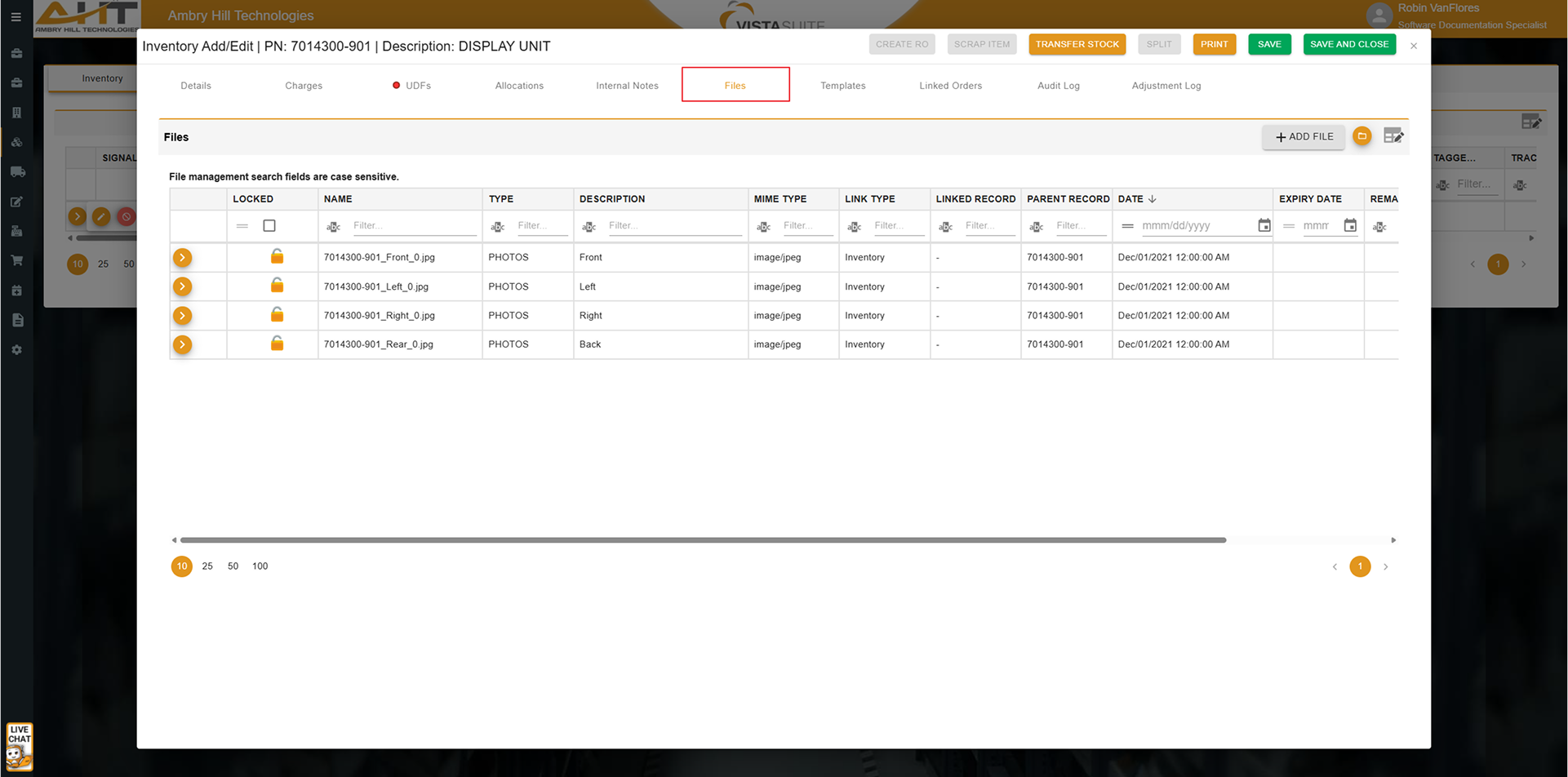
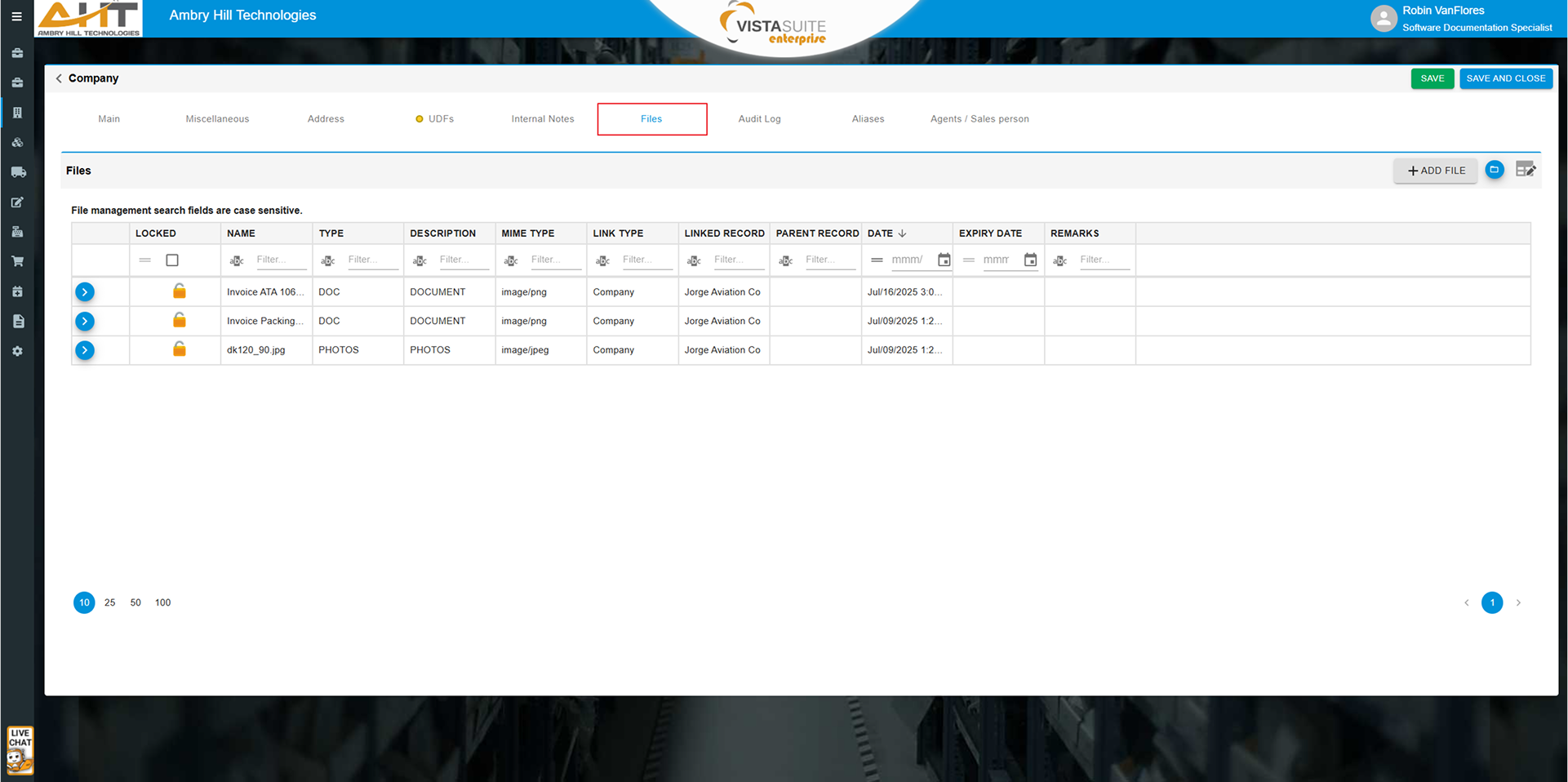
Upload and store documents, images, videos, and manuals across major record types such as inventory, part master, transactions, work orders, and more.
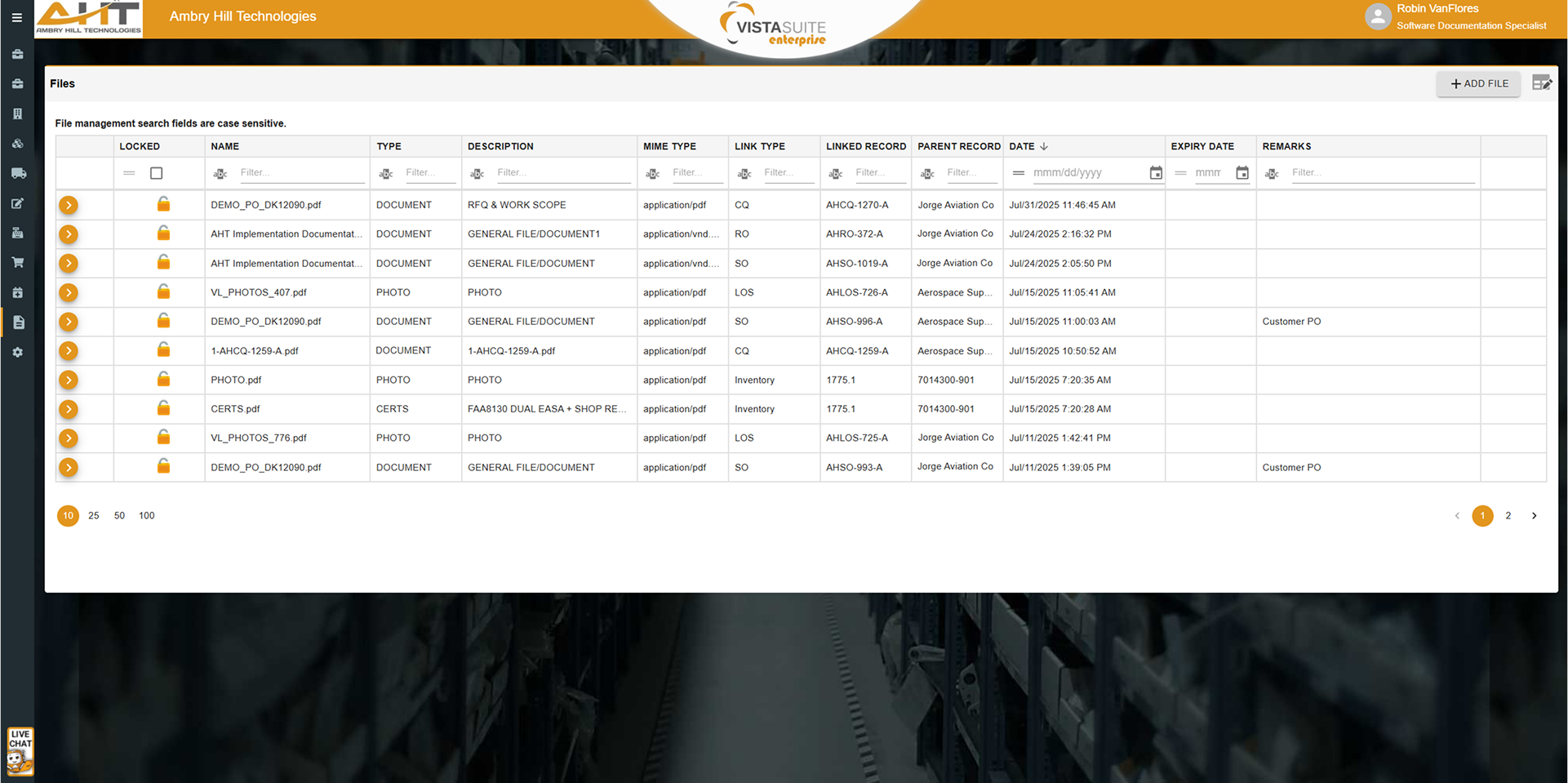
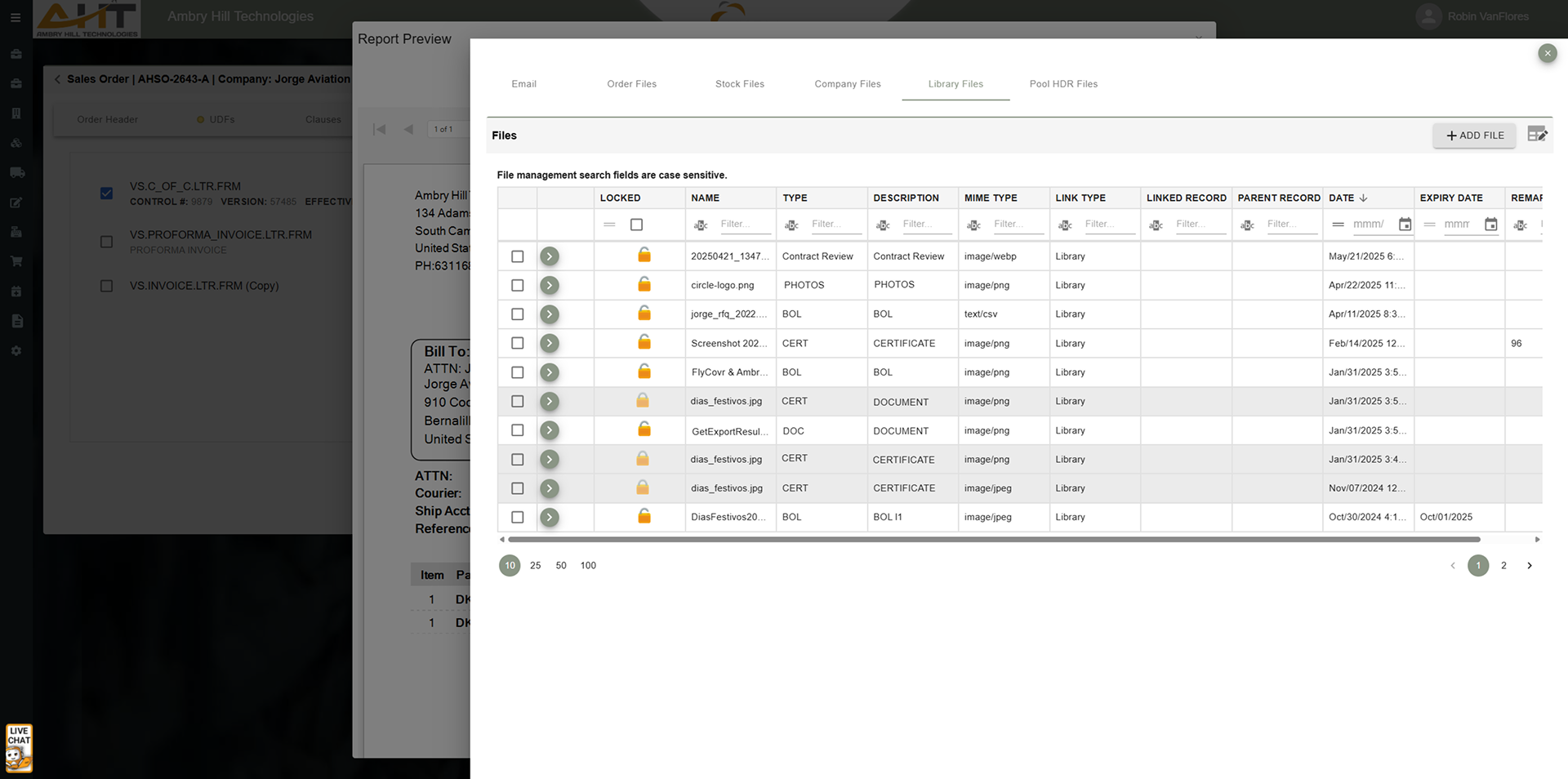
Access and reuse files across the system through a centralized library. Ideal for storing business-critical, controlled documents like terms and conditions, service bulletins, and standard forms.
Files can be stored at the transaction or line-item level, ensuring that all documentation is contextually relevant and readily available.
Apply custom banner images to inventory records, parts, or job headers. This adds a layer of visual reference for teams handling unique items or workflows.
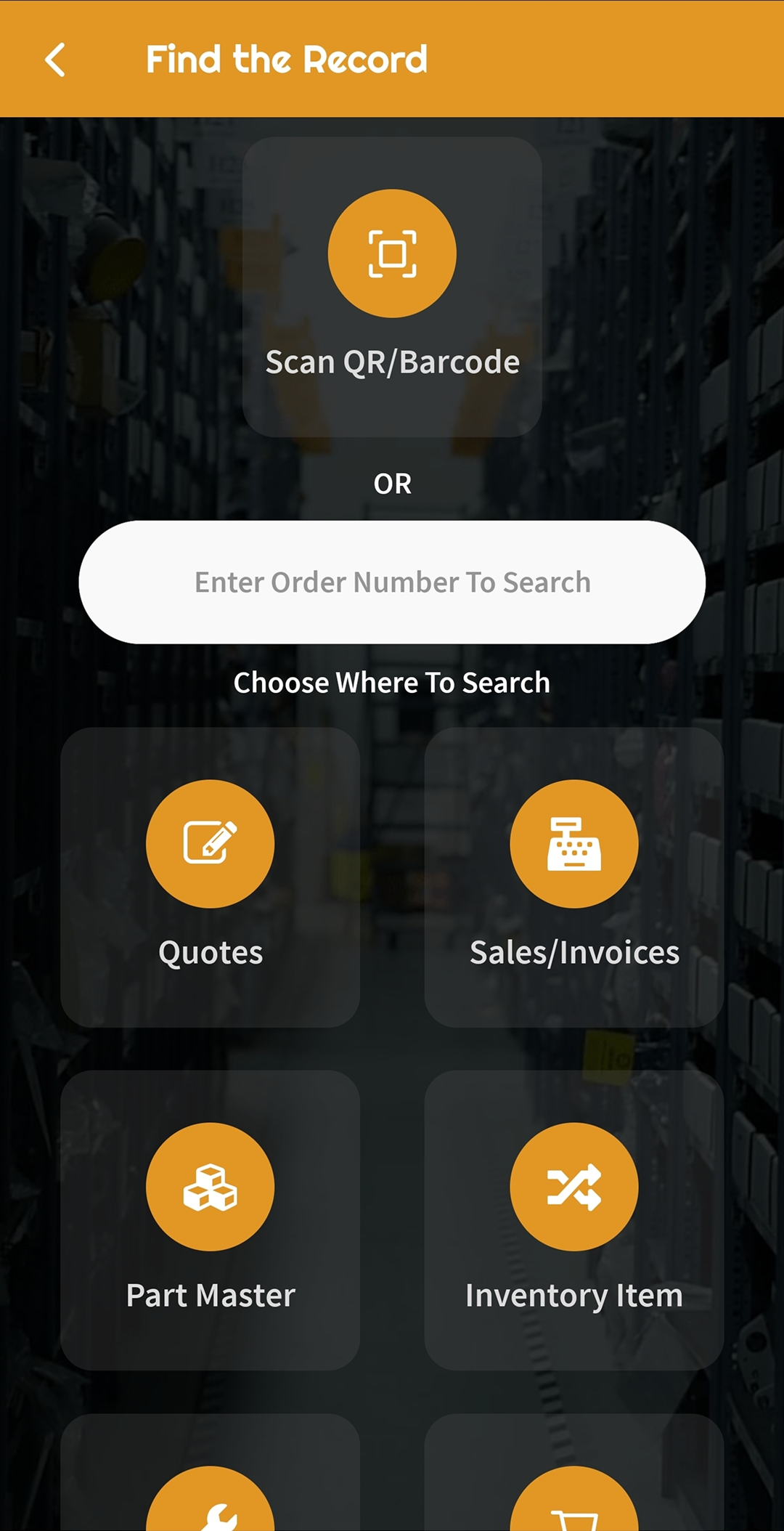
Users can scan QR codes generated by Vista-Suite Enterprise to upload photos from their mobile device's camera roll directly to a targeted record, which is useful for inspections, repairs, and receiving.
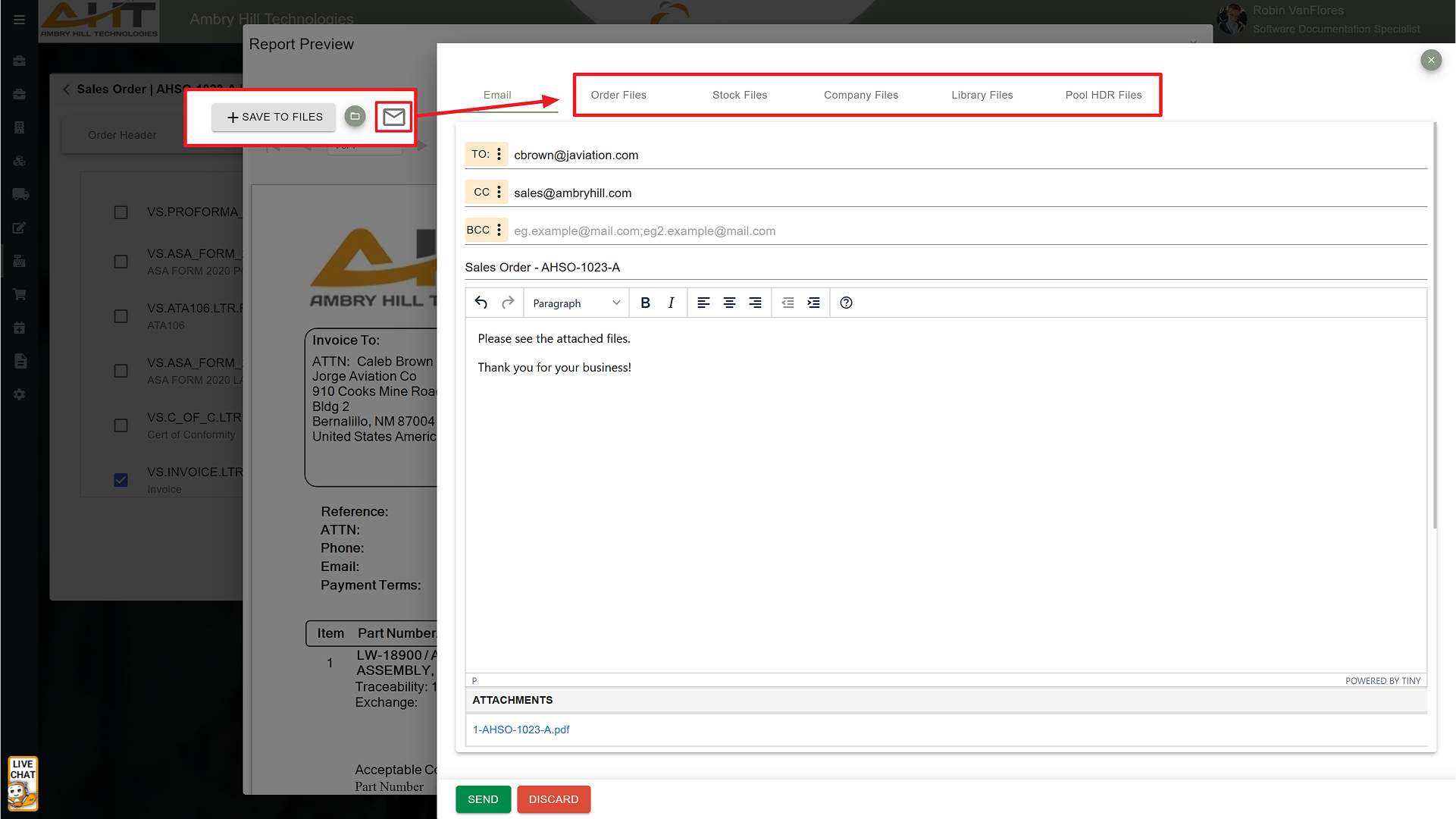
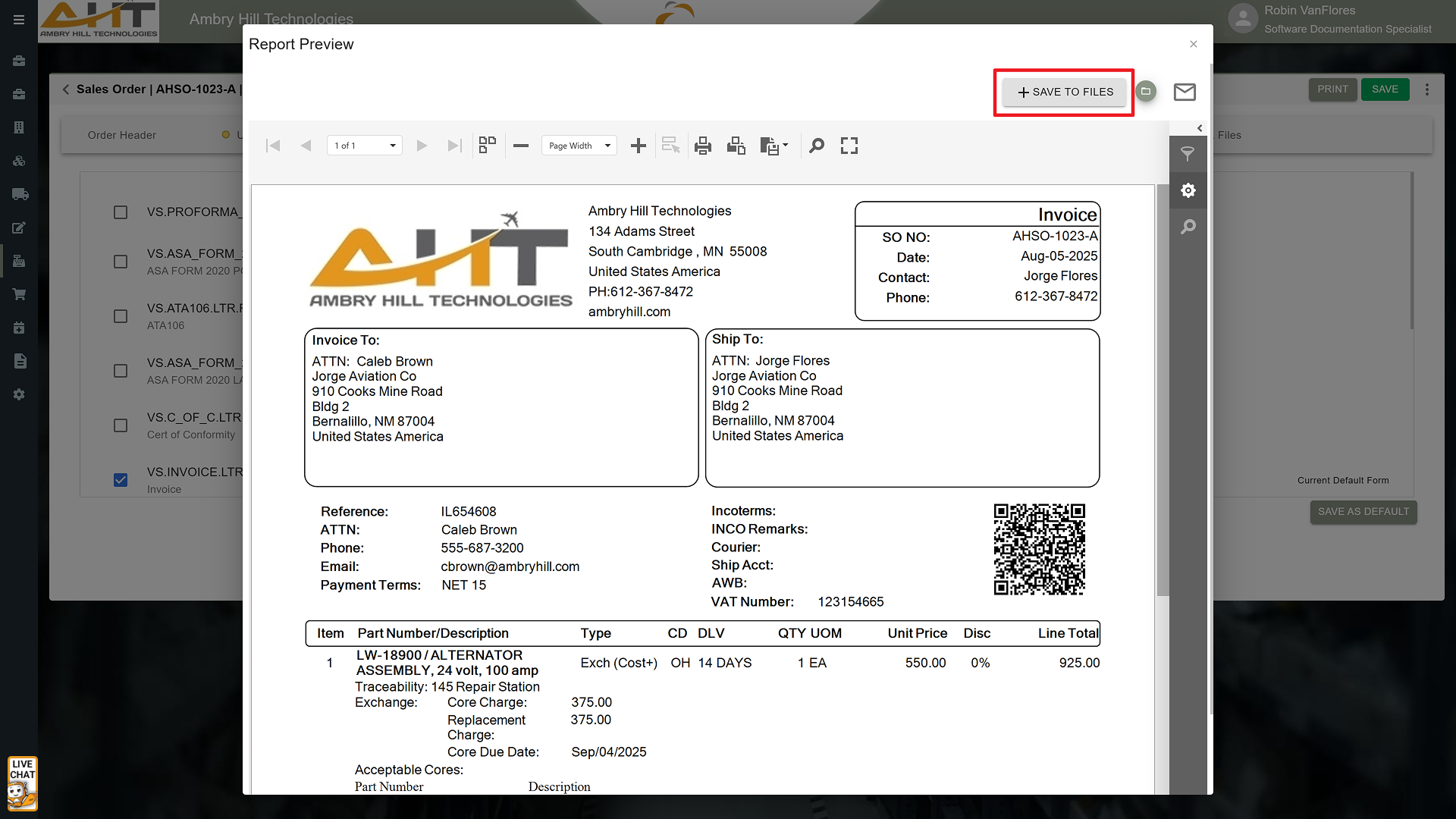
Attach documents to outgoing emails directly from within Vista-Suite Enterprise, using files from any of these sources:
File management is integrated into daily workflows, including transactions, inventory management, and order processing. Teams can keep supporting files close to the work they document.
With Vista-Suite Enterprise's digital file storage and centralized library, teams can reduce reliance on disconnected cloud services or siloed storage locations. Supporting files can stay inside the Vista-Suite Enterprise ERP environment, under your control.
Why It Matters
Vista-Suite Enterprise makes it easier to upload, locate, share, and reuse the files that support aviation-specific operational workflows. By using Vista-Suite Enterprise's file storage and sharing system across your organization, teams can reduce the risk of missing documentation, outdated files, or disorganized digital resources. Simplify your file management strategy and keep important files connected to the records and workflows they support.
See a demo by contacting sales@ambryhill.com