

 Company and Contacts
Vista-Suite Enterprise helps aviation aftermarket and MRO teams manage the company and contact details that drive daily work, including customers, vendors, contacts, addresses, payment terms, sales assignments, approvals, warnings, clauses, files, and export screening support.
Searchable grids, dashboards, audit logs, configurable fields, and reporting keep account data connected to quotes, orders, logistics, work orders, and related activity, so teams can find the information they need and manage relationships with more confidence.
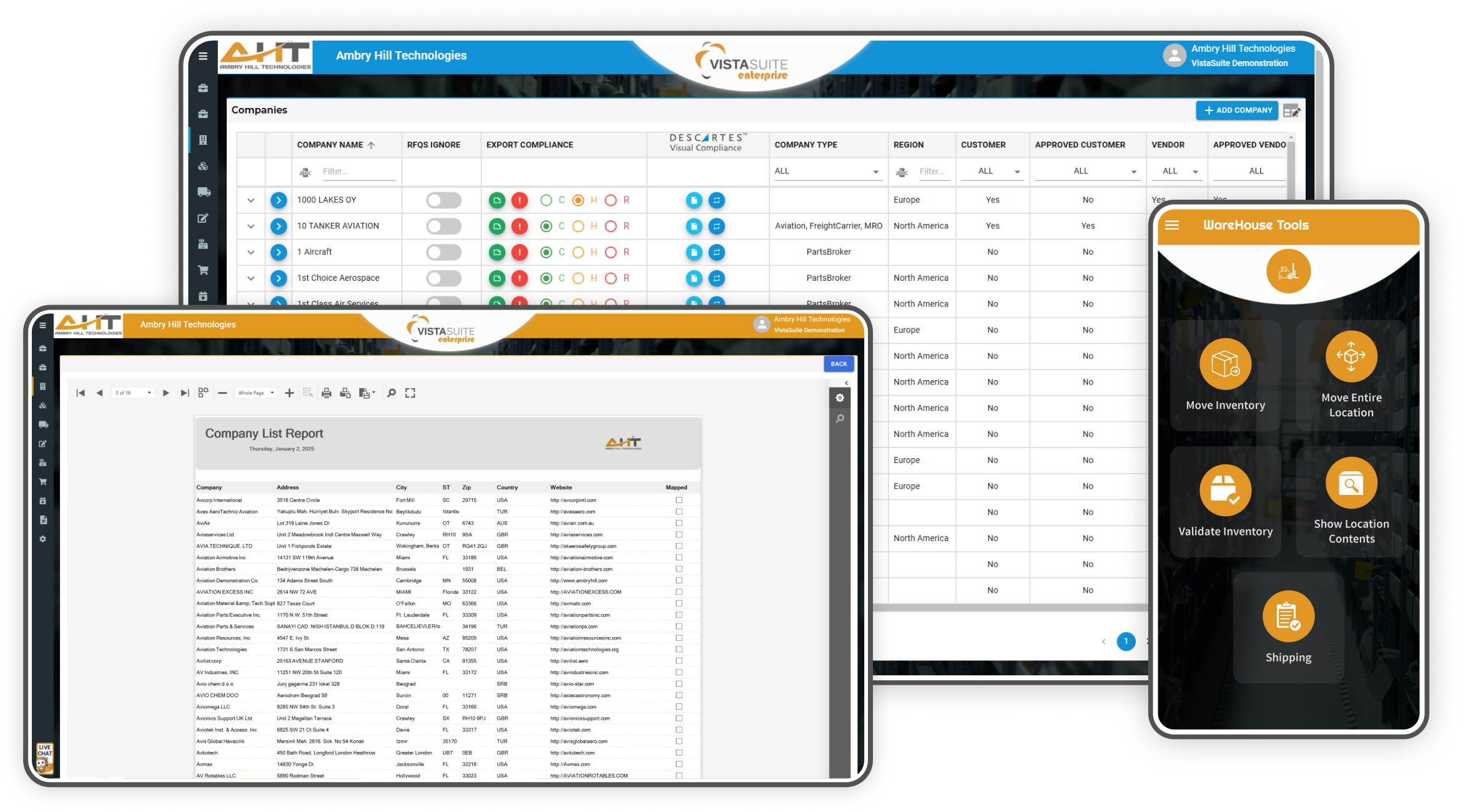
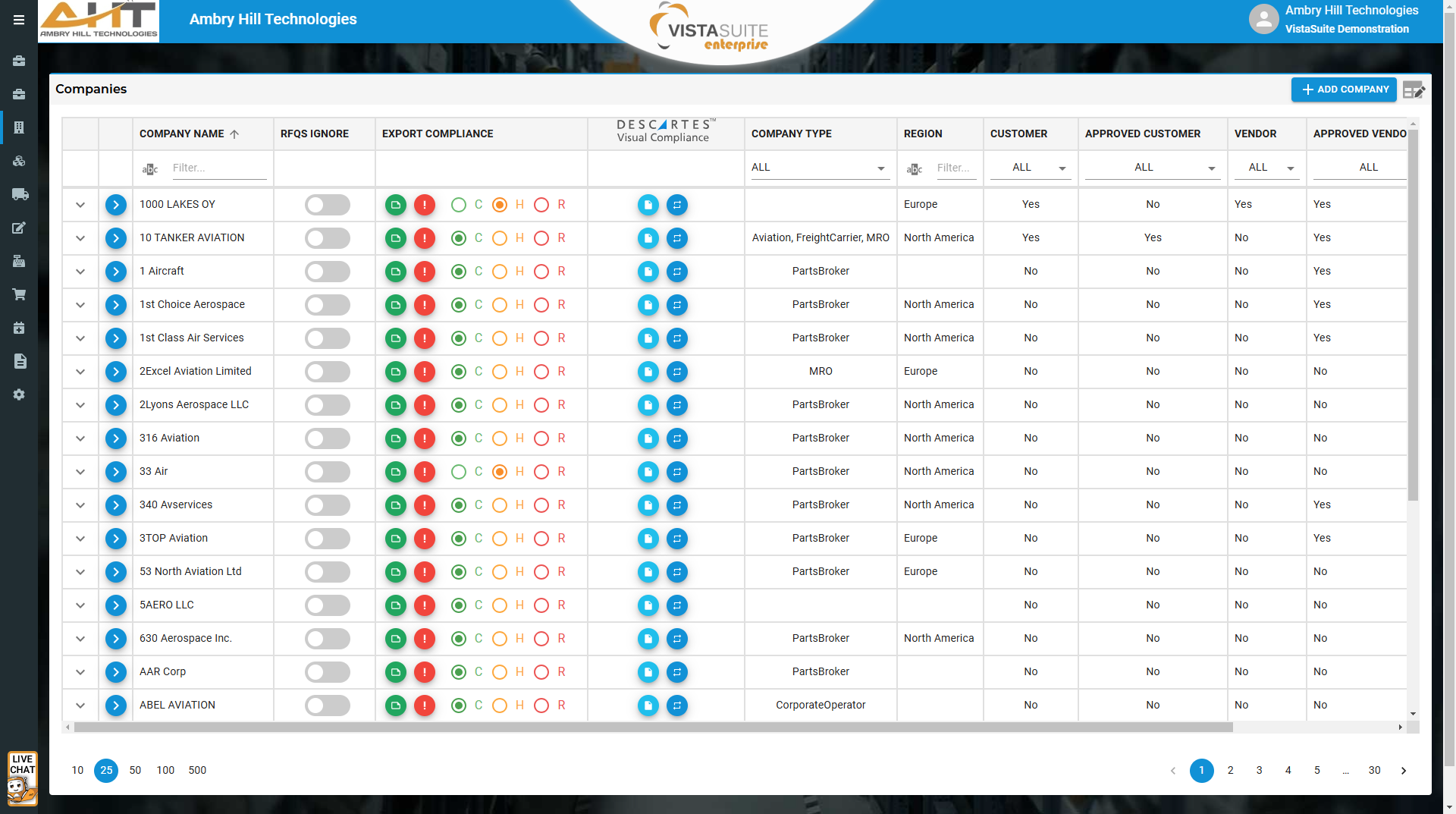
Filter and search companies by company type, relationship type, region, screening status, approval status, and more.
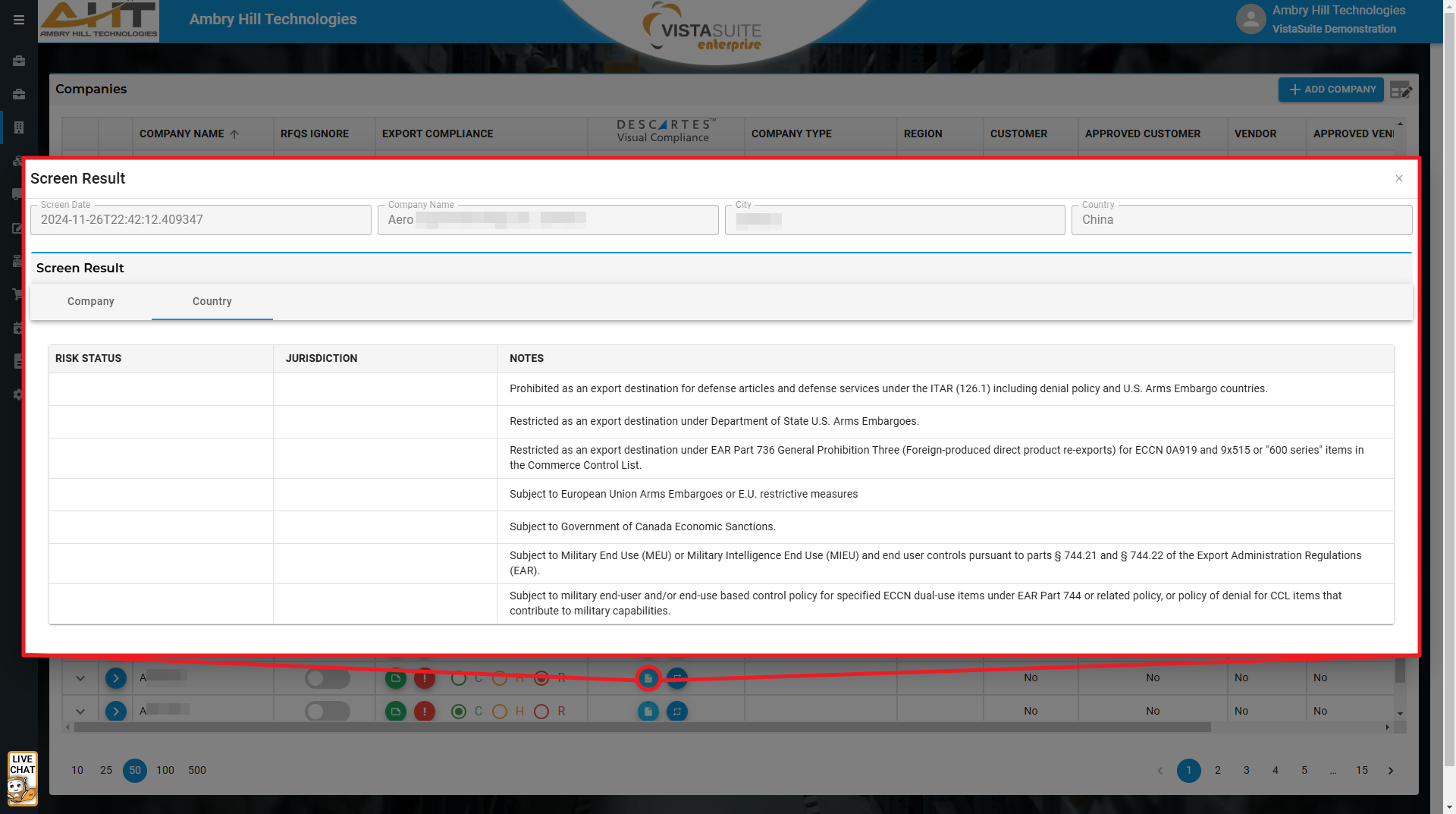
View restricted-party screening results from the company list to support account review and export-control workflows. Requires separate Descartes VisualCompliance access when integrated screening is enabled.
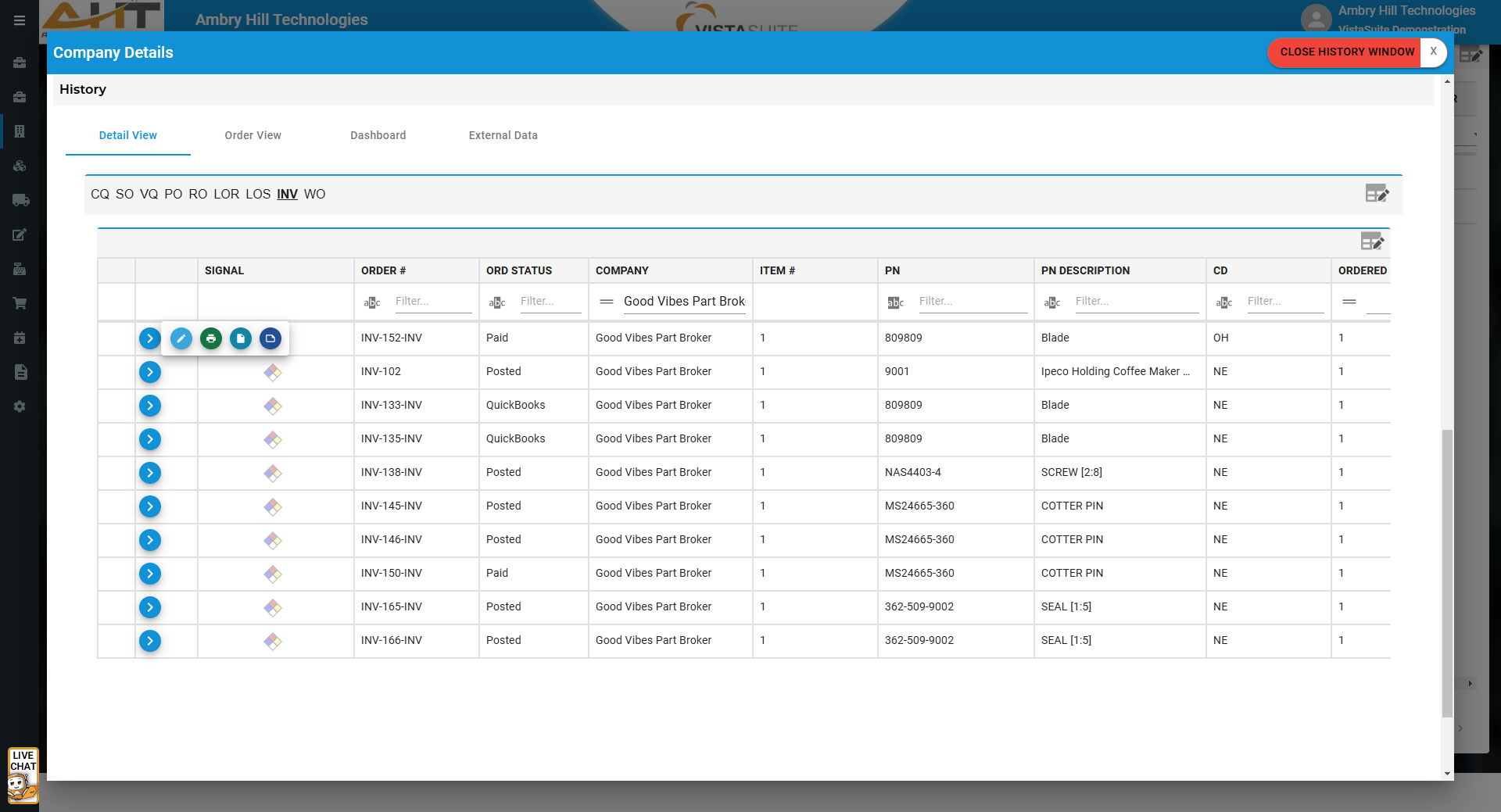
Related transaction history, from customer quotes to work orders and other activity, is available within each company record.
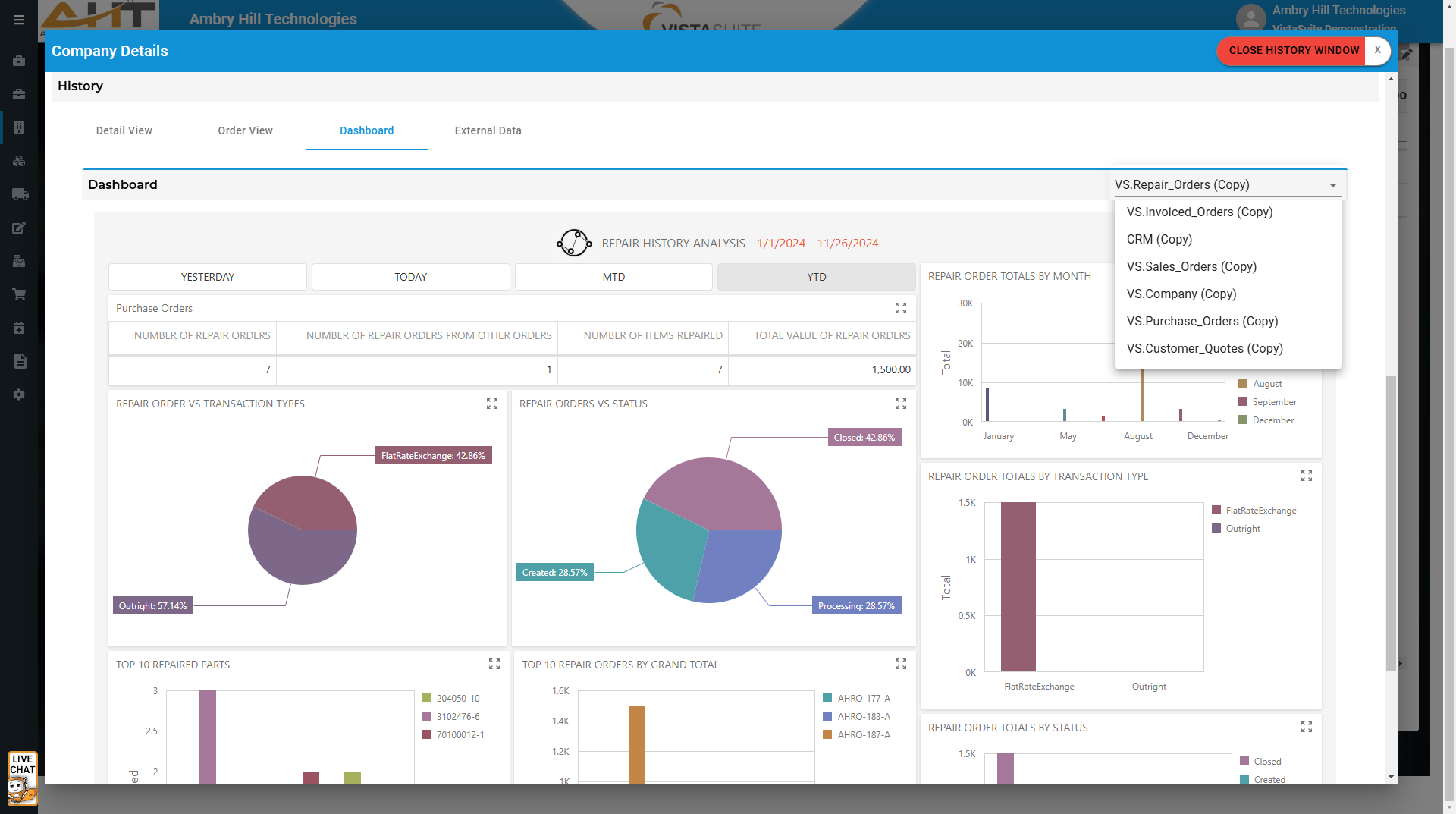
In addition to primary system dashboards, company-specific dashboards are viewable within each company record.
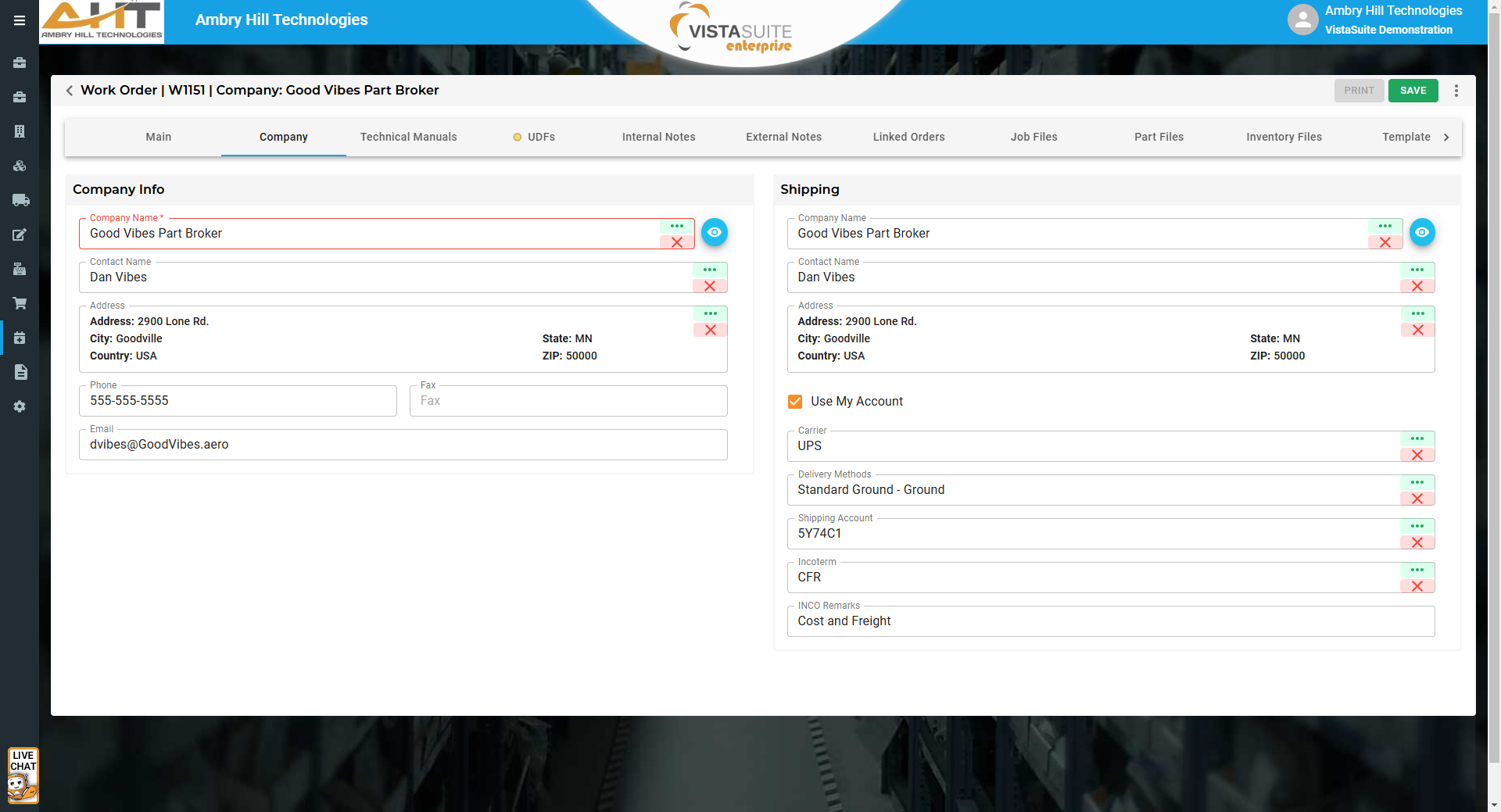
A view icon beside the company name opens company details, including digital files, contacts, transaction history, dashboards, and more.
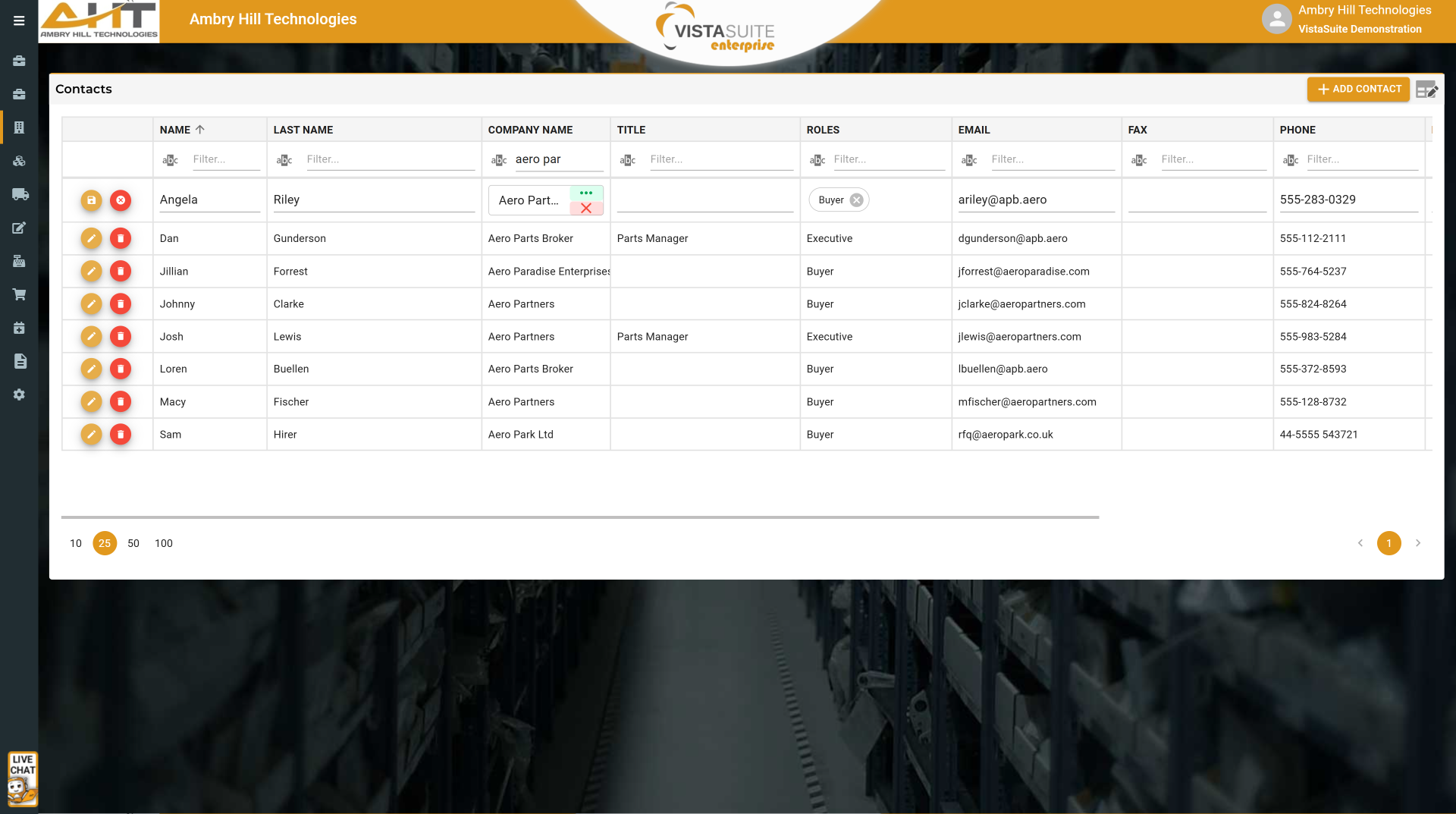
Filter, search, edit, and add contacts through a dedicated contact directory which also includes a link to the contact's company details page.
Export Compliance Status for All Companies: Sorts companies by restricted party screening categories such as clear, hold, or restricted. Separate Descartes VisualCompliance access is required for integrated or automated screening workflows.
Filtered Company Screening Results: Displays screening outcomes for selected companies filtered by timeframe, company name, and record status.
Blocked Companies Report: Lists companies flagged as blocked due to internal preference, review status, or other concerns.
Master Company Contact Directory: Lists companies and their associated contacts with available details.
All Companies: Lists companies in the system, their locations, primary contact information, and data record continuity mapping.
Expiring Documents Report: Lists files and documents by expiration date to identify records needing attention.
Recently Added Companies: Details new companies added within the specified timeframe.
Pinned Notes Summary: Provides a reference to pinned notes across the system matching the specified search parameters.
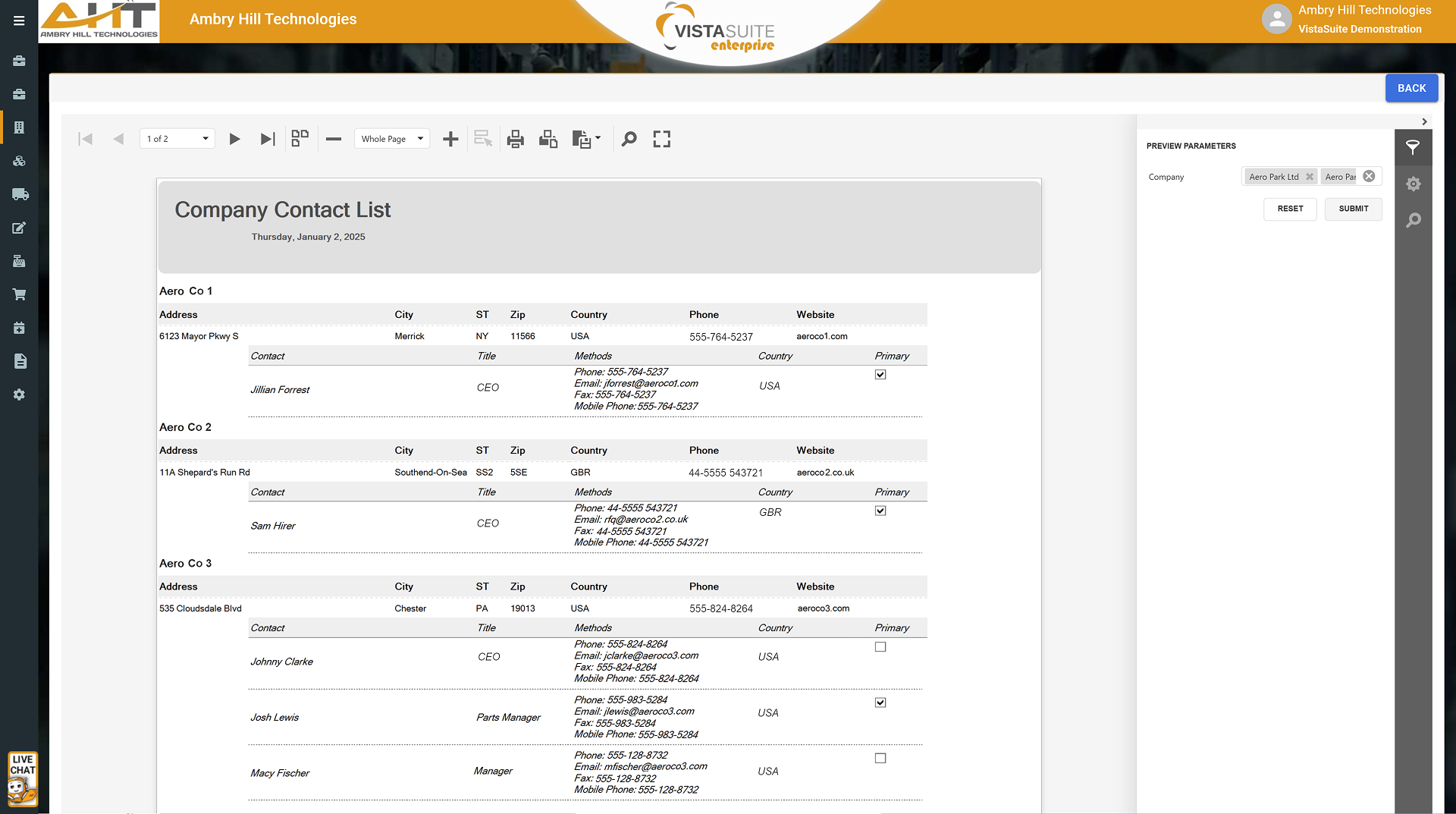
Companies and their associated contacts are listed with available details.
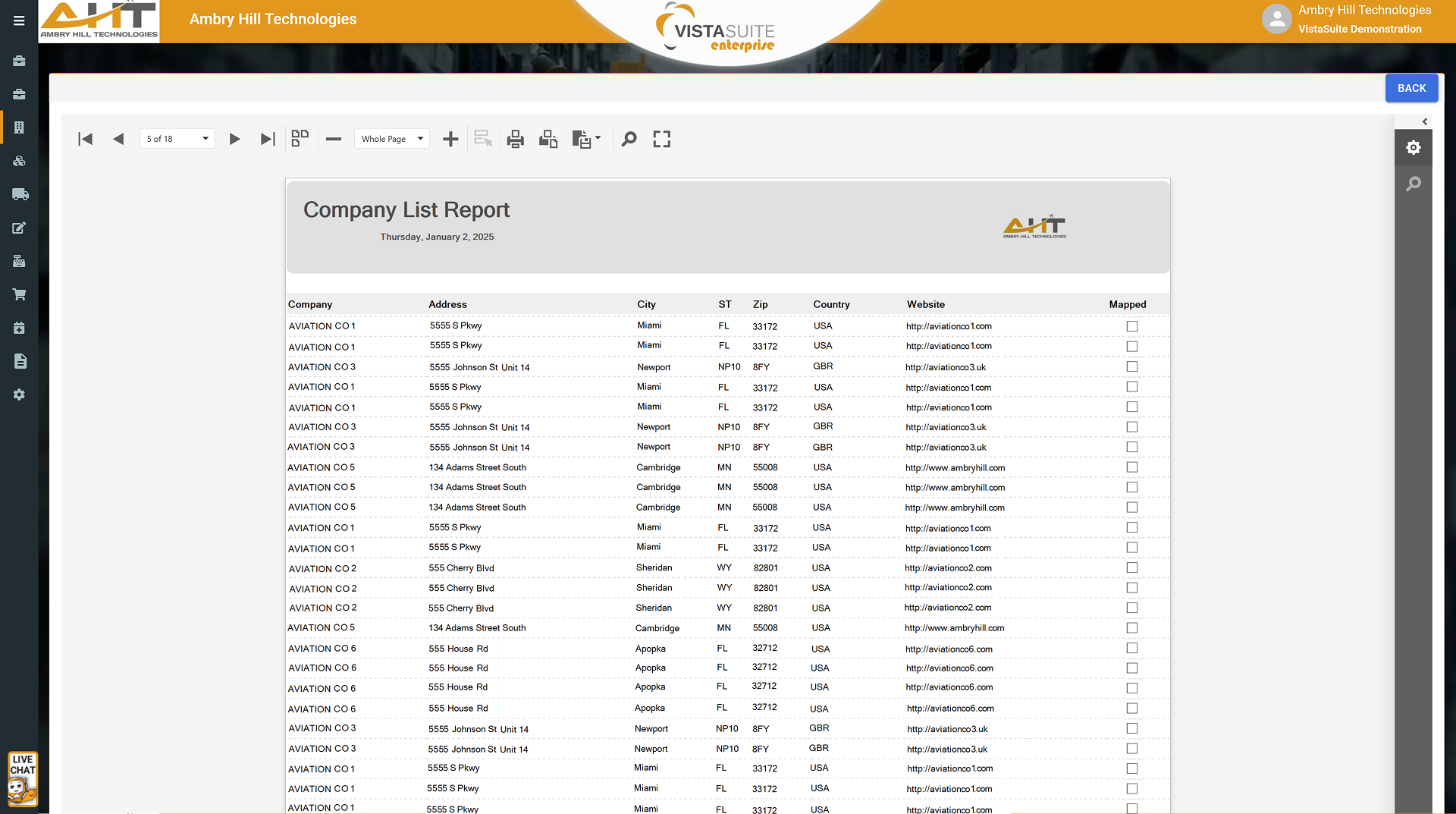
Lists companies in the system, their locations, primary contact information, and data record continuity mapping.
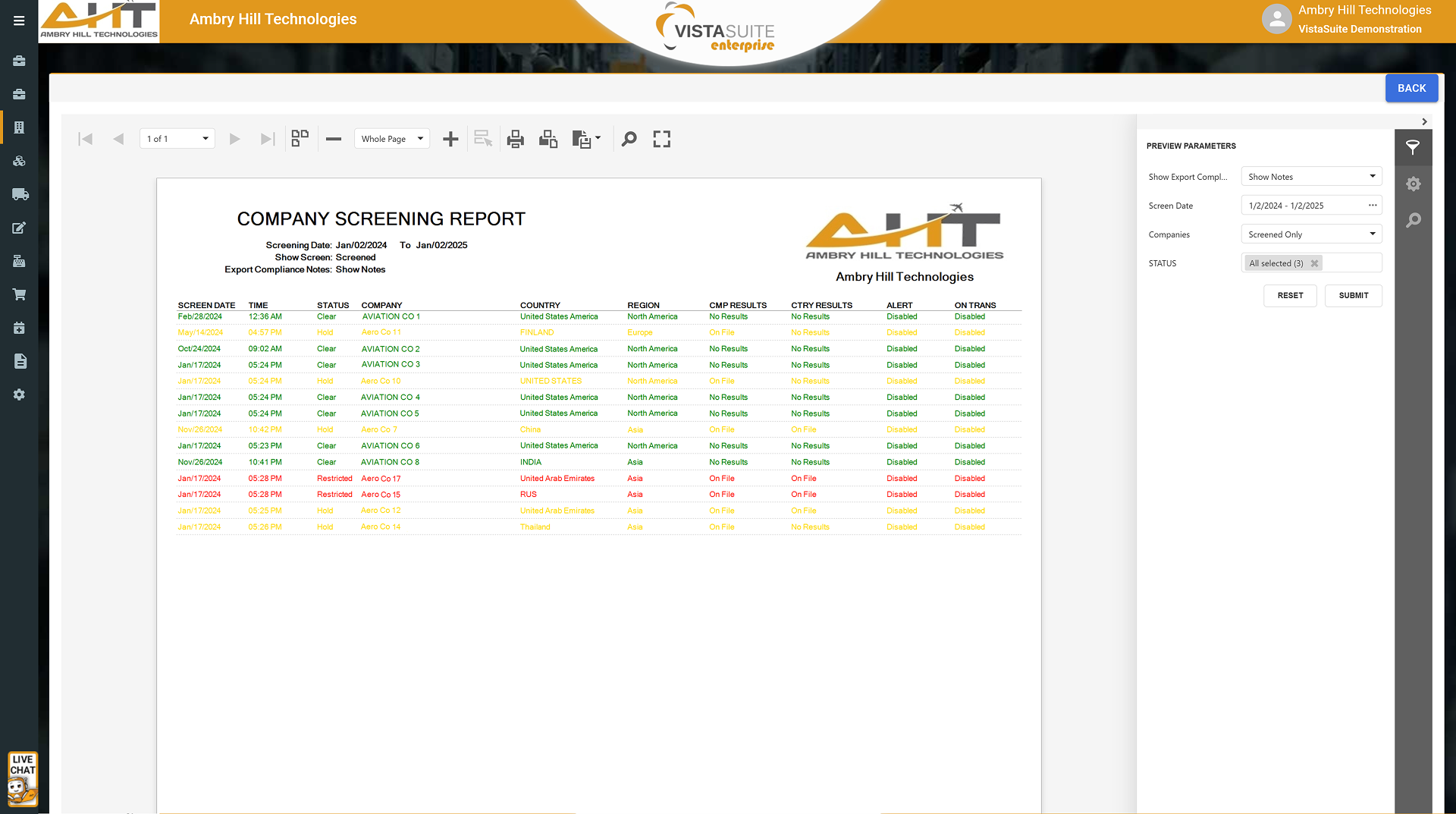
Displays screening outcomes for selected companies filtered by timeframe, company name, and record status.
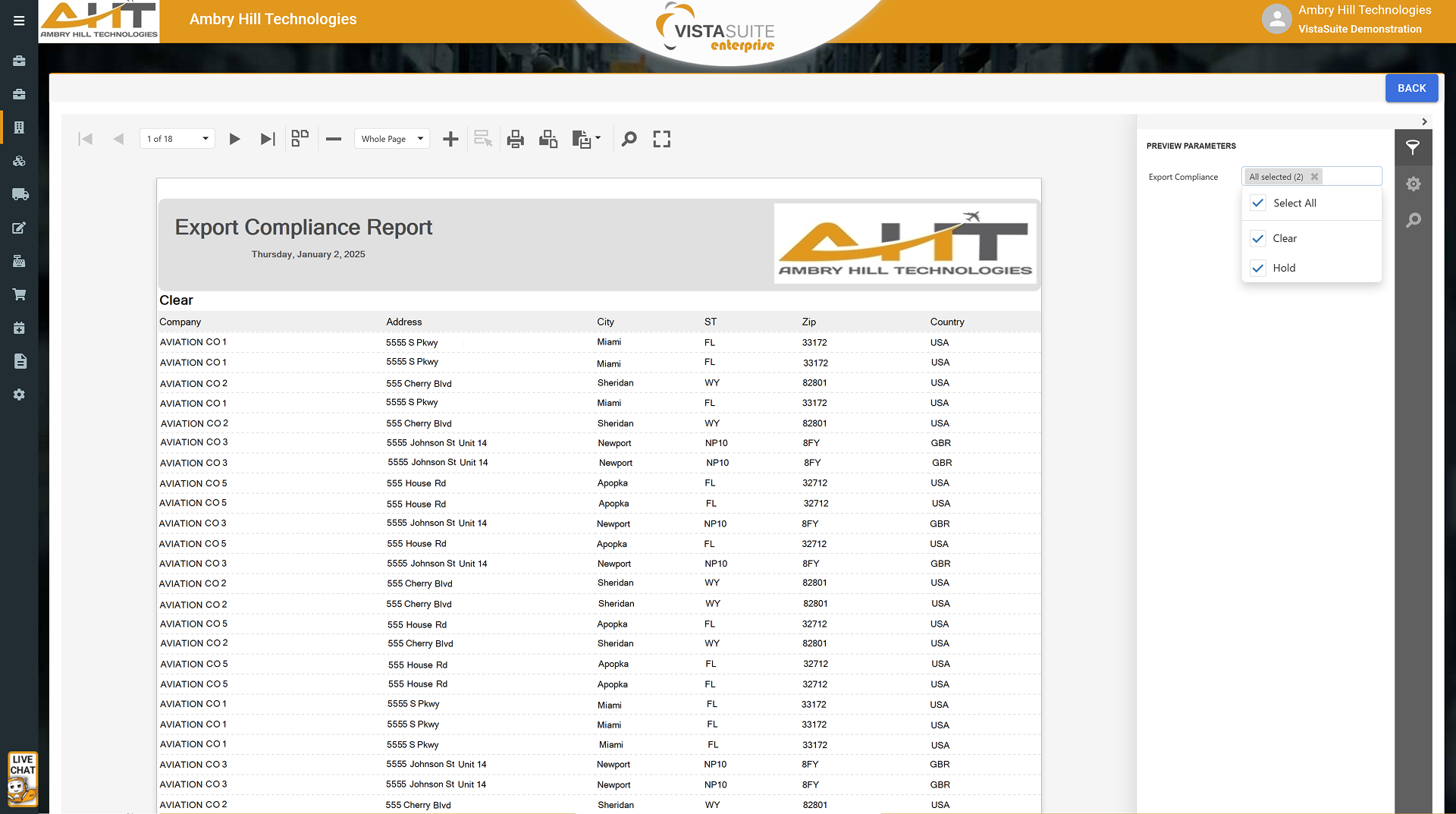
Sorts companies by restricted party screening categories such as clear, hold, or restricted. Separate Descartes VisualCompliance access is required for integrated or automated screening workflows.
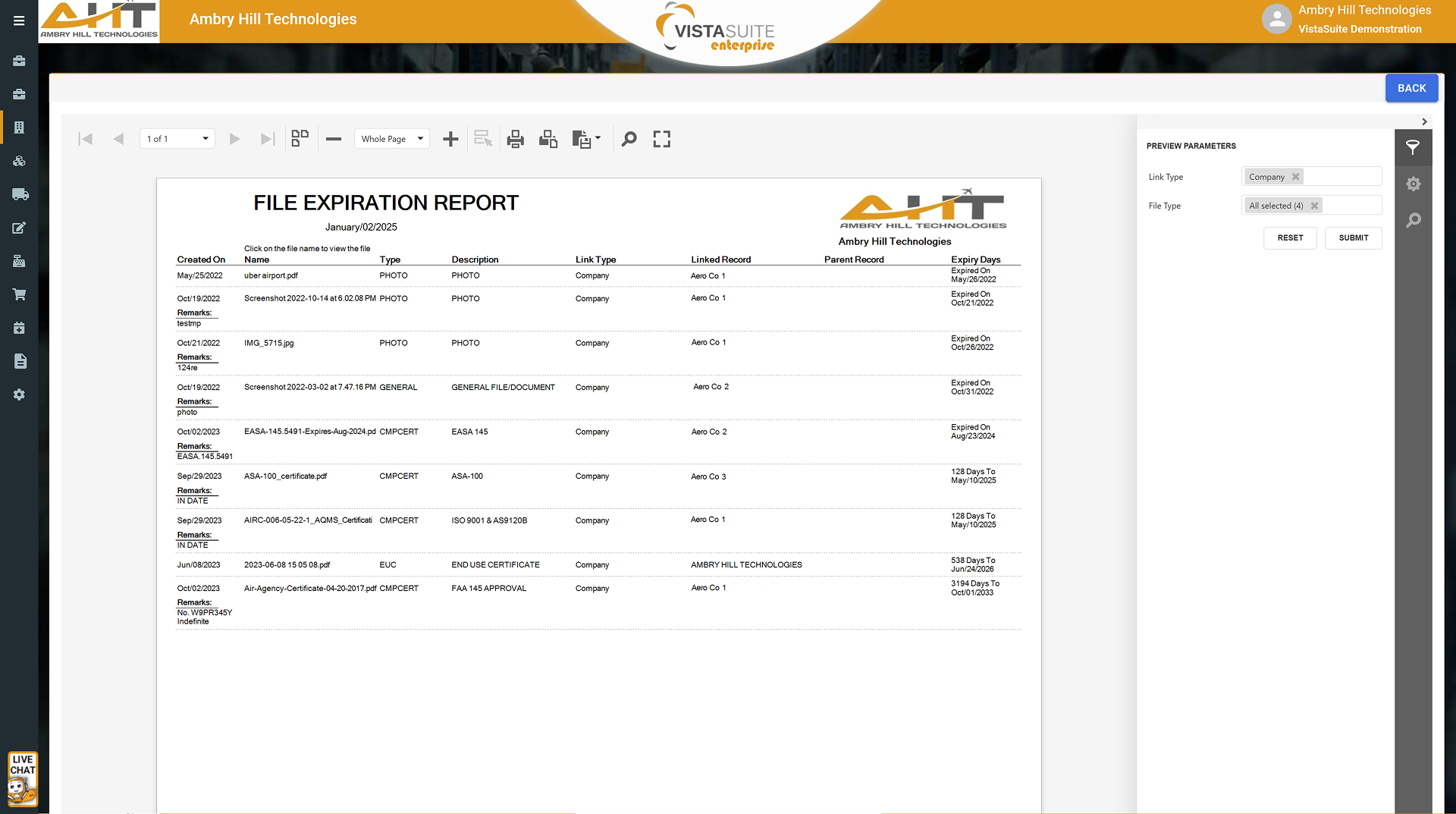
Lists files and documents by expiration date to identify records needing attention.
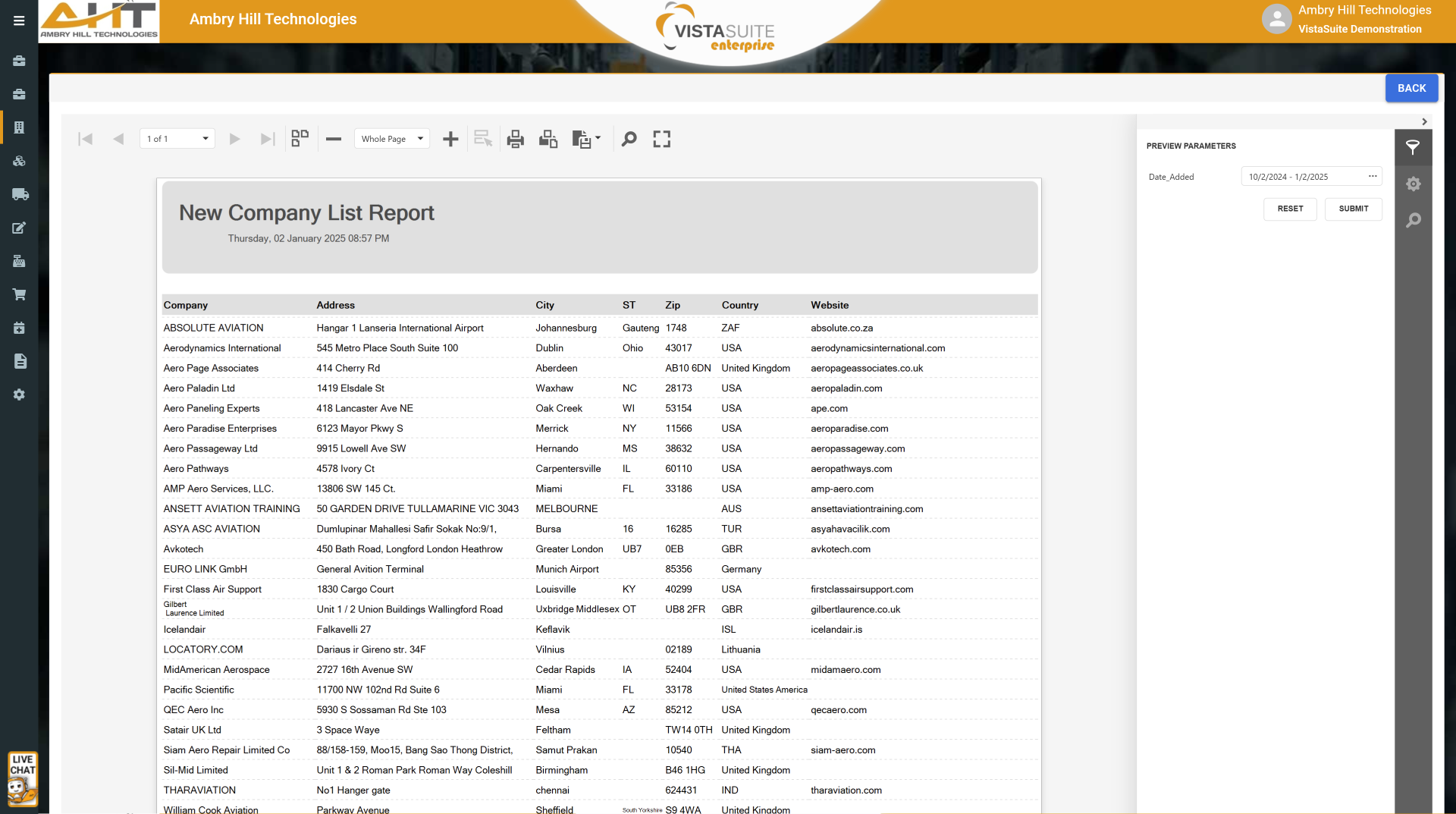
Details new companies added within the specified timeframe.
Software development moves fast, and features evolve over time. While we strive to keep this and other pages accurate, some information may not reflect the most recent changes. For the most current details, we recommend scheduling a live demo at ambryhill.com/demo.
Bring clarity and control to your aviation operation.