Designed for the Realities of Aviation Exchanges
Exchange transactions can be complicated, but they shouldn't slow you down. With Vista-Suite Enterprise, you can manage multiple parts, override costs as needed, and adapt to exceptions without resorting to workarounds. Whether it is one unit or many, standard or unusual, Vista-Suite Enterprise helps you keep control, stay accurate, and move faster.
Transaction Flexibility and Customization
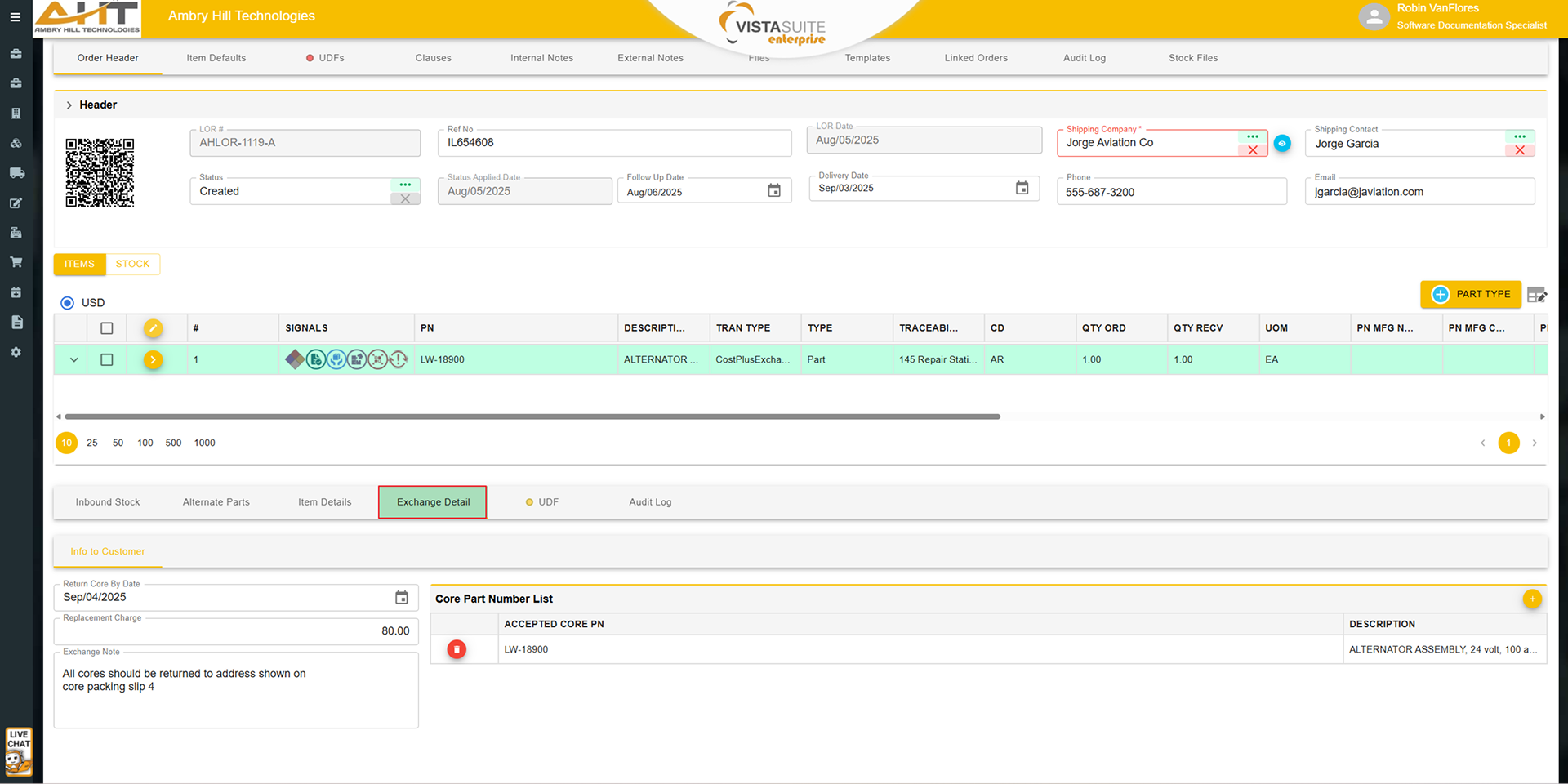
Define multiple part numbers as acceptable return cores on a single exchange line item. This flexibility reflects the real-world acceptability of PMA, alternate, or superseded parts and helps reduce delays or rework caused by rigid part matching.
Sell and manage multiple inventory records in one exchange line item, each with individualized costing, return core expectations, and tracking. This enables you to process bulk sales faster without duplicating line items or performing separate transactions, saving significant time in high-volume scenarios.
Alternate part numbers designated for return cores are stored as part of the transaction history. This supports audits, reporting, and internal review without requiring separate manual annotations.
Adjust core return costs at the time of sale to account for high-value repairs, known anomalies, or strategic pricing decisions. This supports clearer cost forecasting and financial planning without relying on bespoke workarounds.
Enter or correct the previous repair value manually, which is factored into the return core costing calculation. This is particularly useful when records are incomplete due to data conversions, credits, or inventory movement history that may have lost that information.
Built-in support for four common core return cost methods, with the ability to select the right one per transaction. This provides flexibility and allows businesses to align with customer preferences or market requirements.
Even within the same multi-quantity line, each unit can be assigned its own costing model. This granular control lets you tailor cost strategy to each unit's condition, repair expectation, or customer agreement without separating the items onto different transactions.
Real-World Workflow Accommodations
When a customer requests an exchange mid-repair, Vista-Suite Enterprise allows you to assign the in-progress work order unit as the core for the new exchange sale. This avoids duplicate data entry or transaction splitting while preserving continuity in operations and documentation.
The work order unit can be converted to shop-owned status for internal handling once it becomes the exchange core, supporting accurate ownership tracking and internal process control.
The core cost from the exchange transaction is applied to the WIP in the work order, supporting cost accumulation and billing transparency.
When additional work is needed on the returned core, Vista-Suite Enterprise makes it easy to bill those extra charges back to the customer. These follow-on charges are linked back to the original exchange, maintaining continuity and simplifying reconciliation.
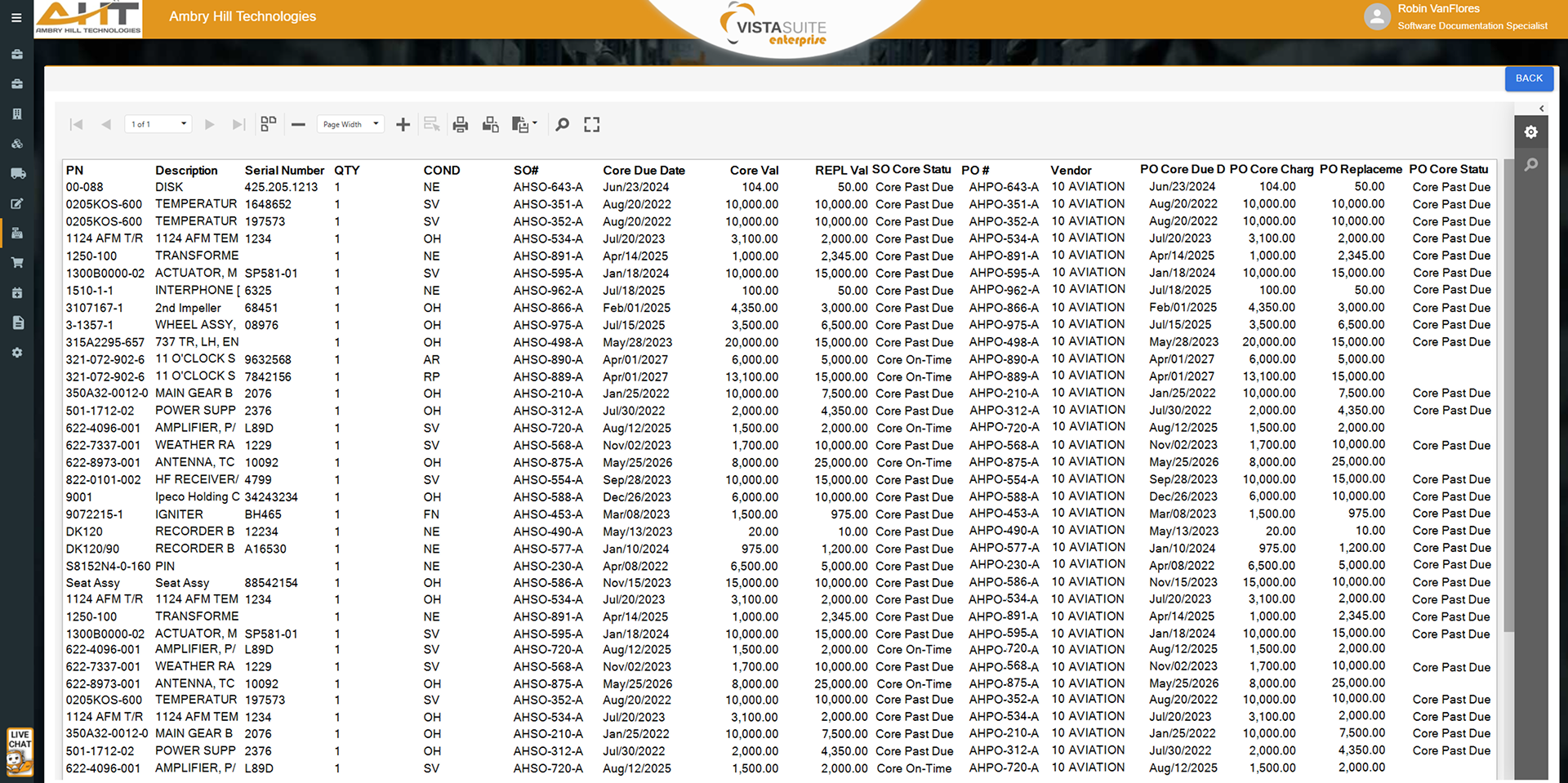
Movements of inventory, cost, and ownership are logged from exchange sale to work order assignment to post-sale billing. This provides transaction history for financial review and operational accountability.
Exchange Lifecycle Automation
When a core is received and the customer wants to convert to an outright sale, Vista-Suite Enterprise can convert the exchange item to an outright sale and reserve the core inventory as the new outbound inventory. This reduces the need to recreate line items or manually move inventory.
The returned core can be reserved as outbound inventory for the new outright sale, helping reduce the risk of misallocation or missed shipments.
Finalize price, shipping, and invoicing from a single screen. This reduces switching between applications and multi-step workflows that can introduce errors.
Cost and Charge Handling
Core charges appear on the main transaction line, giving users visibility for quoting, invoicing, crediting, and approvals. This reduces confusion and supports better communication with customers.
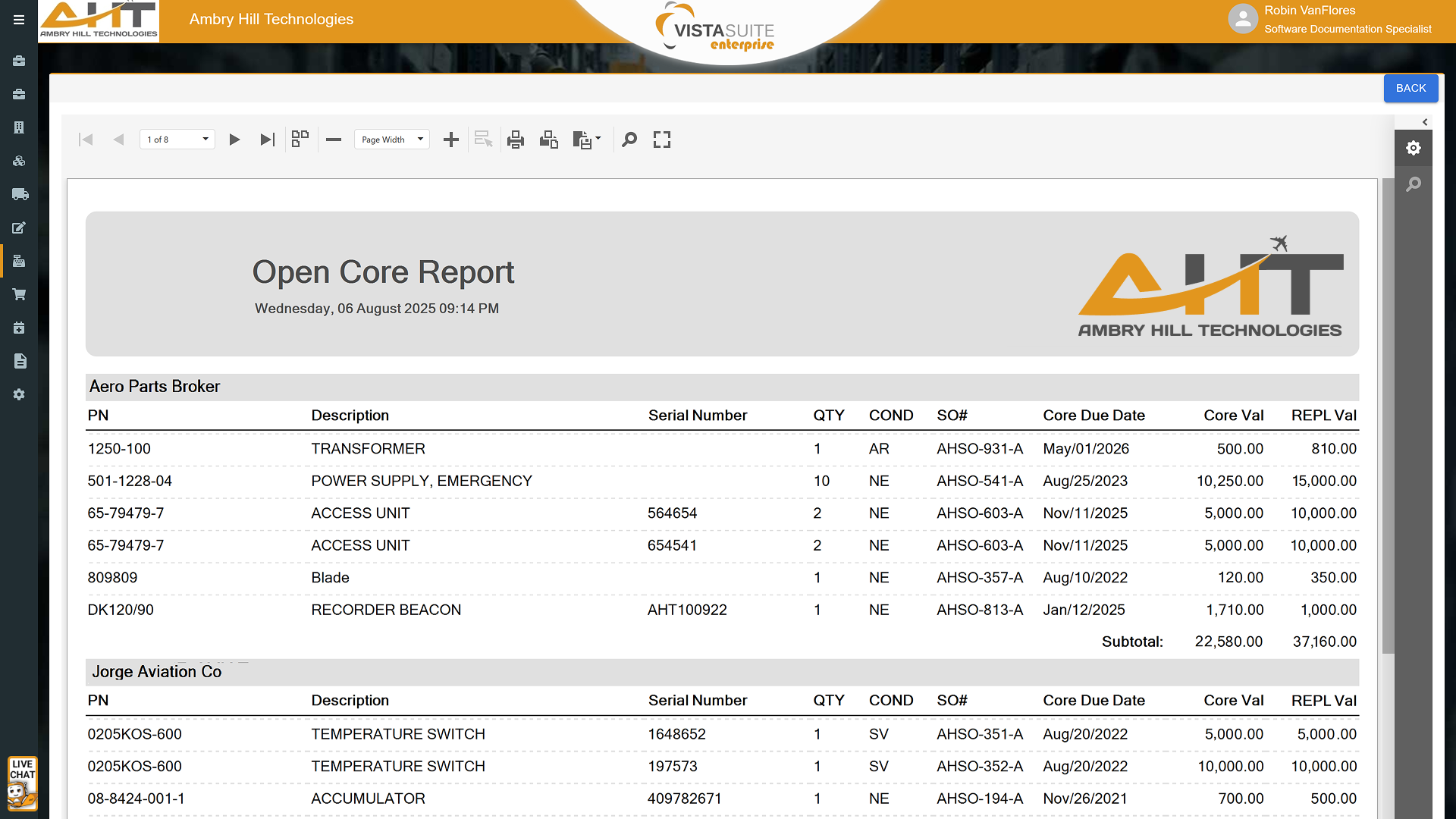
Totals that exclude and include core charges are displayed separately, giving finance teams and customers a clearer picture of actual parts costs versus refundable or conditional charges.
Crediting a core charge is simplified to a single button that converts it into a credit line item. This supports financial accuracy and reduces error-prone manual processing or accounting adjustments.
The invoice exchange tab includes a built-in options screen for applying a replacement charge when the returned core is unsuitable. It provides options for billing calculations, including replacement charge minus the exchange fee, replacement charge on its own, or an amount determined by the user at the time of billing.
Vista-Suite Enterprise supports multiple billing methods, including replacement charge only, charge minus exchange fee, or a custom amount based on the customer situation, all handled within the system.
Data Accuracy, Traceability, and Control
Define multiple acceptable return part numbers to accommodate PMAs or modified parts. Each return part is tracked and stored for accurate cost recognition and to reduce delays during core evaluation.
If a different but valid core is returned, the receiver can adjust the part number at the point of entry. This avoids the need for corrections later and supports real-world part interchangeability.
Inventory movement for each exchange transaction is clearly split between Outbound Inventory and Inbound Inventory tabs, displayed in logical order based on the transaction type. This improves traceability and makes it easy to audit or reconcile inventory movement tied to exchanges.
Transaction Document and File Management
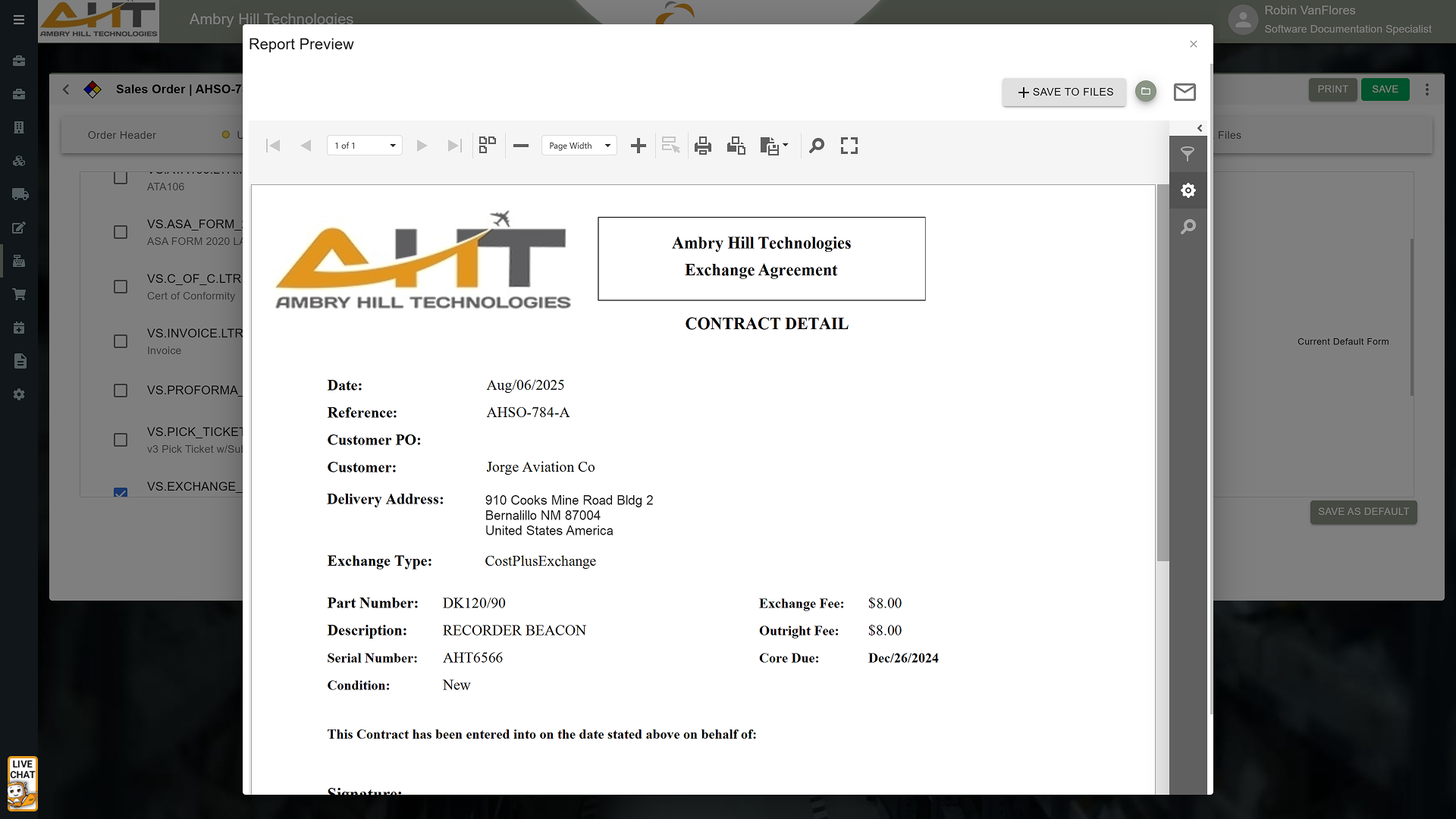
Exchange agreements, terms, and other controlled documents are stored centrally and version-controlled so users do not need to track down files manually. This promotes consistency across your organization.
From within the transaction screen, users can check a box to attach controlled documents to outgoing emails. This helps teams use the current approved version.
Reduce risk exposure by keeping sensitive documents within the Vista-Suite Enterprise ERP environment, rather than requiring users to send them to themselves or search across shared drives, cloud services, or desktops.
Interface Consistency and Usability
Whether issuing or receiving an exchange, the layout and functionality are consistent. This supports faster training and fewer mistakes.
Transaction configuration available on a sales order, such as core charges, exchange quantities, and cost models, is mirrored on the purchase order side, reducing gaps in process control.
The same familiar interface structure is used across quotes, orders, exchanges, credits, and returns. This helps users become productive faster and reduces operational friction between departments.
Why It Matters
Aviation exchange transactions often involve alternate part numbers, return-core timing, replacement charges, credits, repair activity, and inventory movement across sales and purchase workflows. Vista-Suite Enterprise gives teams structured tools to manage that complexity inside the transaction.
From alternate part number flexibility and core charge visibility to exception workflows and transaction traceability, Vista-Suite Enterprise helps teams manage exchange transactions with better control. Reduce manual steps, improve visibility, and keep costs, cores, documents, and related exchange activity connected.
See a demo by contacting sales@ambryhill.com



.png)
.png)
.png)