Track Labor Where The Work Actually Happens
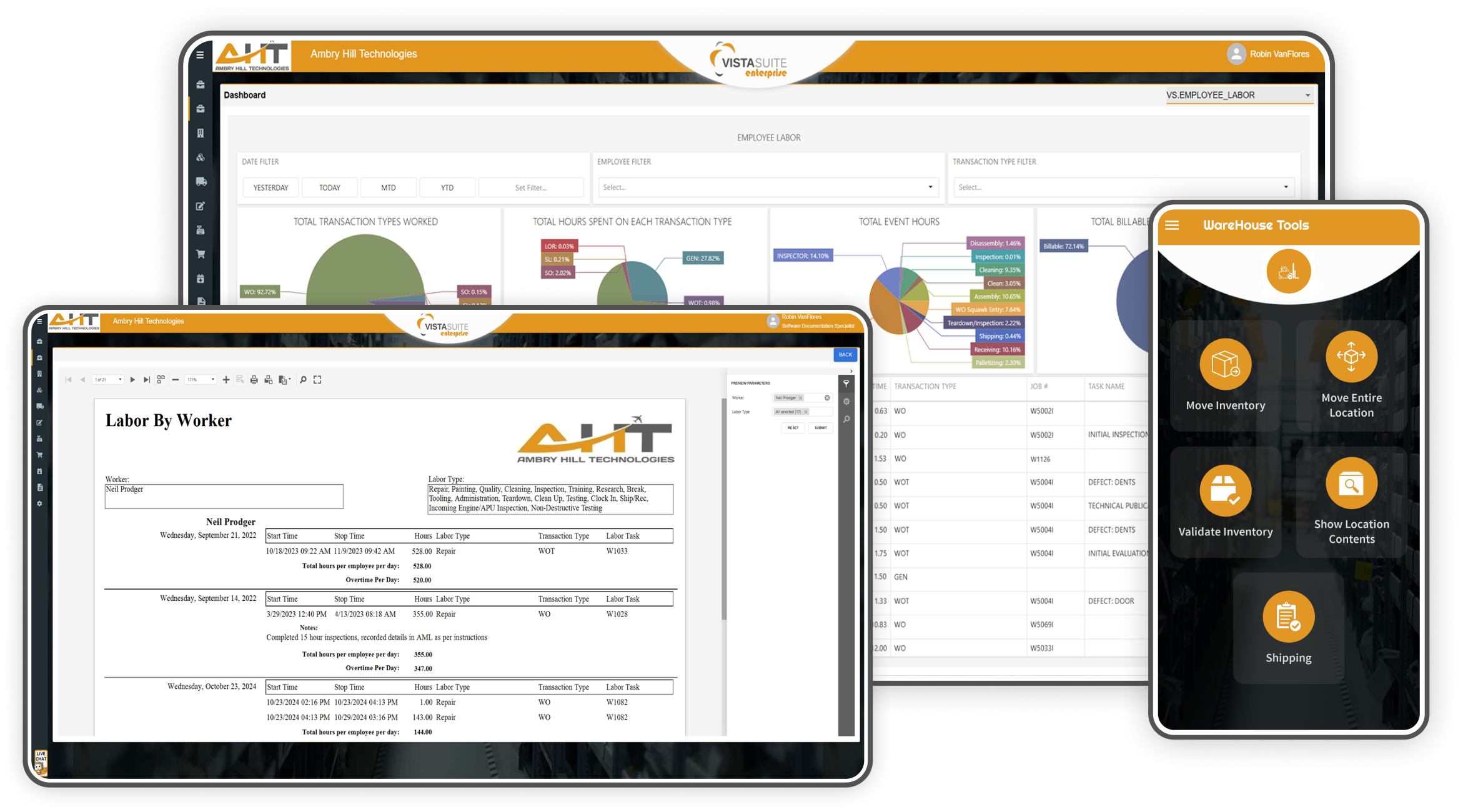
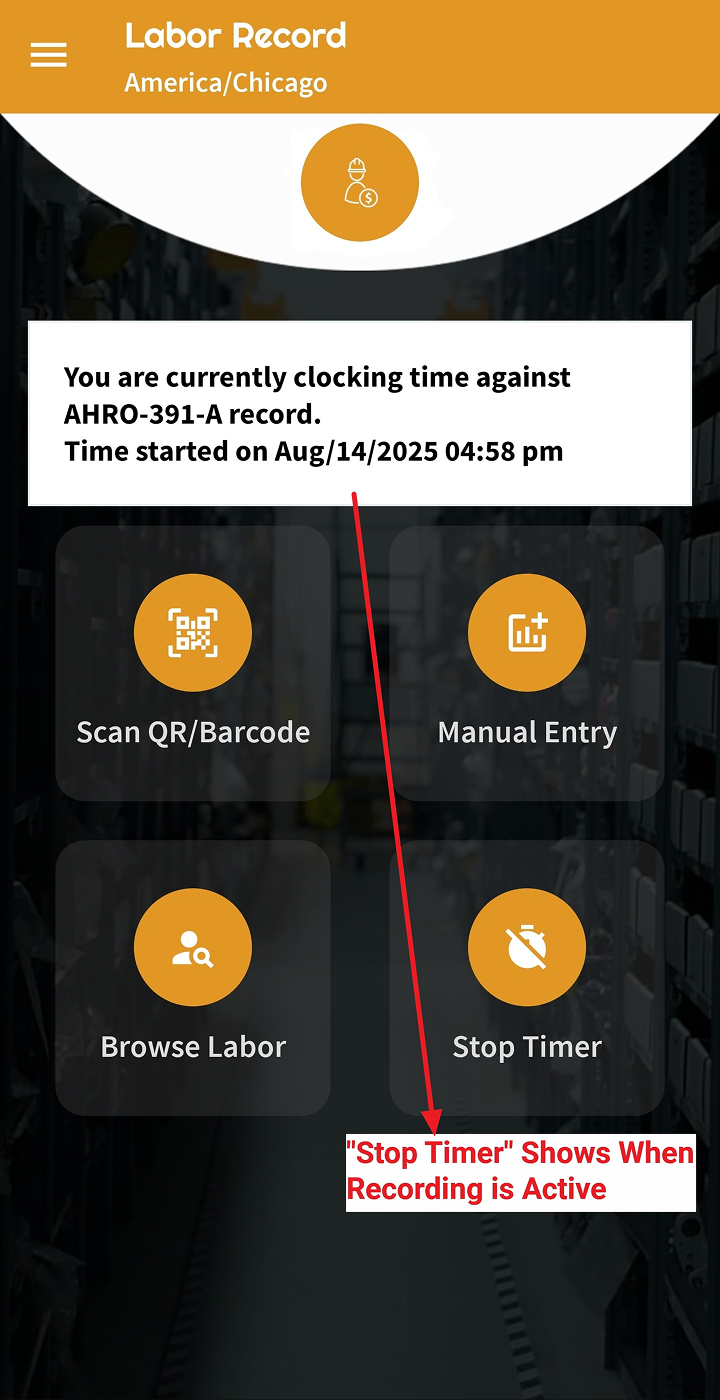
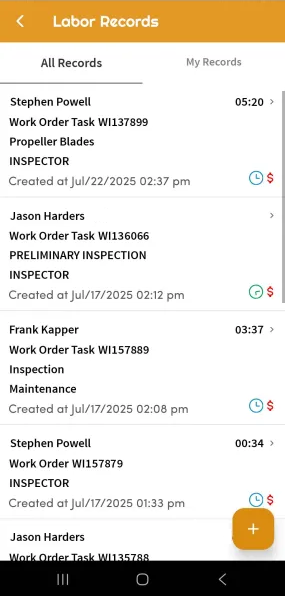
Easily track labor using Vista-Suite Enterprise online or through the Vista-Suite Enterprise mobile app for convenient time recording from anywhere. Mark labor activities as billable or non-billable to differentiate between internal overhead tasks and labor that should be invoiced to customers. Vista-Suite Enterprise supports flexible labor tracking embedded throughout operational workflows.
Key Features
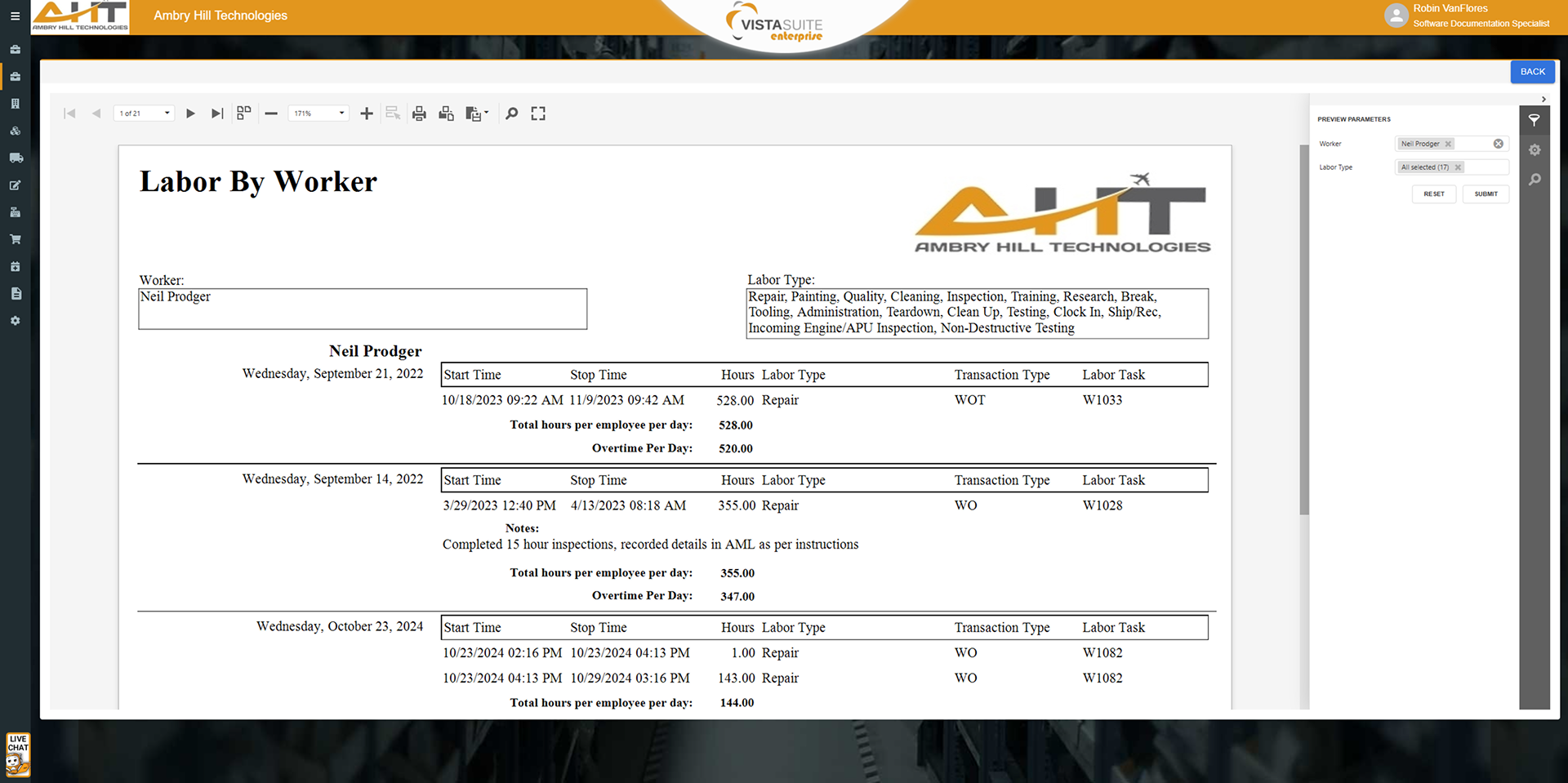
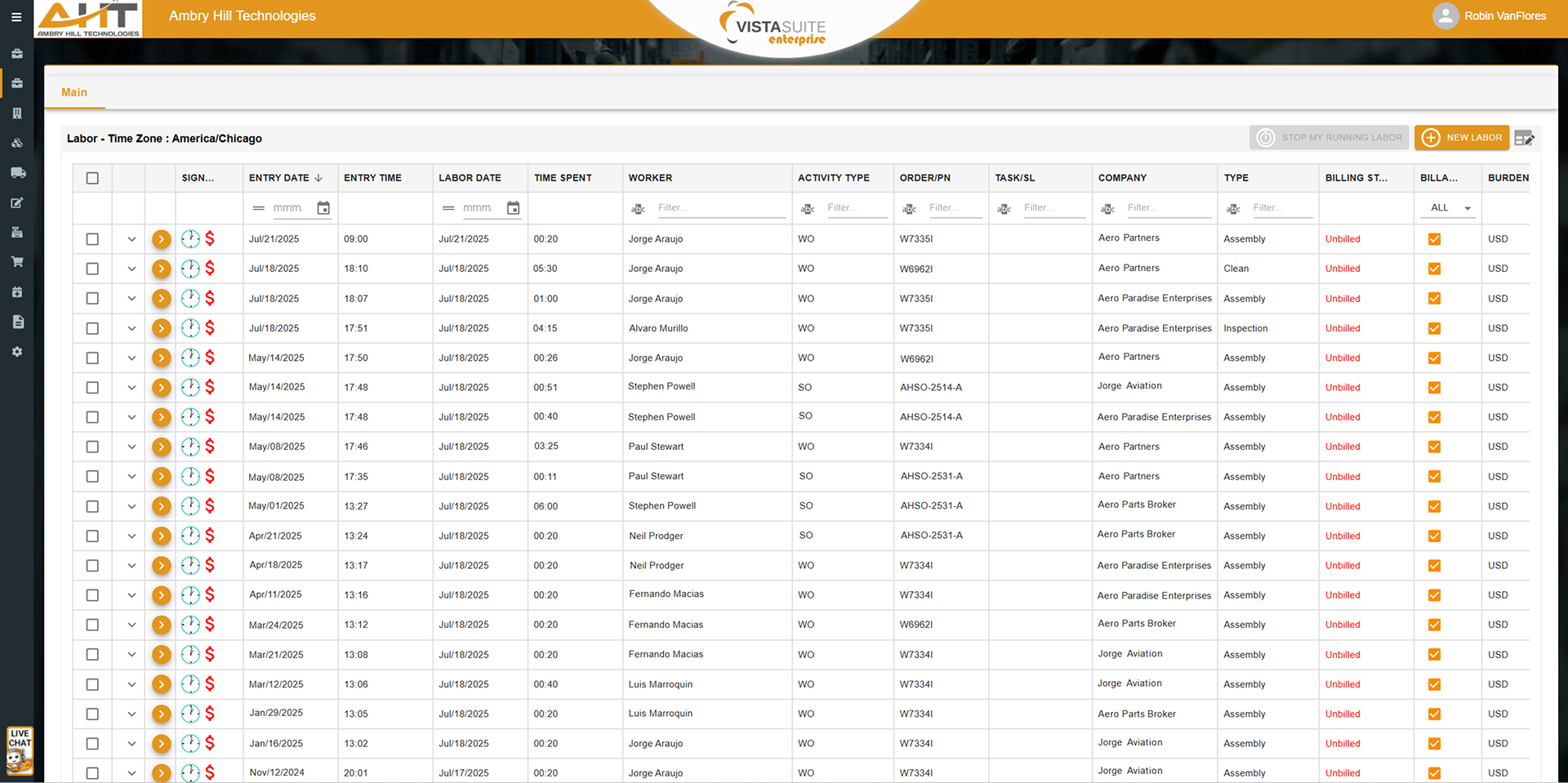
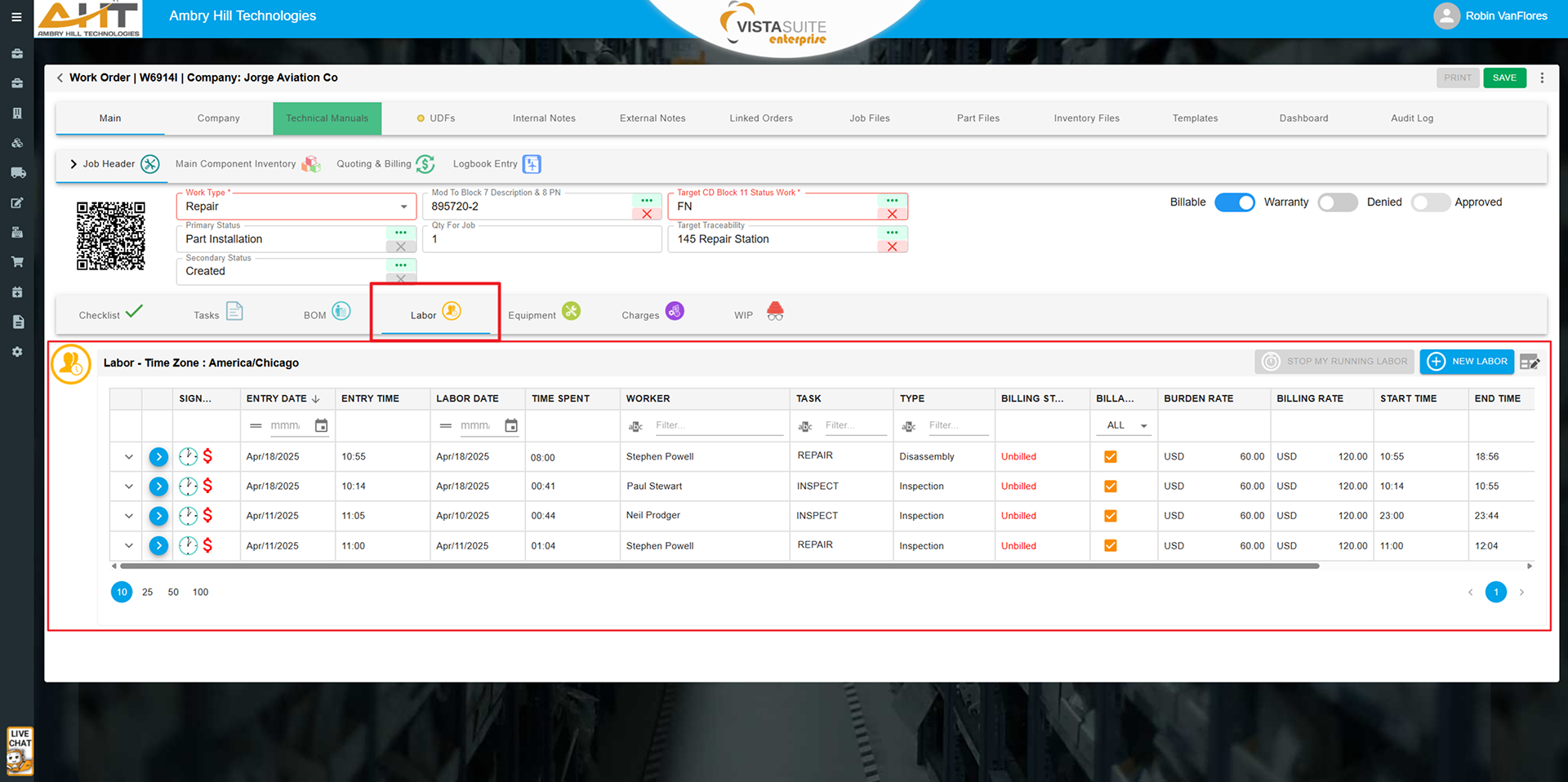
Vista-Suite Enterprise allows users to record labor against work orders, sales orders, inventory line items, inventory pools, or standalone general tasks. This flexibility means labor can be tracked in many operational contexts, from inspecting incoming parts to repacking inventory or calibrating tools. Labor can be entered directly via web browser or the Vista-Suite Enterprise mobile app for time recording from anywhere. This approach allows businesses to maintain accurate cost records across departments without forcing unrelated activities into work order structures that do not apply.
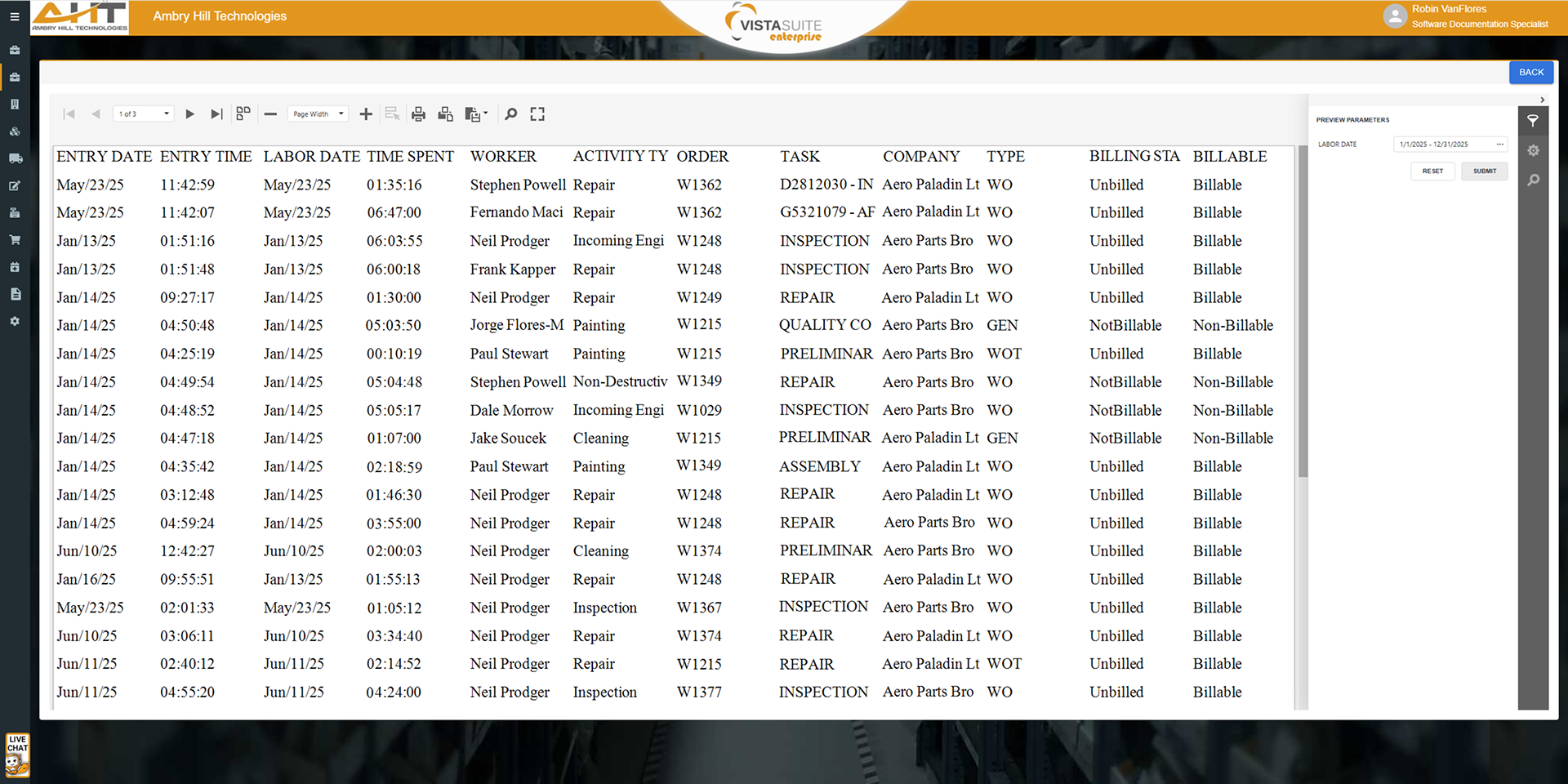
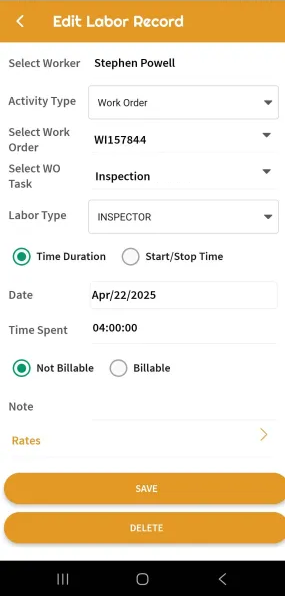
Each labor entry in Vista-Suite Enterprise can be marked as billable or non-billable, allowing you to distinguish between internal overhead activities and labor that should be invoiced to customers. This straightforward classification gives finance and operations teams a reliable way to analyze labor efforts so that labor-based costs can be recovered appropriately. By incorporating this at the time of entry, the system reduces the need for retroactive corrections and provides clarity when auditing labor costs across different transaction types.
Some aviation ERP software systems require users to fabricate work orders or create special administrative indicators just to log general labor or record time spent on activities not tied to a job. Vista-Suite Enterprise reduces that problem by supporting direct labor entries through a dedicated labor tracking module that functions independently of the work order system. Whether time is spent sweeping the hangar, performing inspections, or managing inventory, users can log hours accurately.
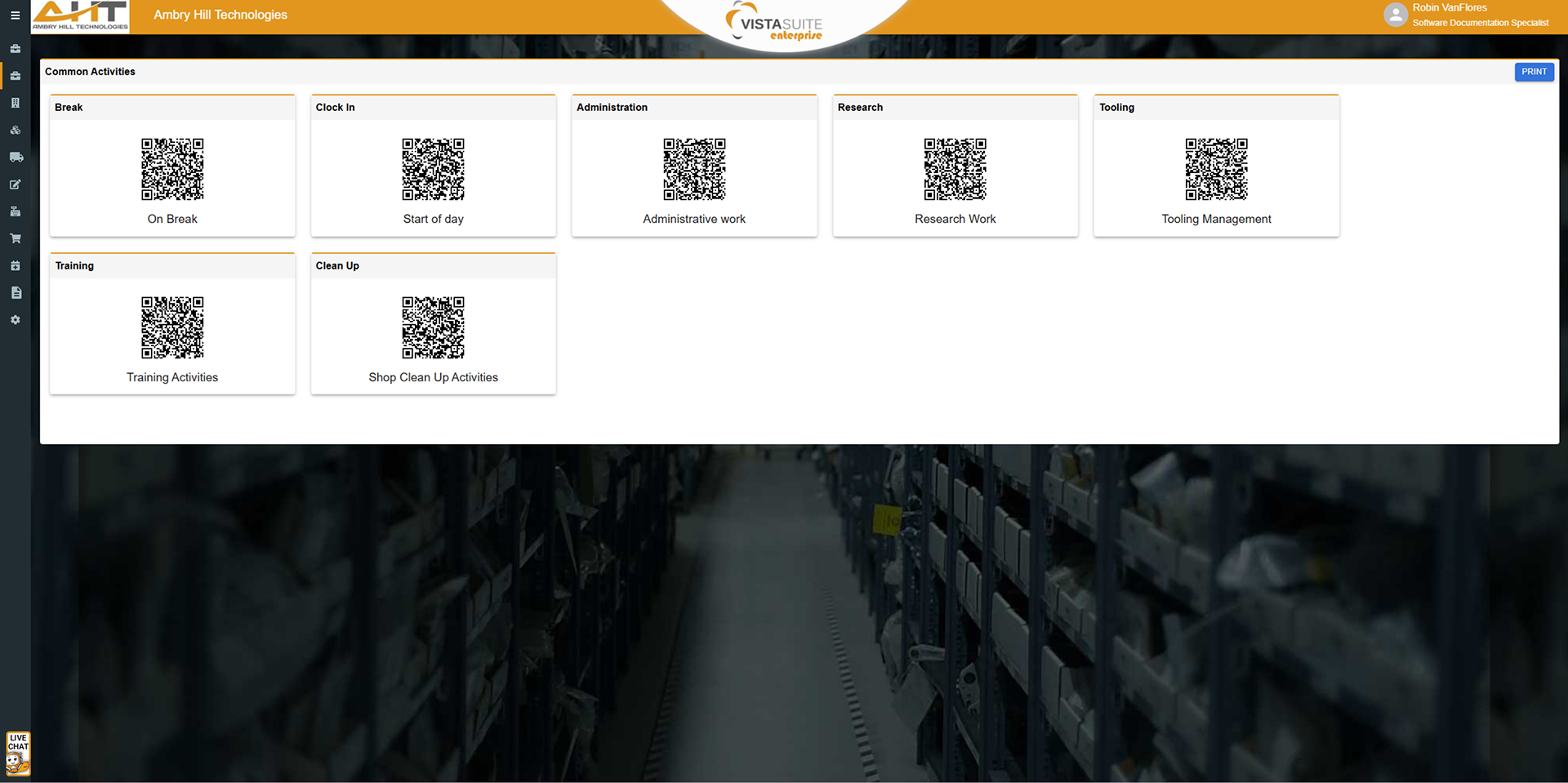
To reduce data entry errors and promote consistency, Vista-Suite Enterprise provides a Common Activities function to define pre-set labor activity types that can be reused across the system. Users can quickly select a predefined activity when logging labor to help standardize labor reporting. This feature is particularly valuable in high-volume environments where routine labor is recorded regularly and must be categorized consistently for internal analysis or billing purposes.
Vista-Suite Enterprise provides the capability to directly assign labor costs and other charges, such as crate-building or special handling fees, to individual inventory records. These charges update the inventory cost basis and are logged in its audit record. This enables organizations to include otherwise overlooked operational costs in their cost-of-goods sold, improving accuracy in financial reporting and profitability analysis. Other systems may force such charges to remain in overhead accounts, misrepresenting the true cost of specific inventory items.
Labor recording in Vista-Suite Enterprise is embedded across relevant system workflows, including work orders, sales orders, and inventory management. This integration means labor capture can become a natural part of users' daily tasks rather than a separate, burdensome step. With entry points throughout the system and support for both mobile and desktop use, Vista-Suite Enterprise enables labor data to be captured when and where it happens.
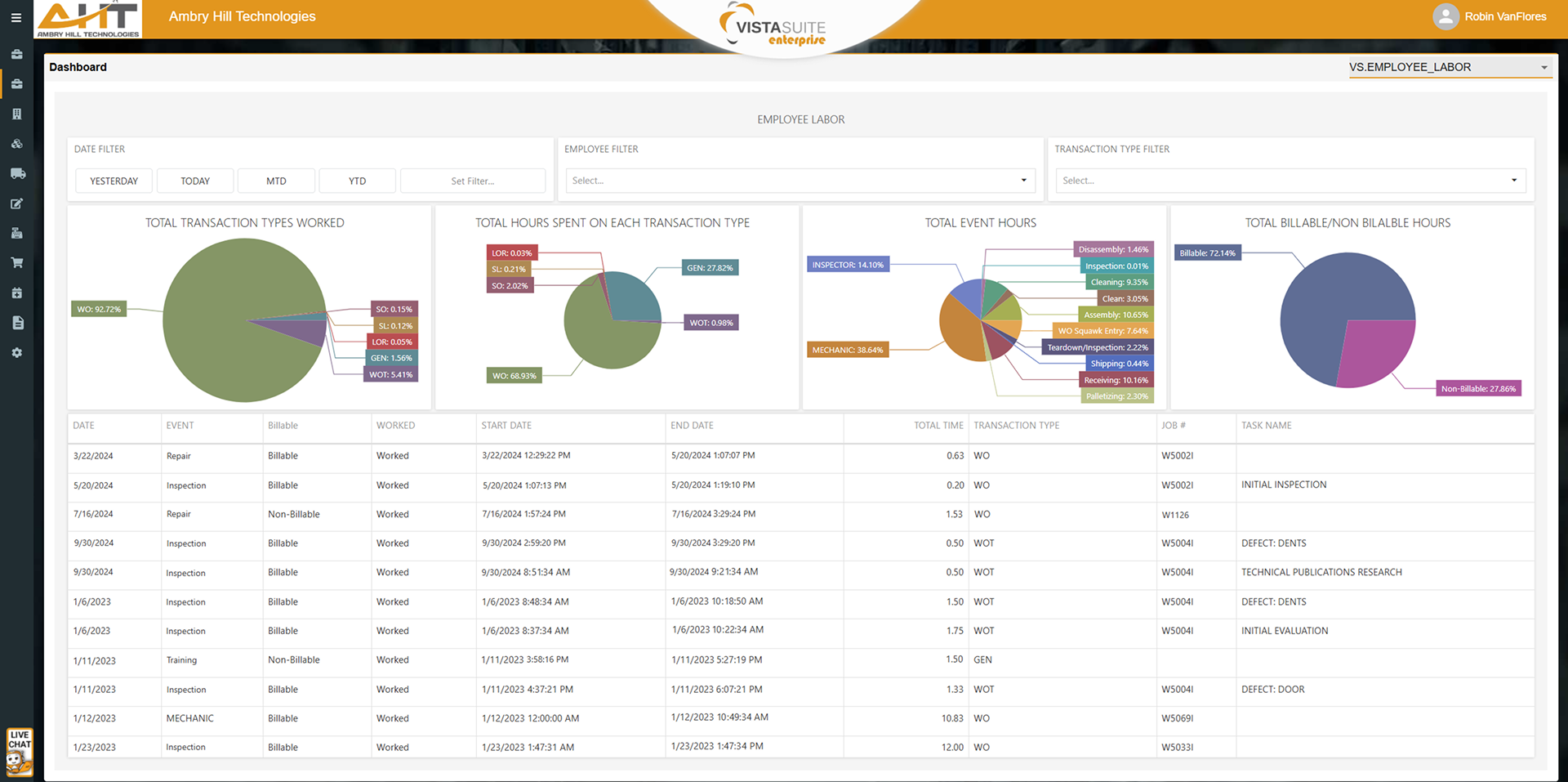
Administrators can create custom dashboards to provide high-level or detailed views of labor activity across the organization. These visuals help teams monitor labor utilization, track billable time, and identify bottlenecks. Rather than waiting for end-of-week reports, teams can act on labor trends sooner for faster decisions and tighter control over time management.
Recognizing that aviation MROs vary widely in how they structure their shop floor, Vista-Suite Enterprise gives users the flexibility to assign labor, equipment, and material costs directly to a work order job or to individual tasks within that job. This dual-structure design lets companies maintain simple job-level tracking or take a more granular task-based approach depending on their internal processes. Vista-Suite Enterprise supports the diversity of operational workflows in the aviation sector.
Why It Matters
In aviation MRO environments, labor extends beyond the shop floor into sales, logistics, quality control, and more. Some aviation ERP software systems do not handle that reality well, leading to poor cost visibility and inefficient workarounds. With accurate time capture, cost impact, and broad applications beyond work orders, Vista-Suite Enterprise helps your organization understand and manage labor as the cost driver it is, without sacrificing usability or process alignment.
See a demo by contacting sales@ambryhill.com