Use Mobile Tools Across Inventory, Logistics, Quotes, Work Orders, and Labor
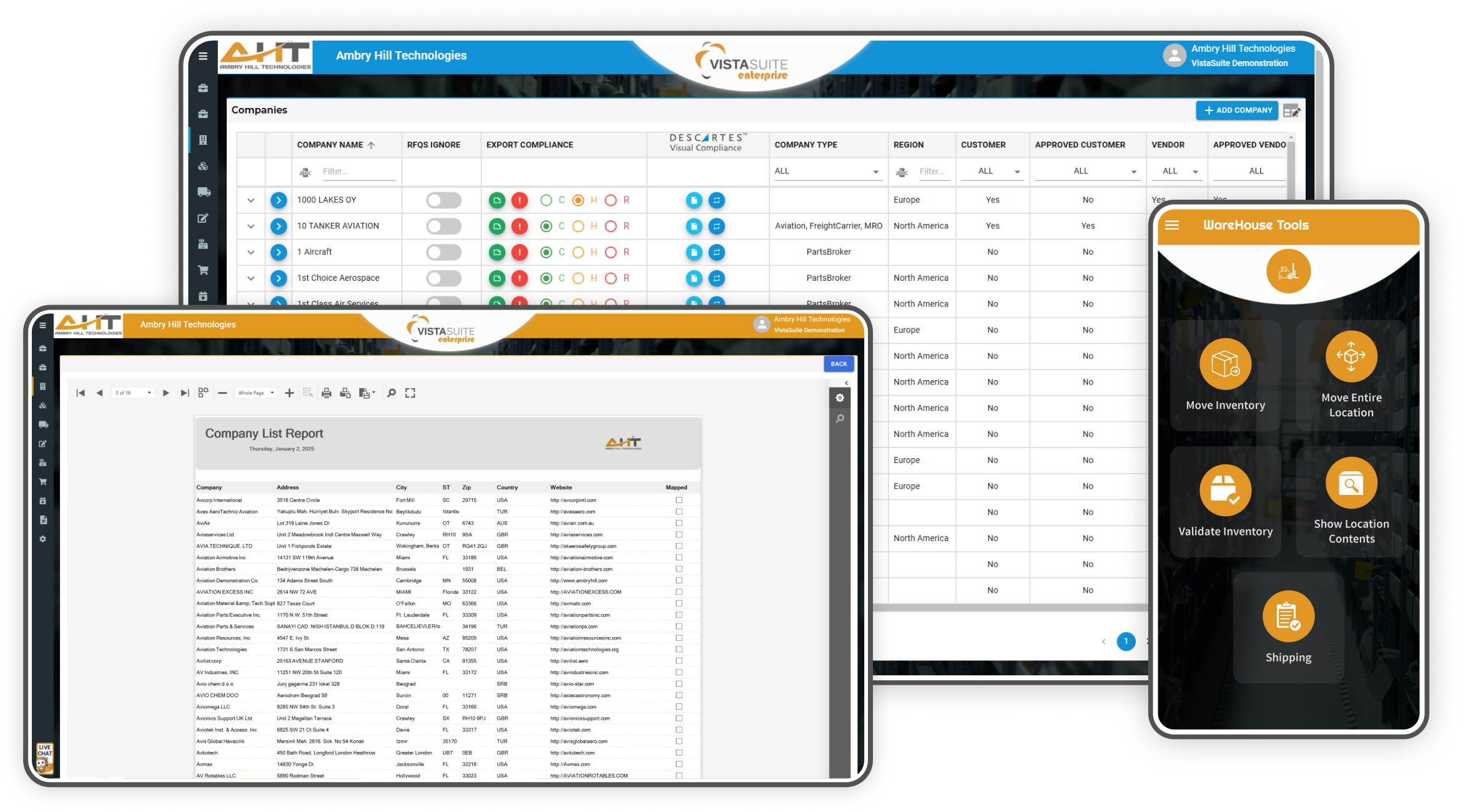
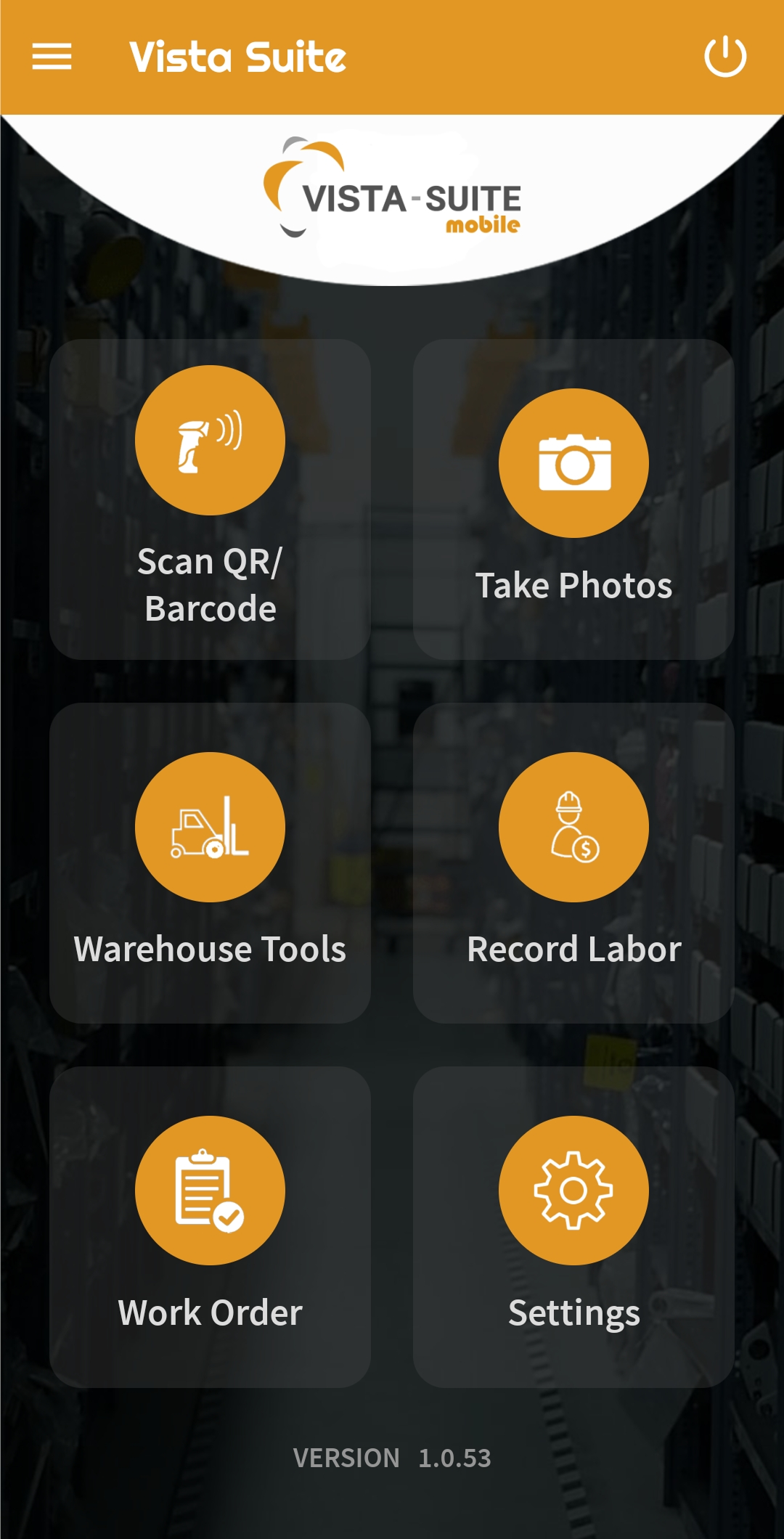
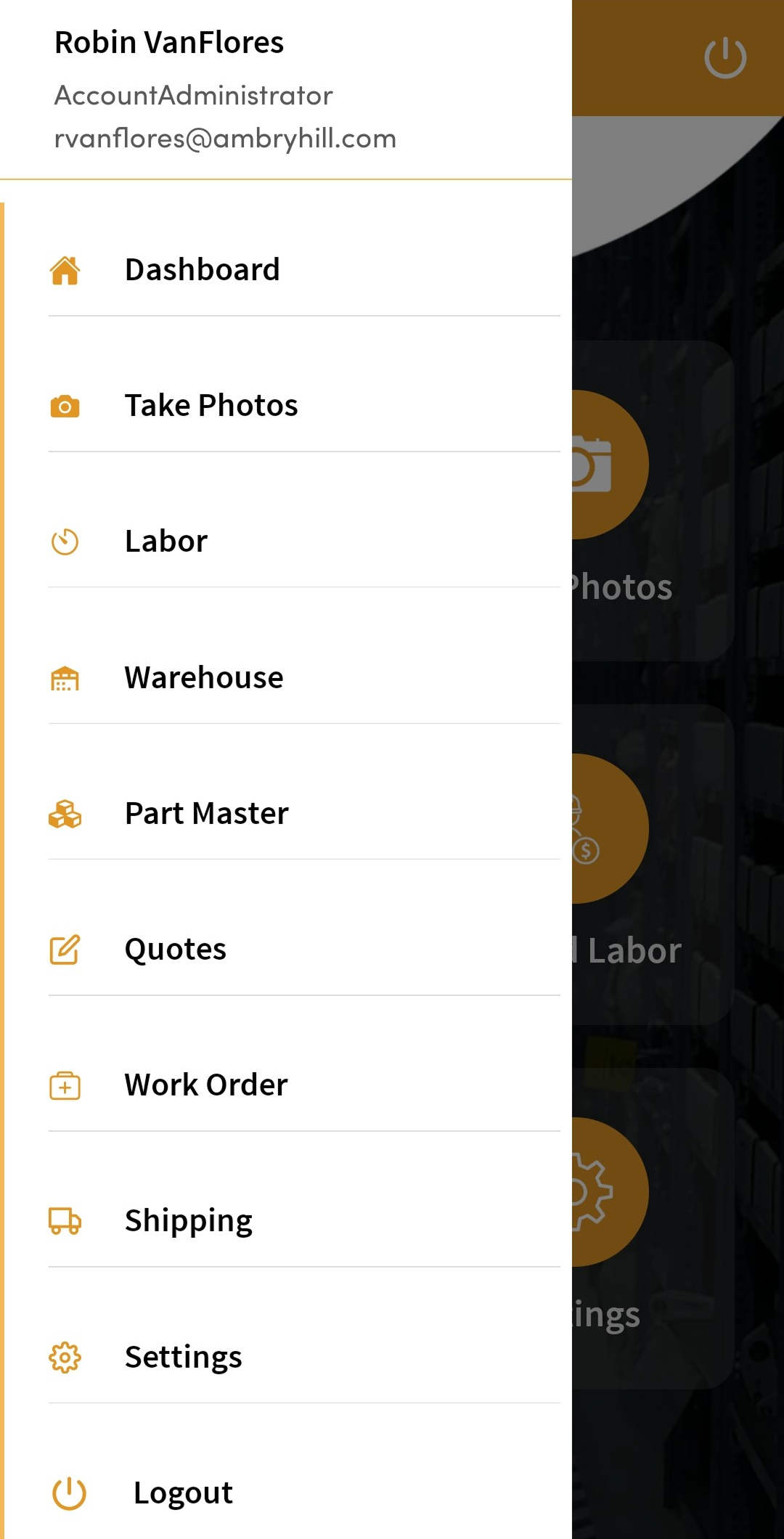
The Vista-Suite Enterprise mobile app extends practical aviation workflows to the people handling parts, shipments, work orders, photos, files, quotes, and labor activity. Teams can update records closer to the work, reduce extra trips to a workstation, and keep operational details connected across the system.
Parts & Inventory Management
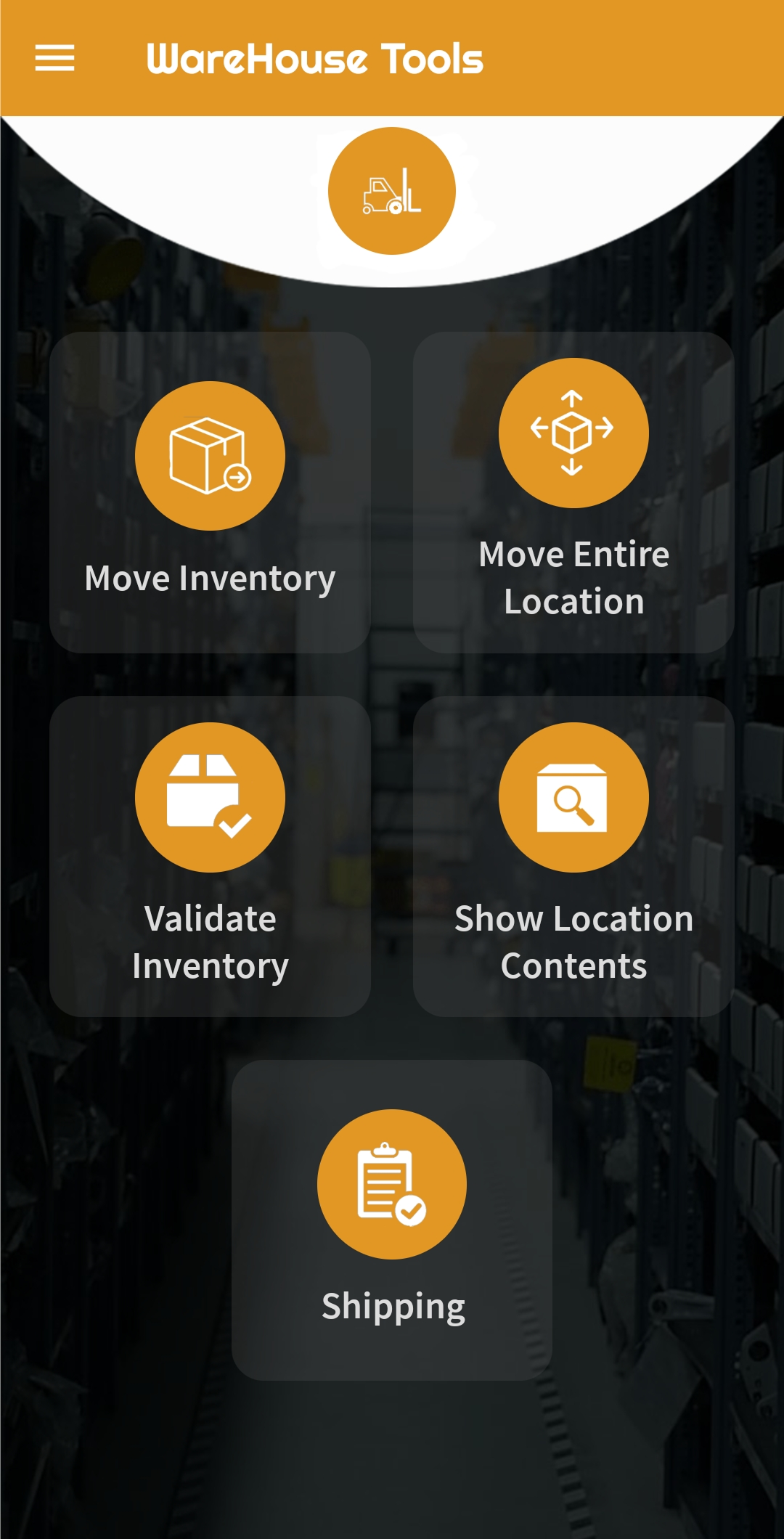
Transfer individual inventory line items between storage locations directly from your mobile device, with traceable activity.
Relocate the full contents of a bin, shelf, or physical location in one action, ideal for reorganizations or consolidations.
Confirm that parts and quantities match what's expected in each location. Useful for inventory audits.
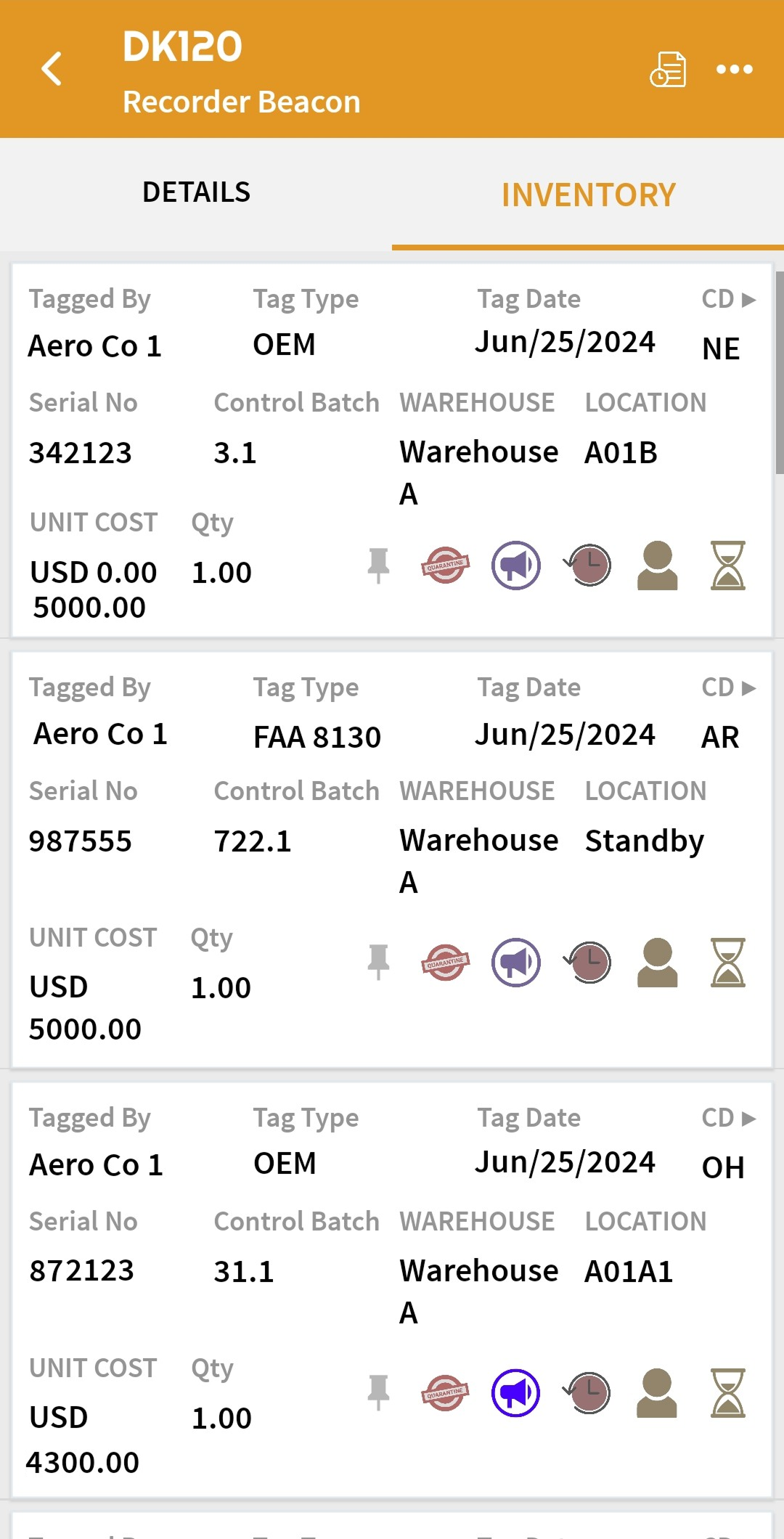
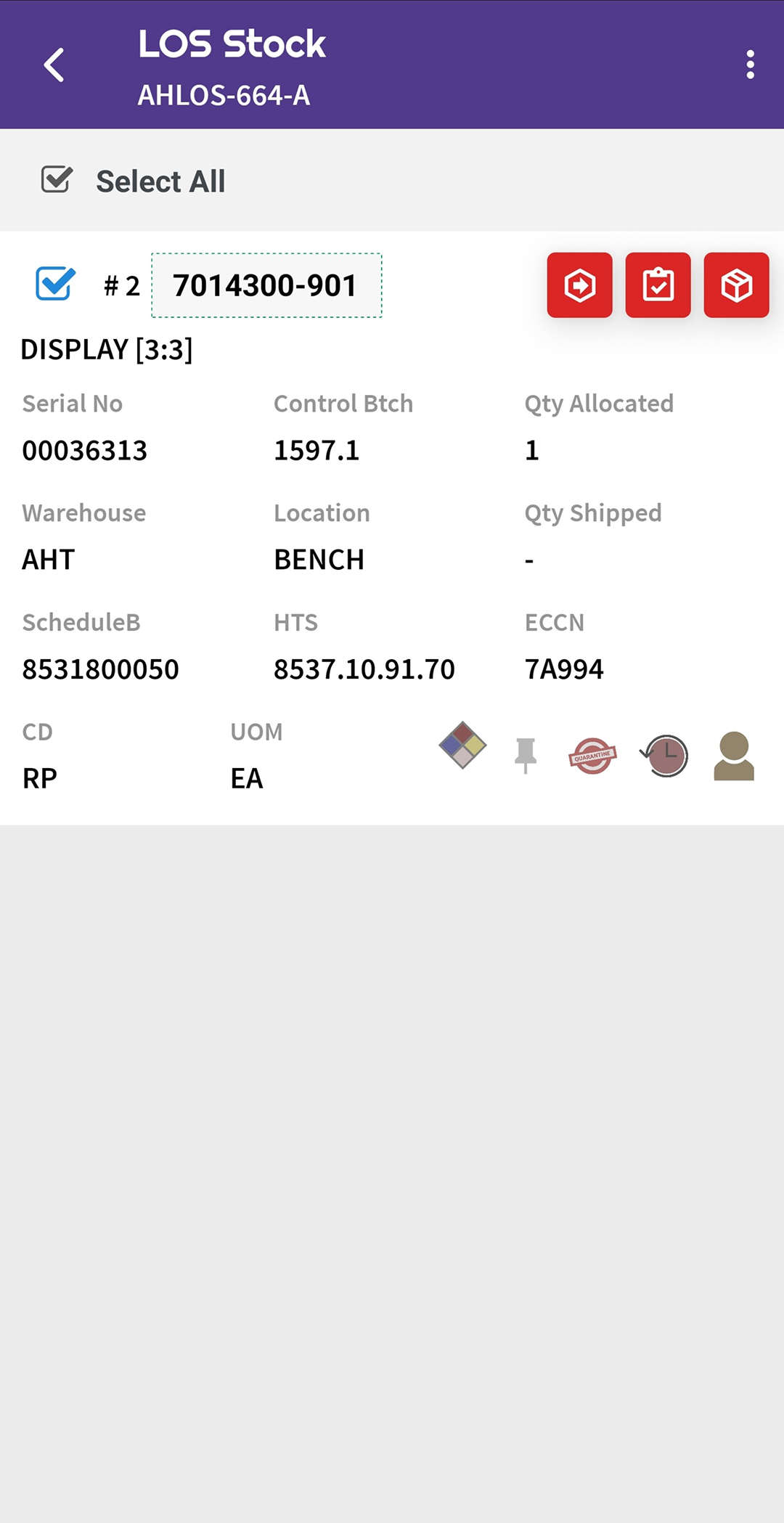
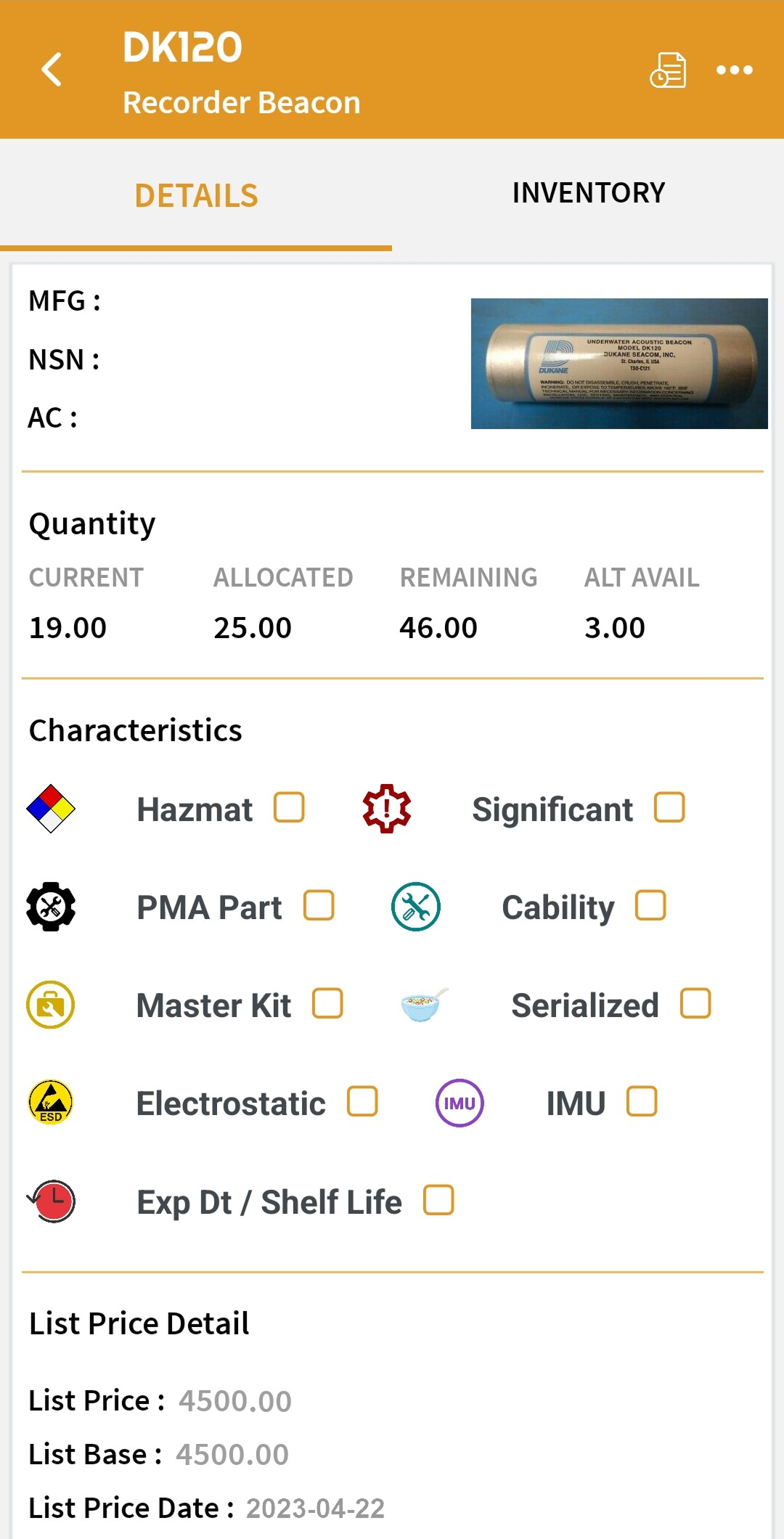
Instantly view every part stored in a selected location, including quantities, conditions, and part numbers.
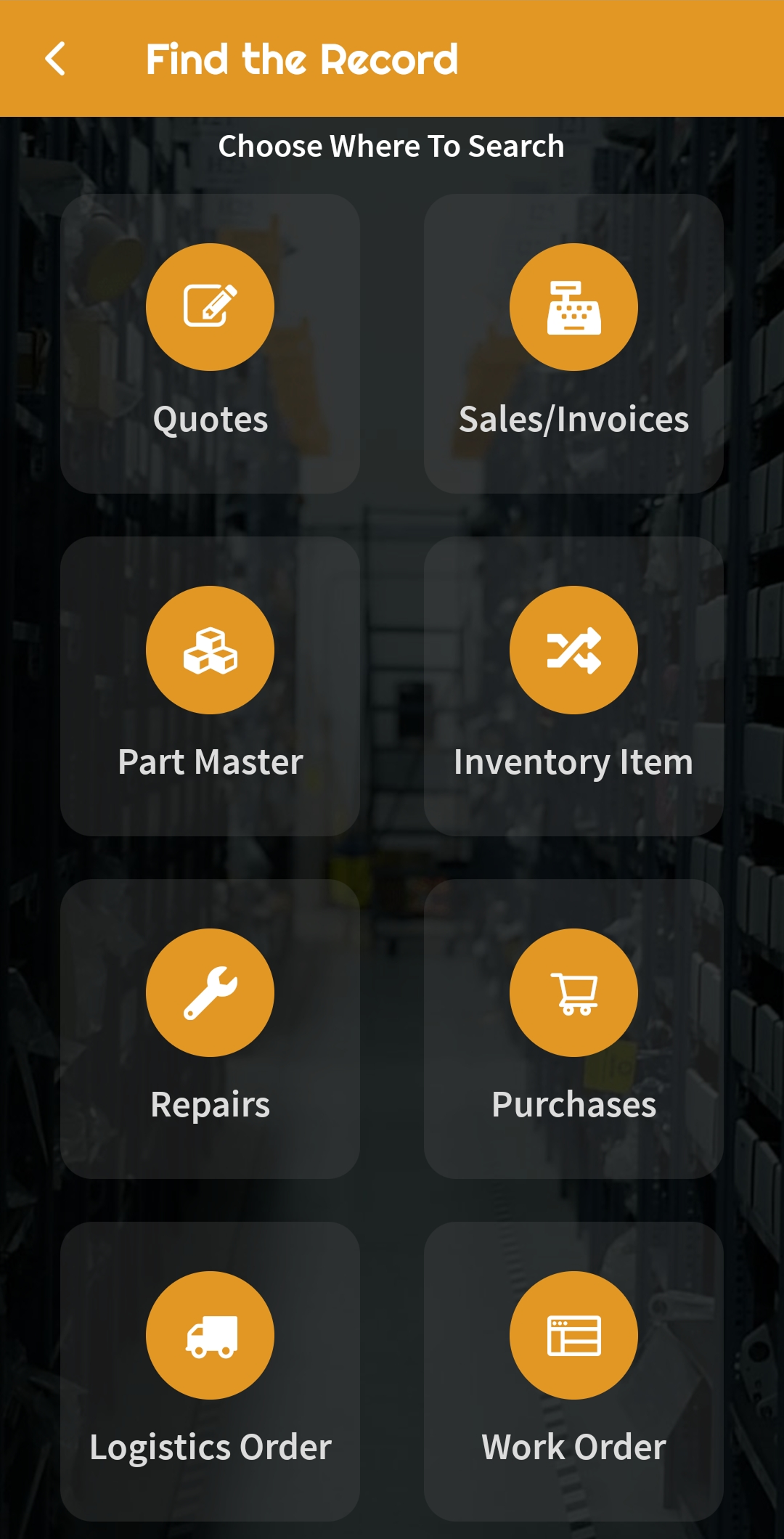
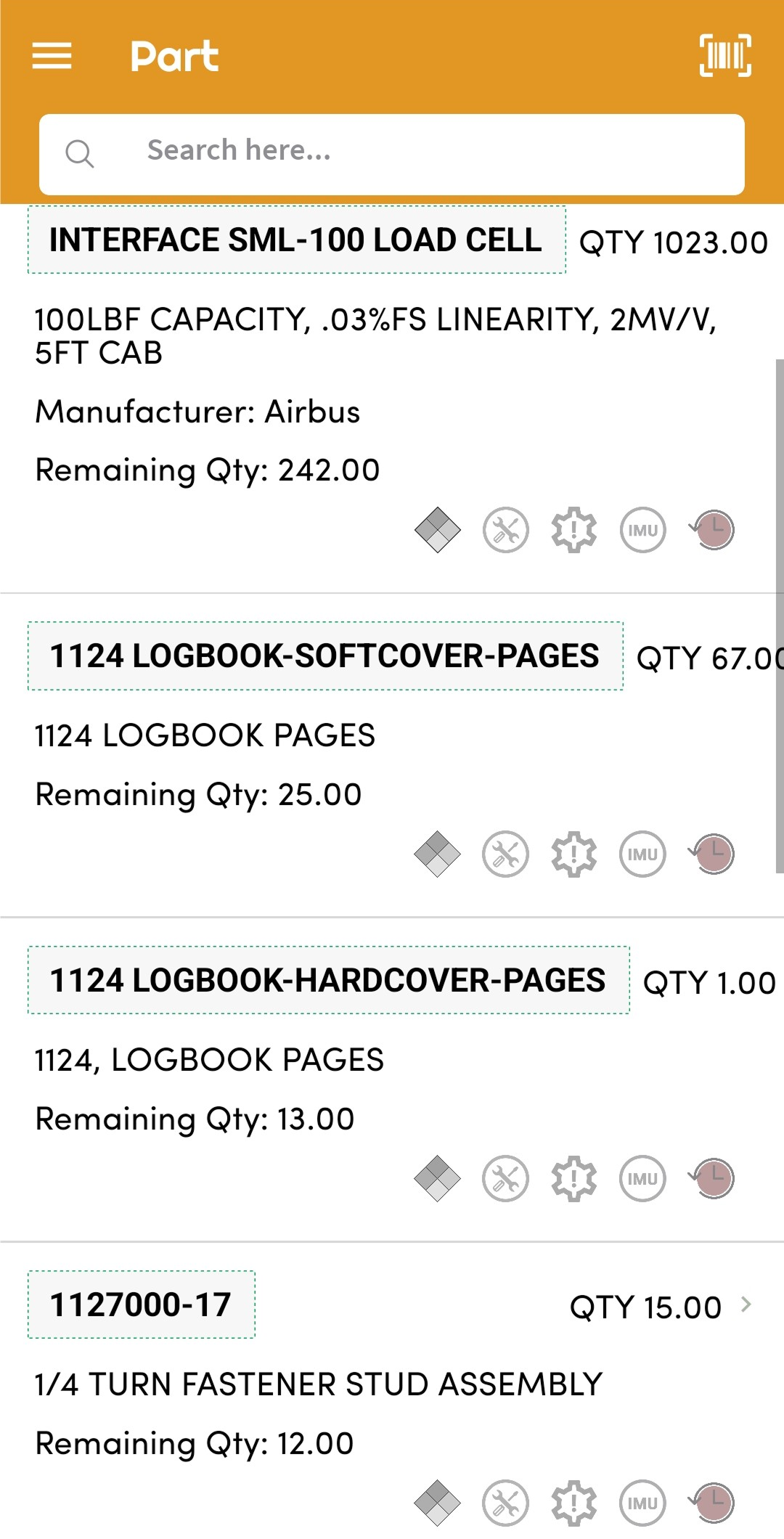
Search tools help locate inventory line items and part numbers across your operation.
Generate and print part labels, location tags, and inventory documentation directly from the app.
View a full record of inventory movements, edits, and validations for accountability and internal review.
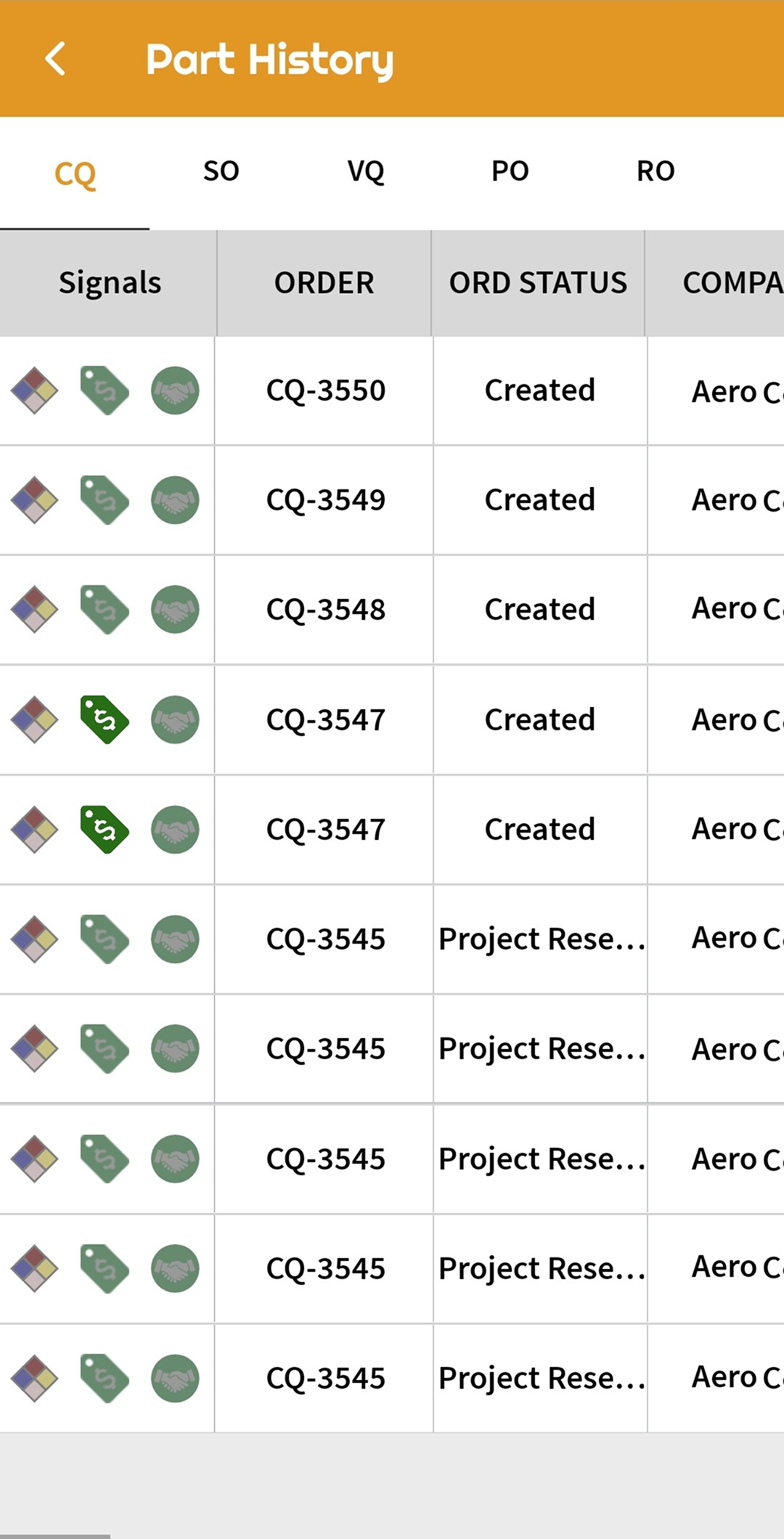
Instantly access the full transaction lifecycle of any part, including ownership, movement, and usage.
Photo Capture & File Management
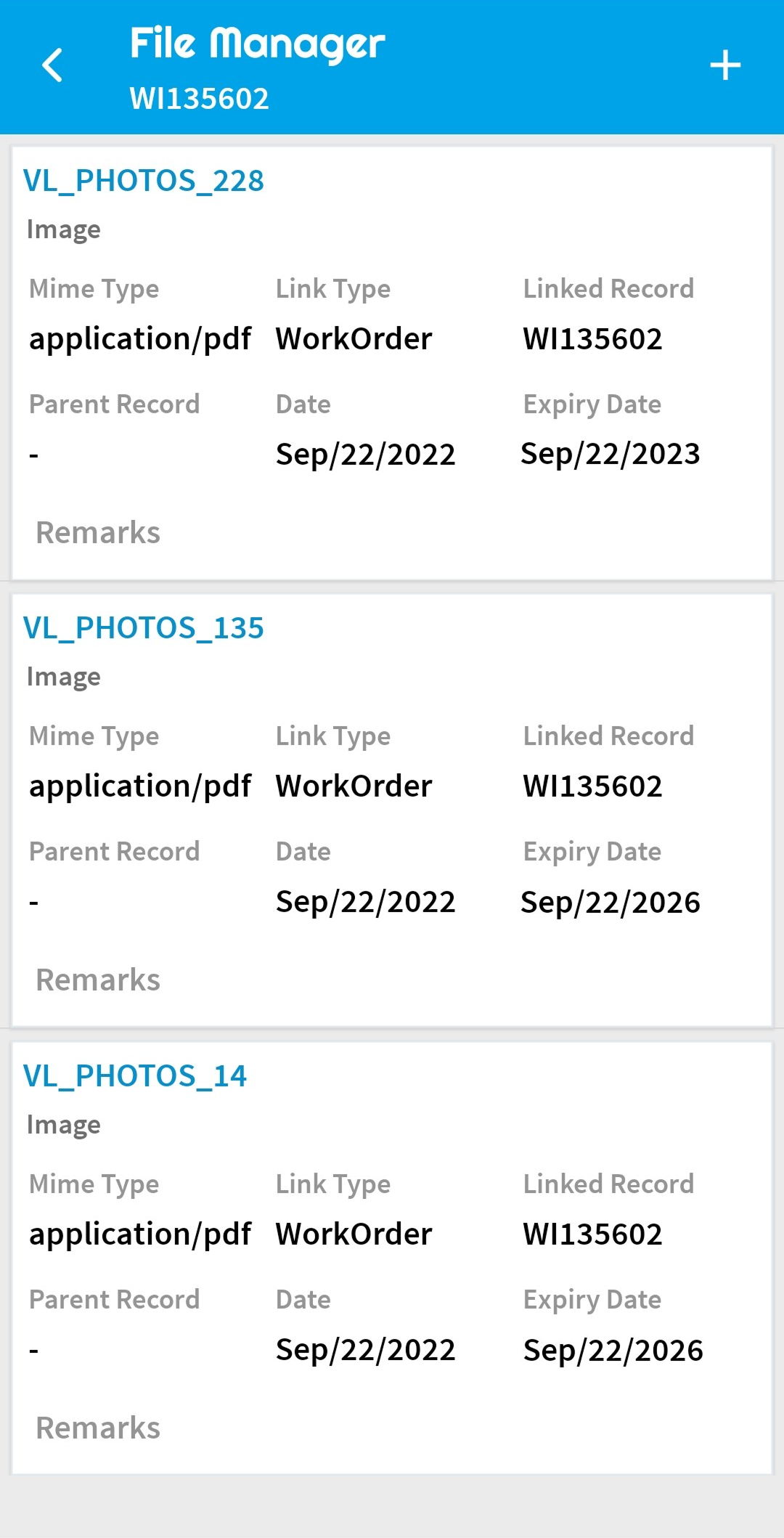
Take high-resolution photos directly within the app and assign them to parts, tasks, shipments, and more.
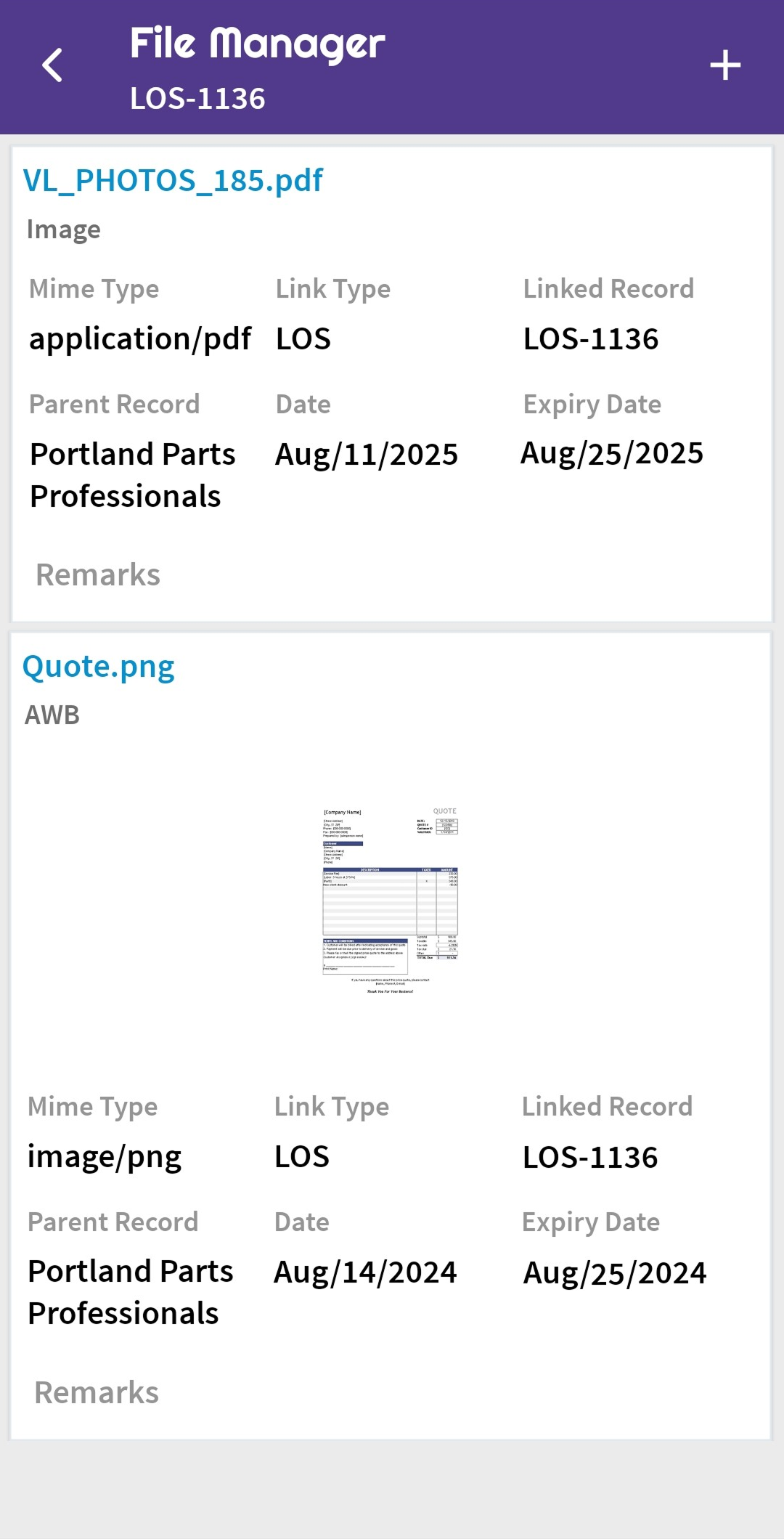
Upload photos as individual images or combine them into a single PDF for streamlined documentation.
Select specific photos as banner images to visually identify tasks or parts.
Built-in tools to adjust and enhance images before upload with no need for third-party editing apps.
Capture images directly within a task or work order workflow to document findings, conditions, or completion status.
View all associated photos and uploaded files within any task or record, with full mobile accessibility.
Shipping & Receiving
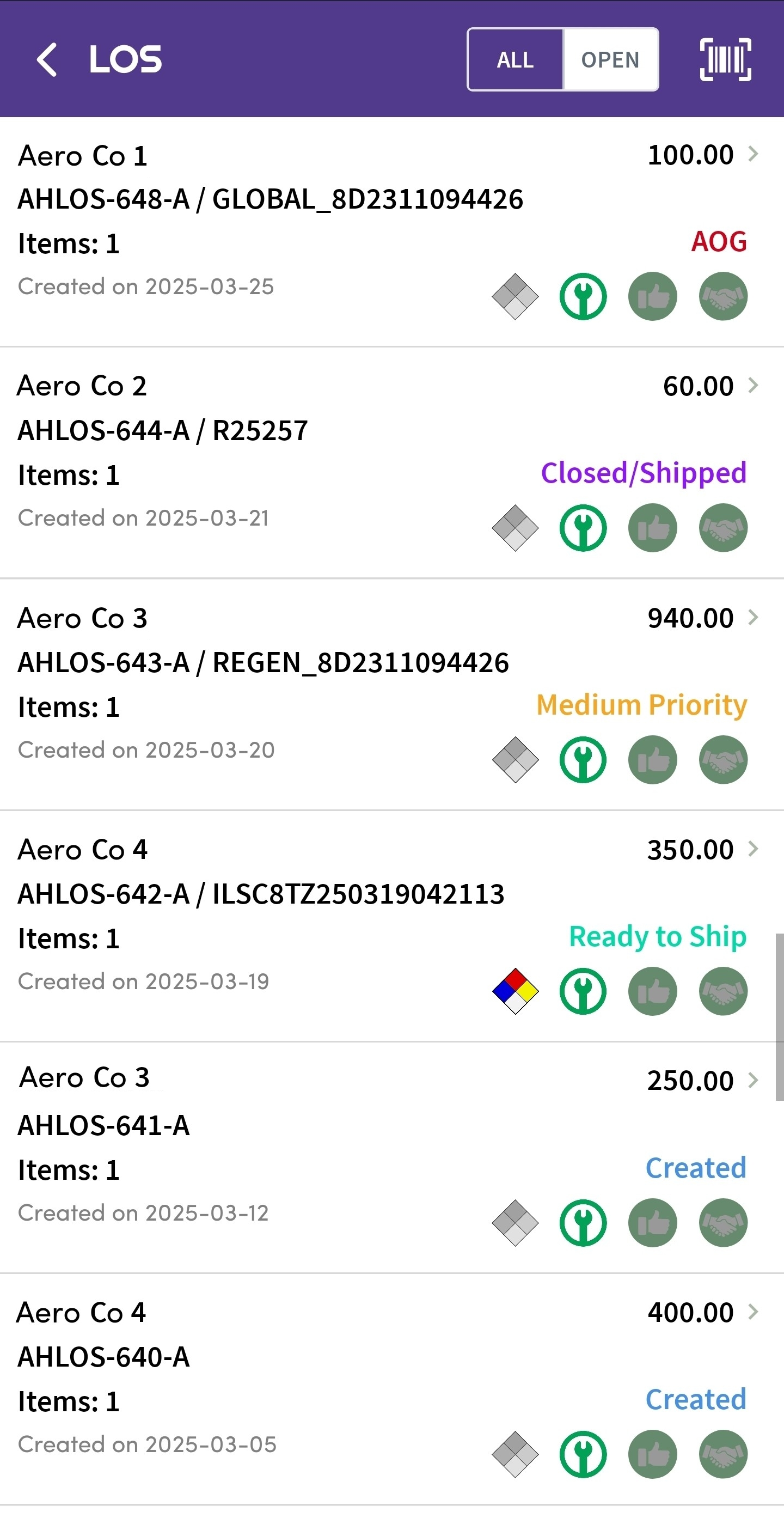
View all past, present, and pending shipments, with access to detailed information and statuses.
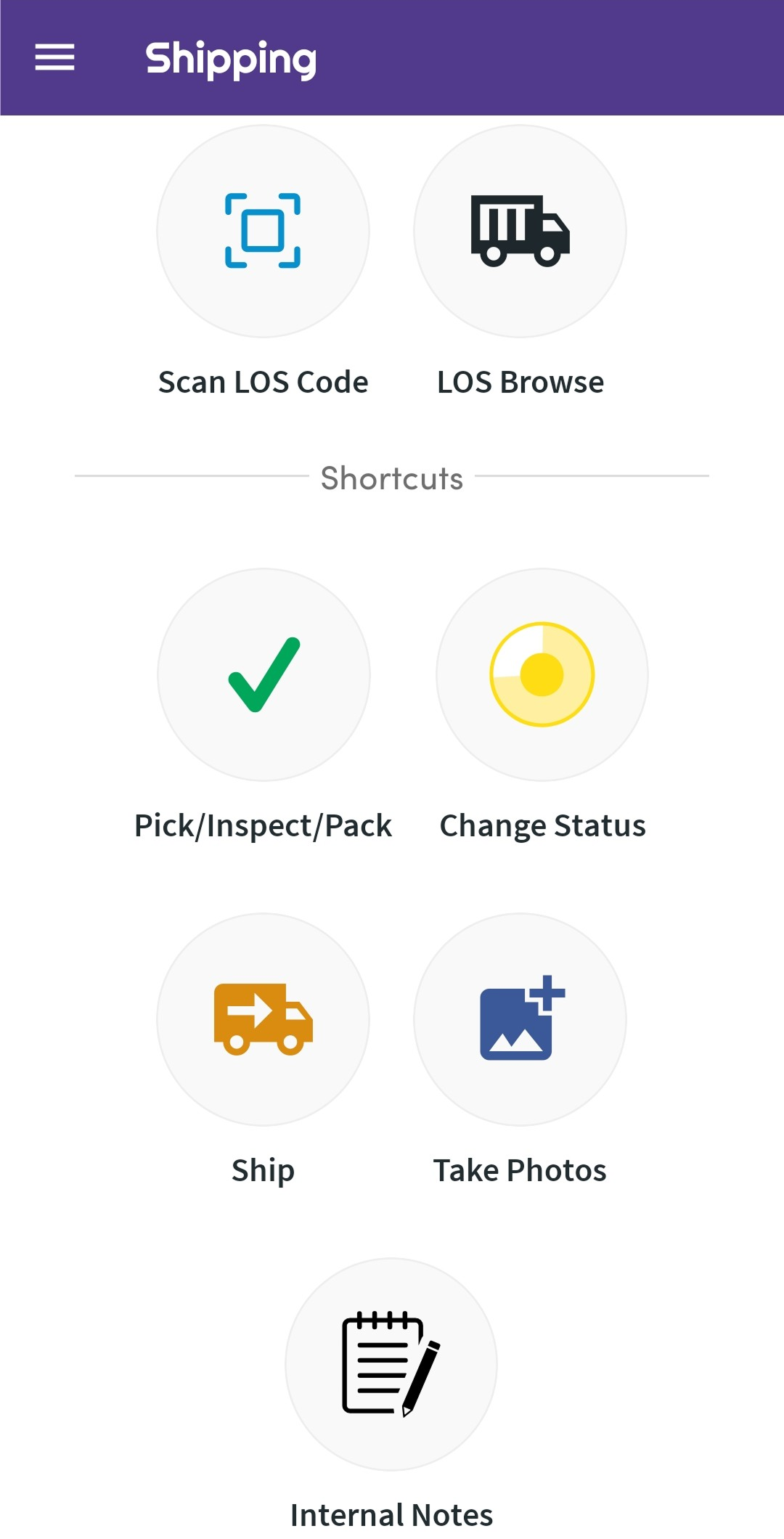
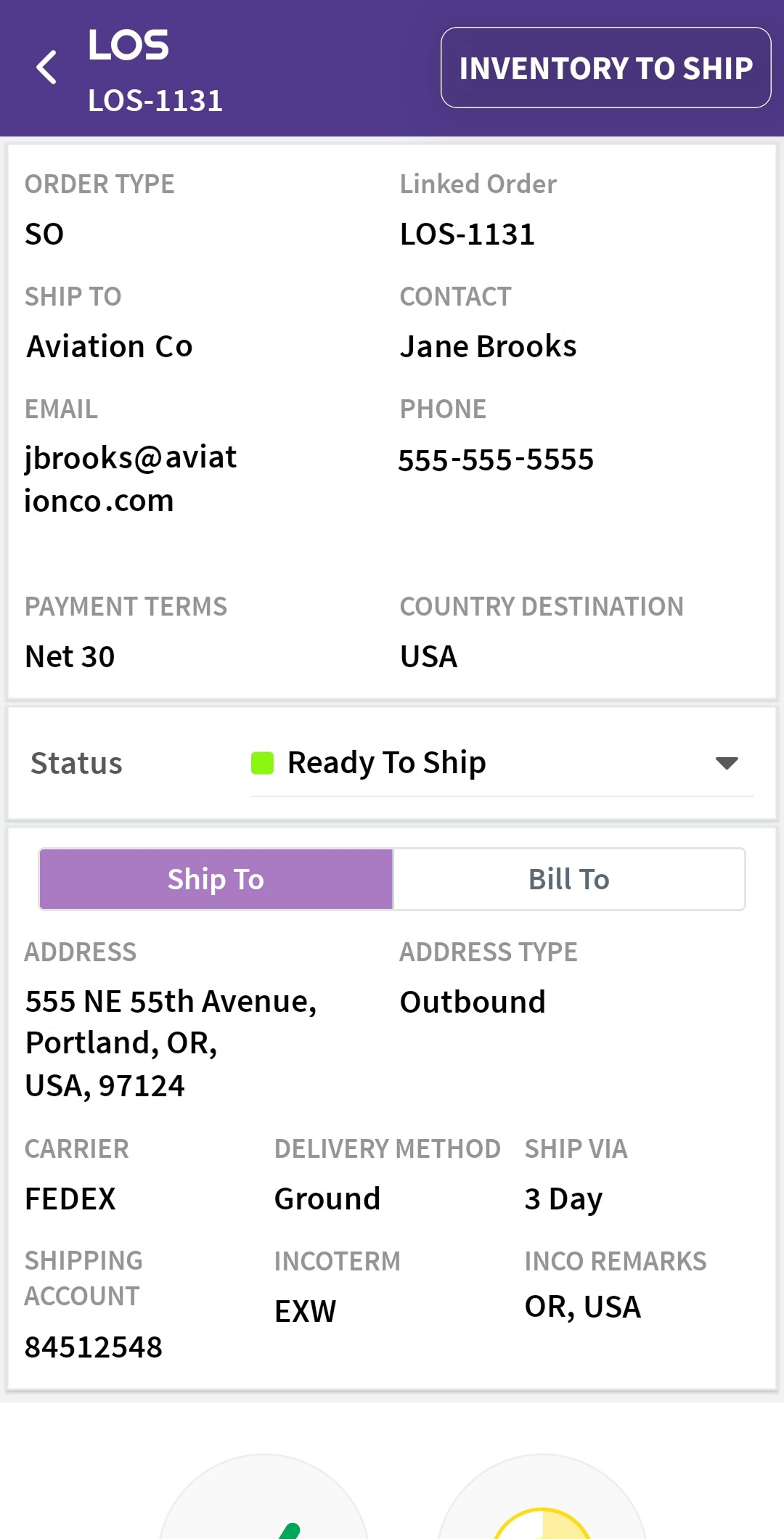
Update shipment progress in real time, using intuitive check-off workflows for each stage.
Advance or modify the status of a shipment (e.g., from "Pending" to "Shipped") directly from the mobile device.
Start a new shipment record, assign inventory, and begin processing from the warehouse floor through the mobile app.
Add operational notes tied to the shipment history and accessible across the platform.
Instantly view packing slips, invoices, or related documents stored within the shipment record.
Use mobile camera to scan shipment record QR/barcodes and jump directly into the matching record, no typing required.
Customer Quotes
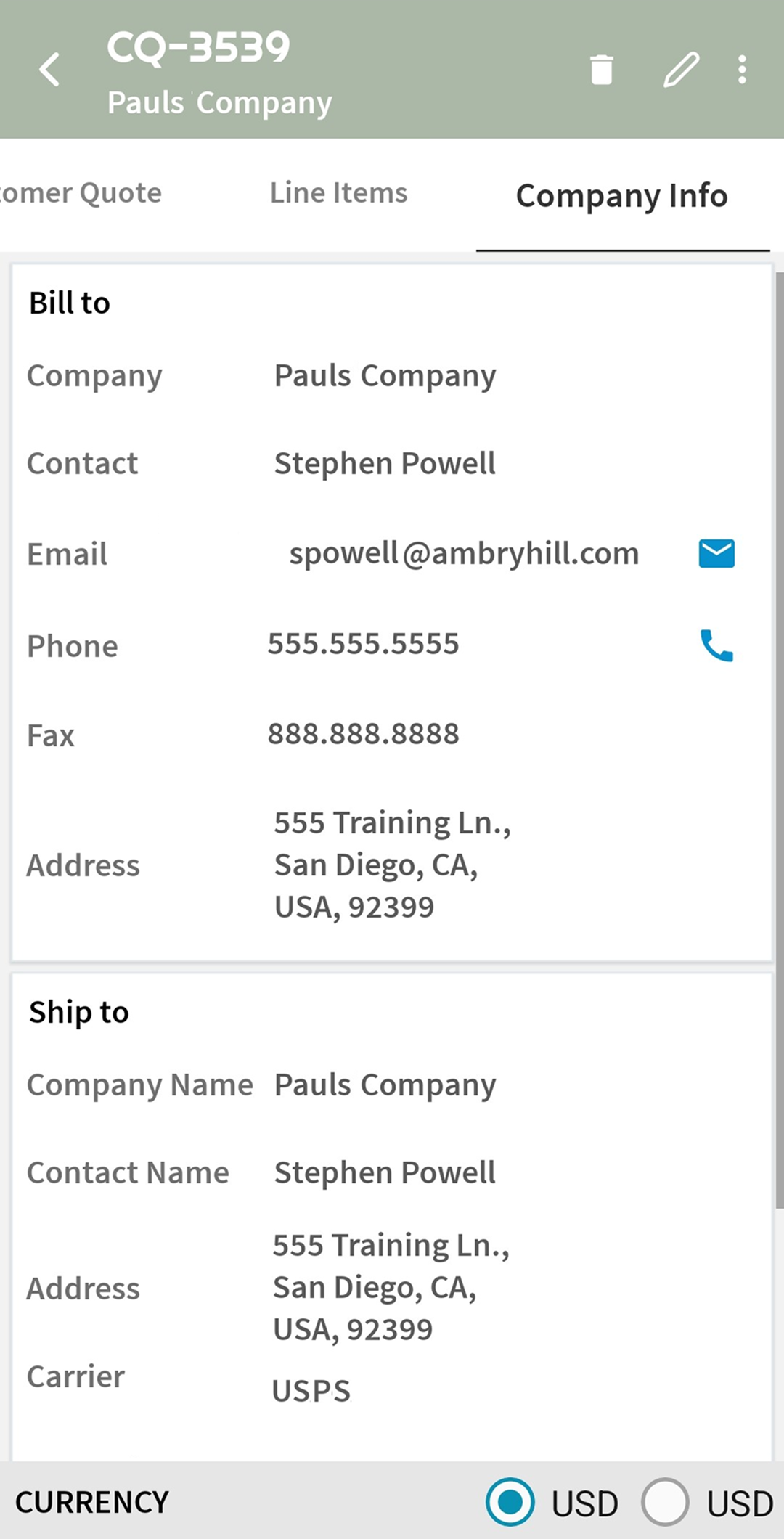
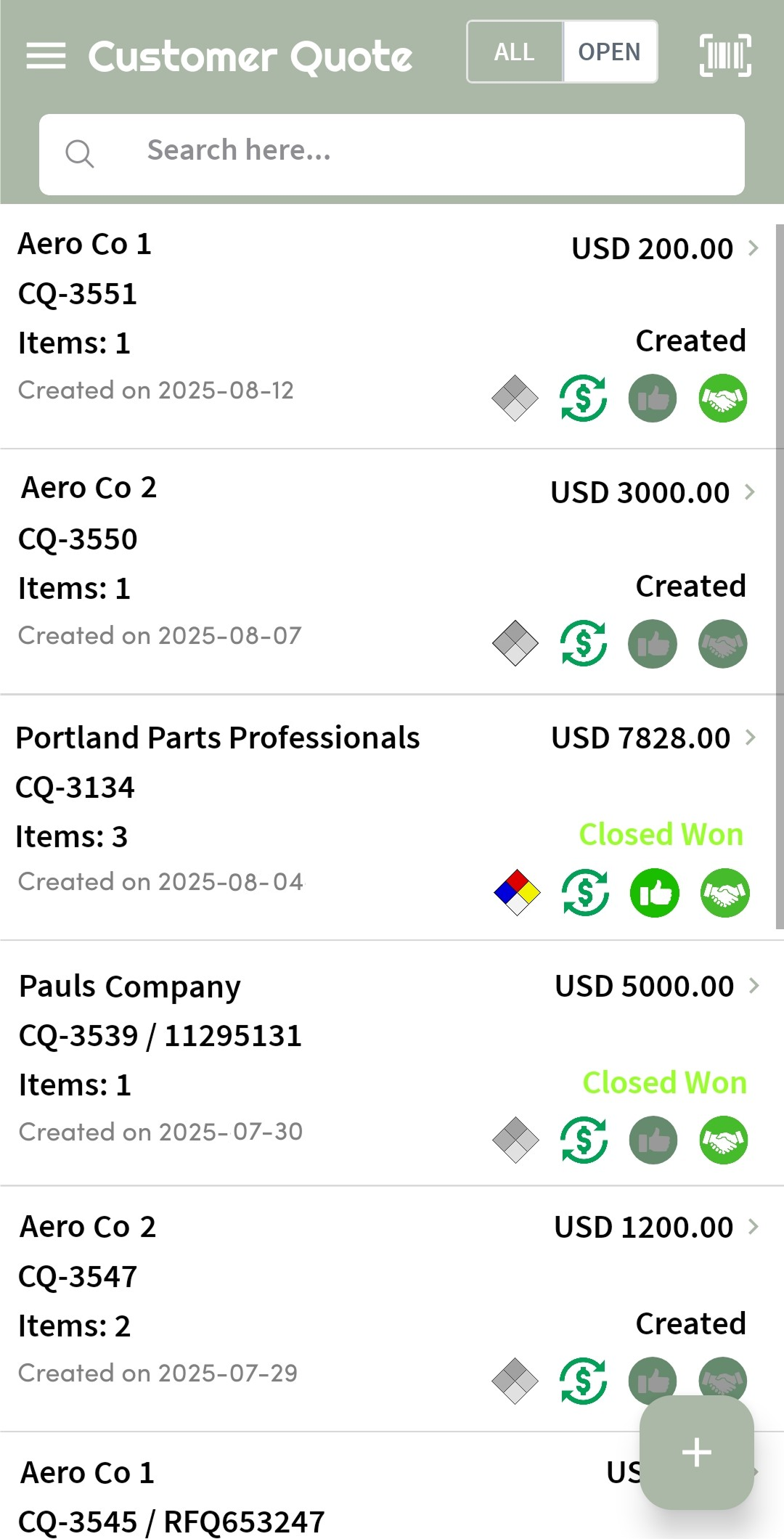
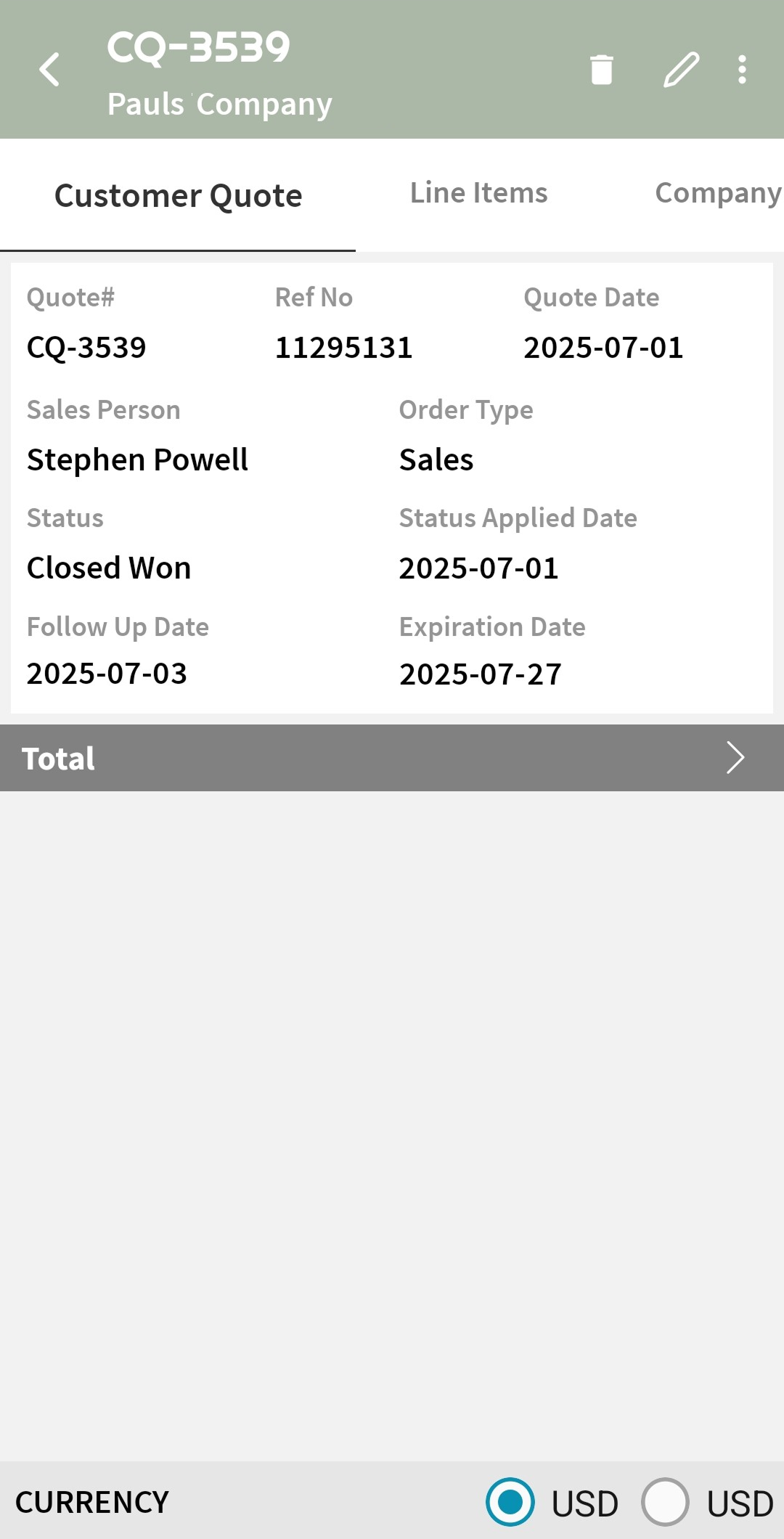
Browse or edit existing quotes from the field or during customer calls.
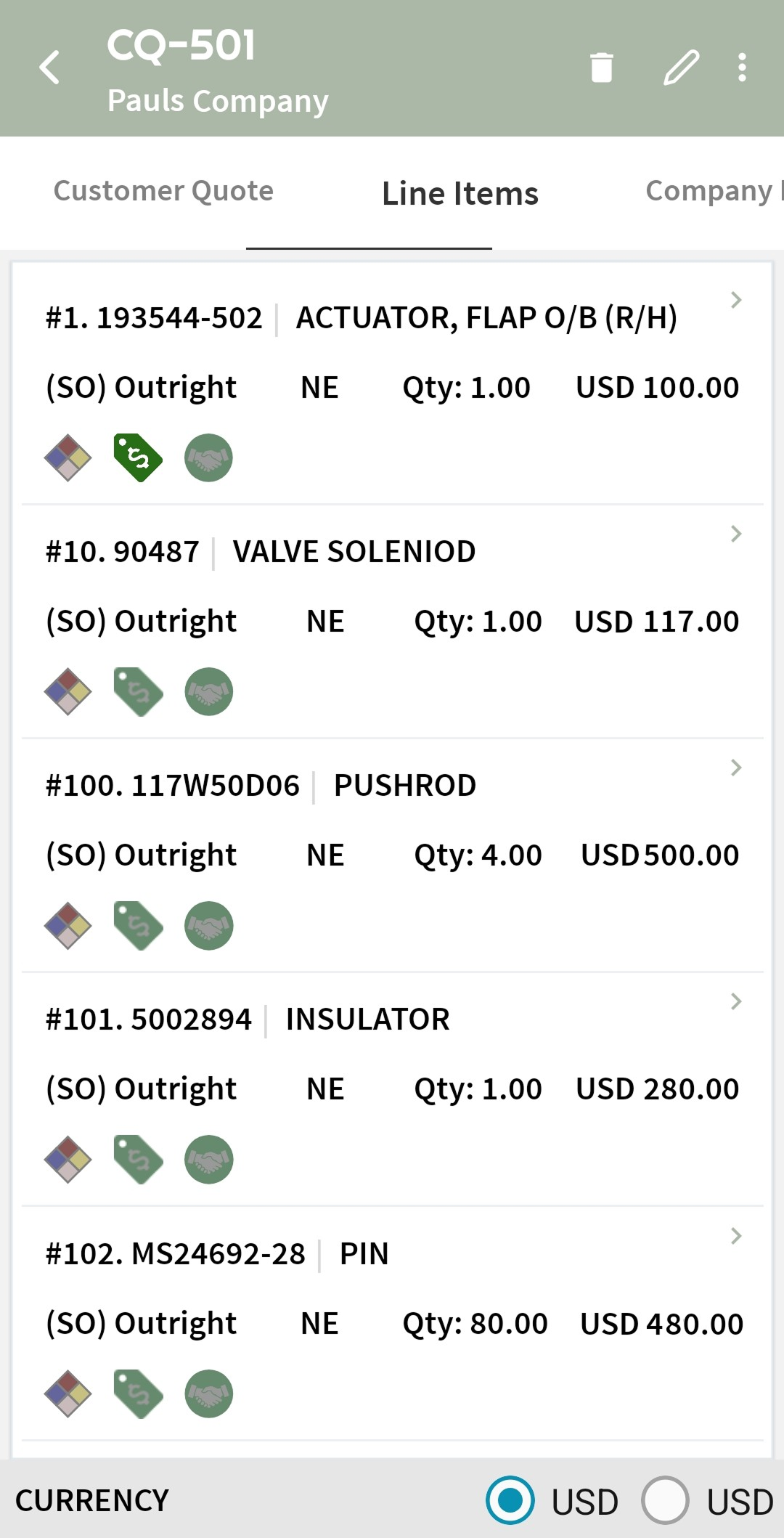
Build customer quotes from scratch using real inventory and pricing data on-hand.
Search and filter historical quotes to check pricing, terms, or item history.
Generate branded PDFs and send quotes to customers on the spot, directly from your mobile device.
Work Order Management
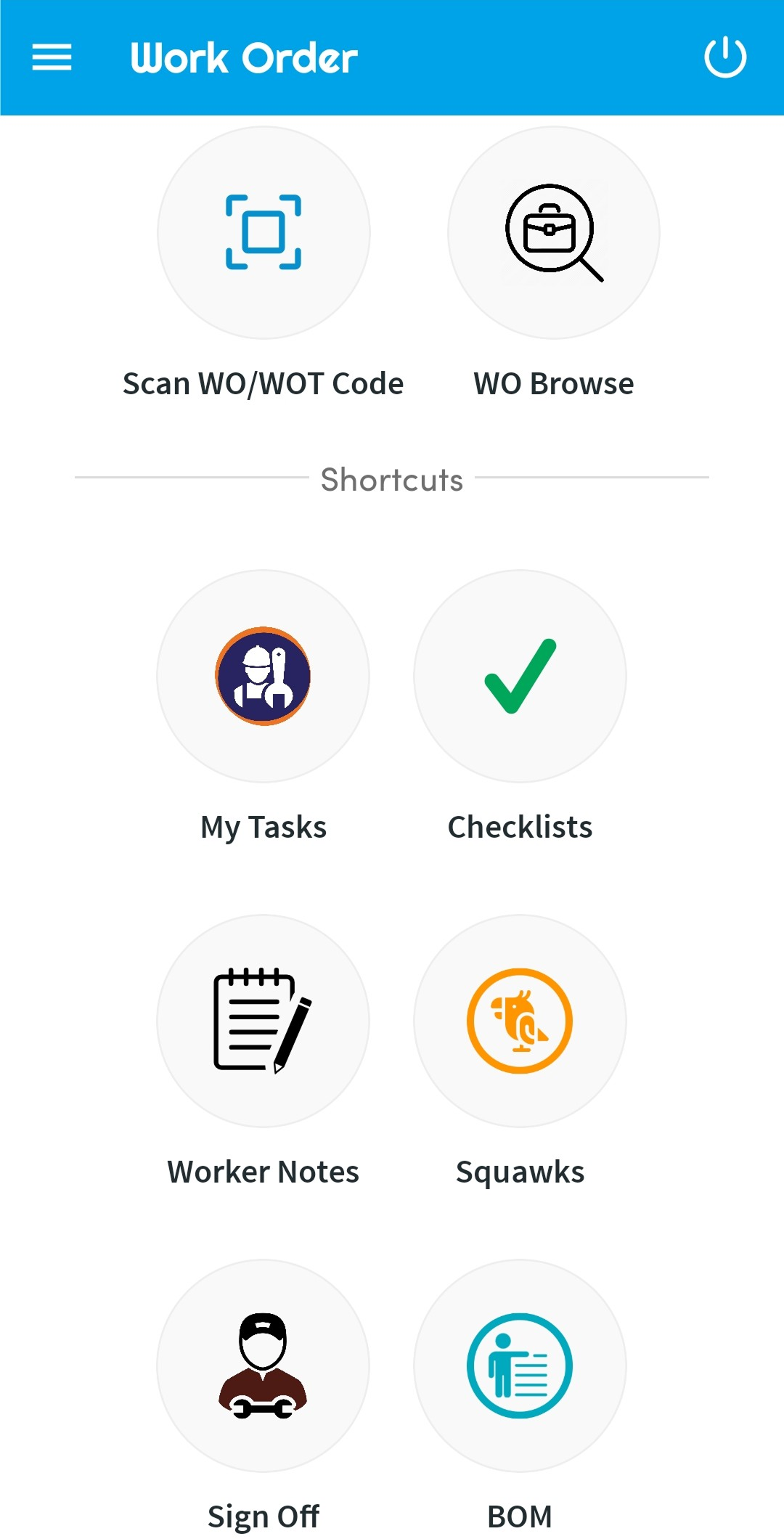
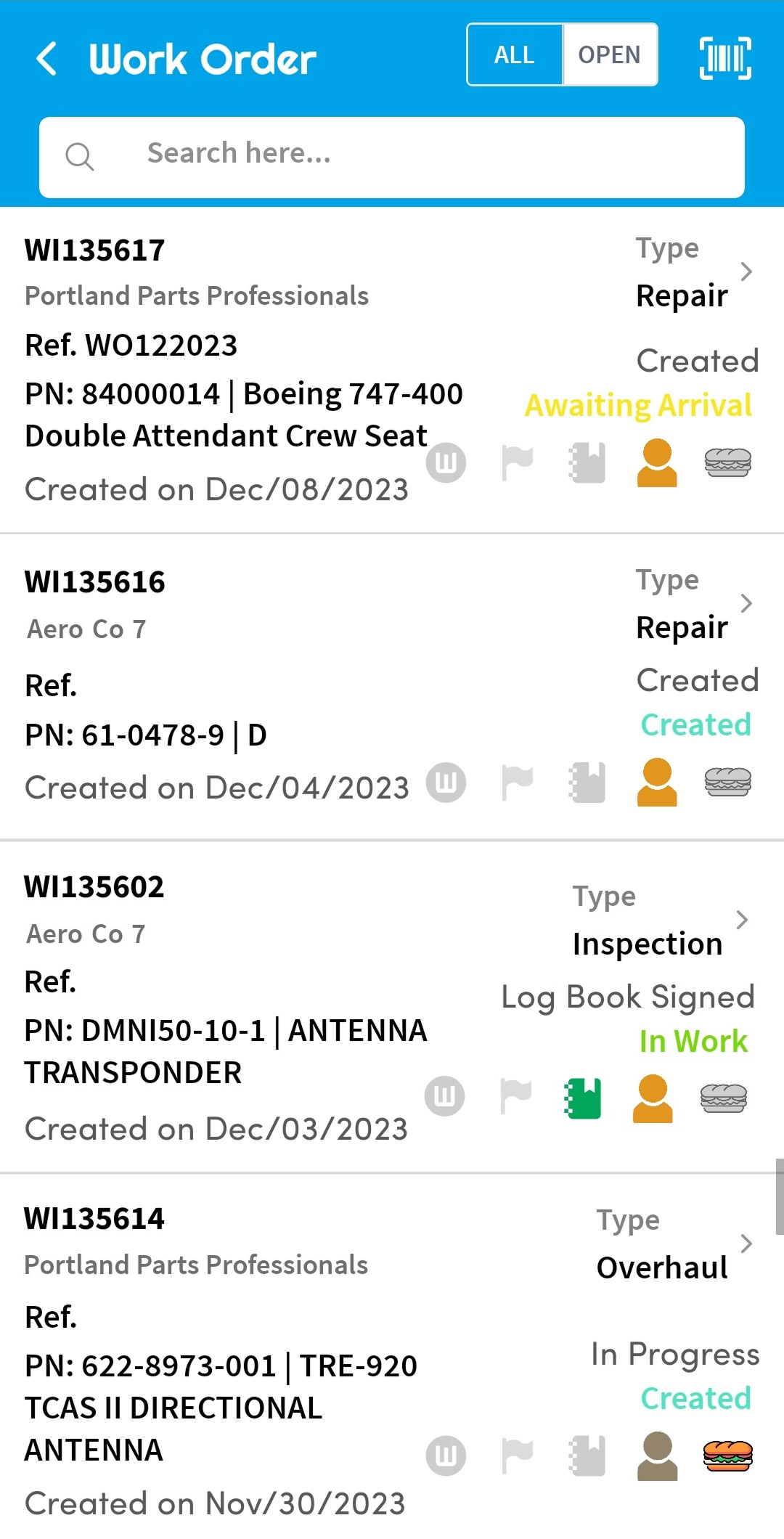
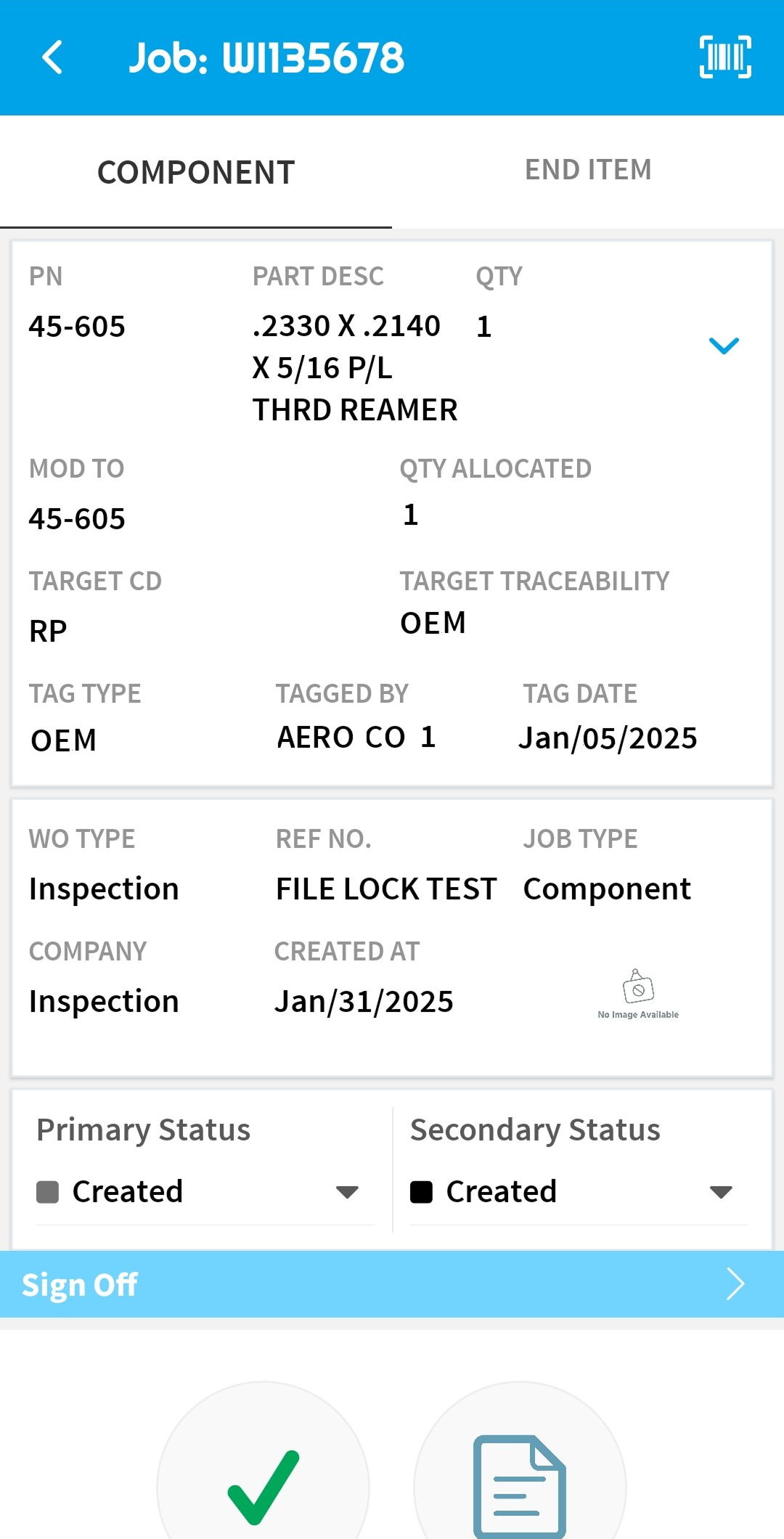
View all open, closed, and in-progress work orders with full drill-down capabilities.
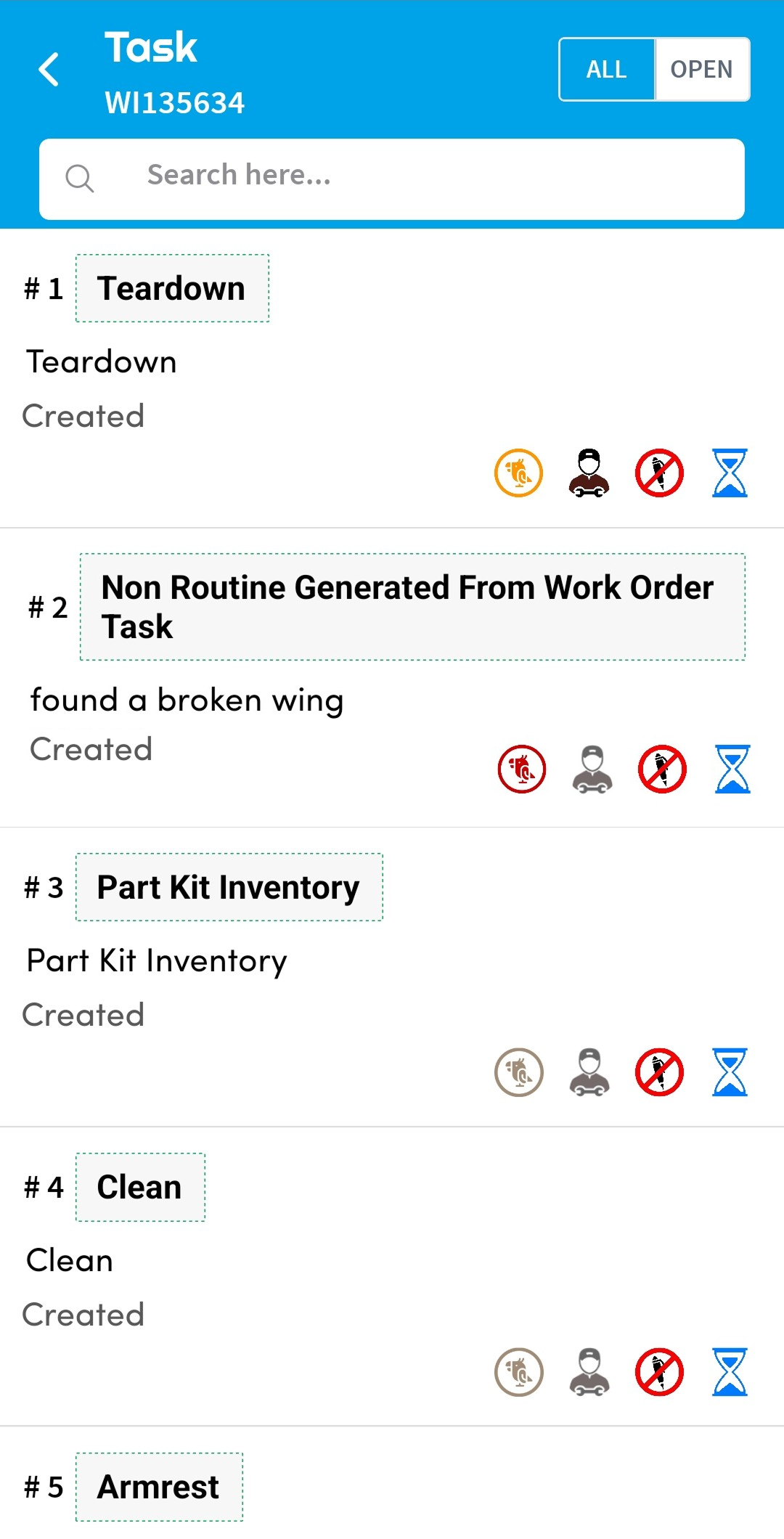
Mechanics can filter tasks assigned to them, update status, and record time or notes on the go.
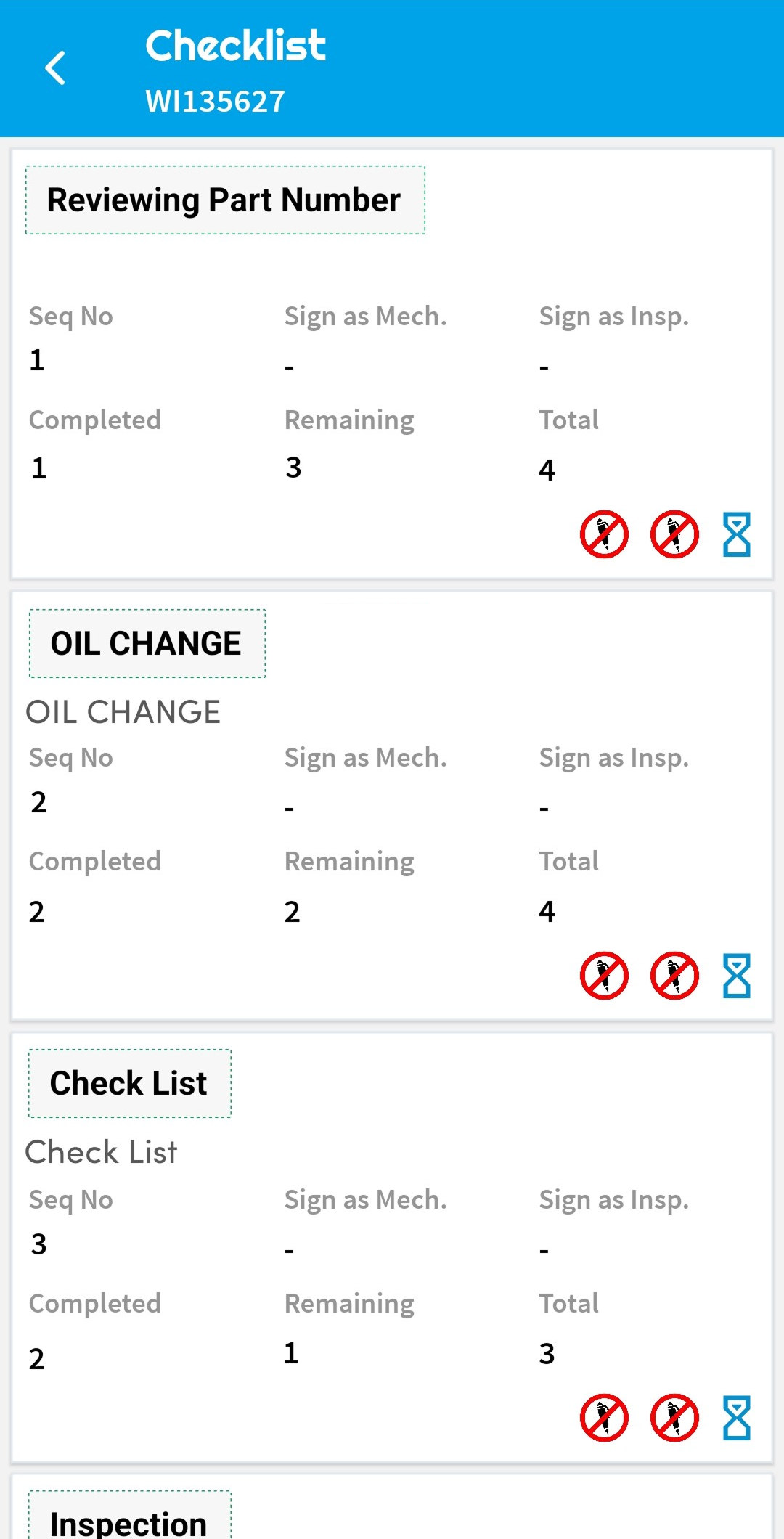
Fill out work order or task checklists digitally and with time-stamped completion records.
Modify task status, progress, assigned personnel, or notes in real time.
Document unexpected issues and initiate additional work items without interrupting the workflow.
Enter technician findings, troubleshooting steps, or results directly into task records.
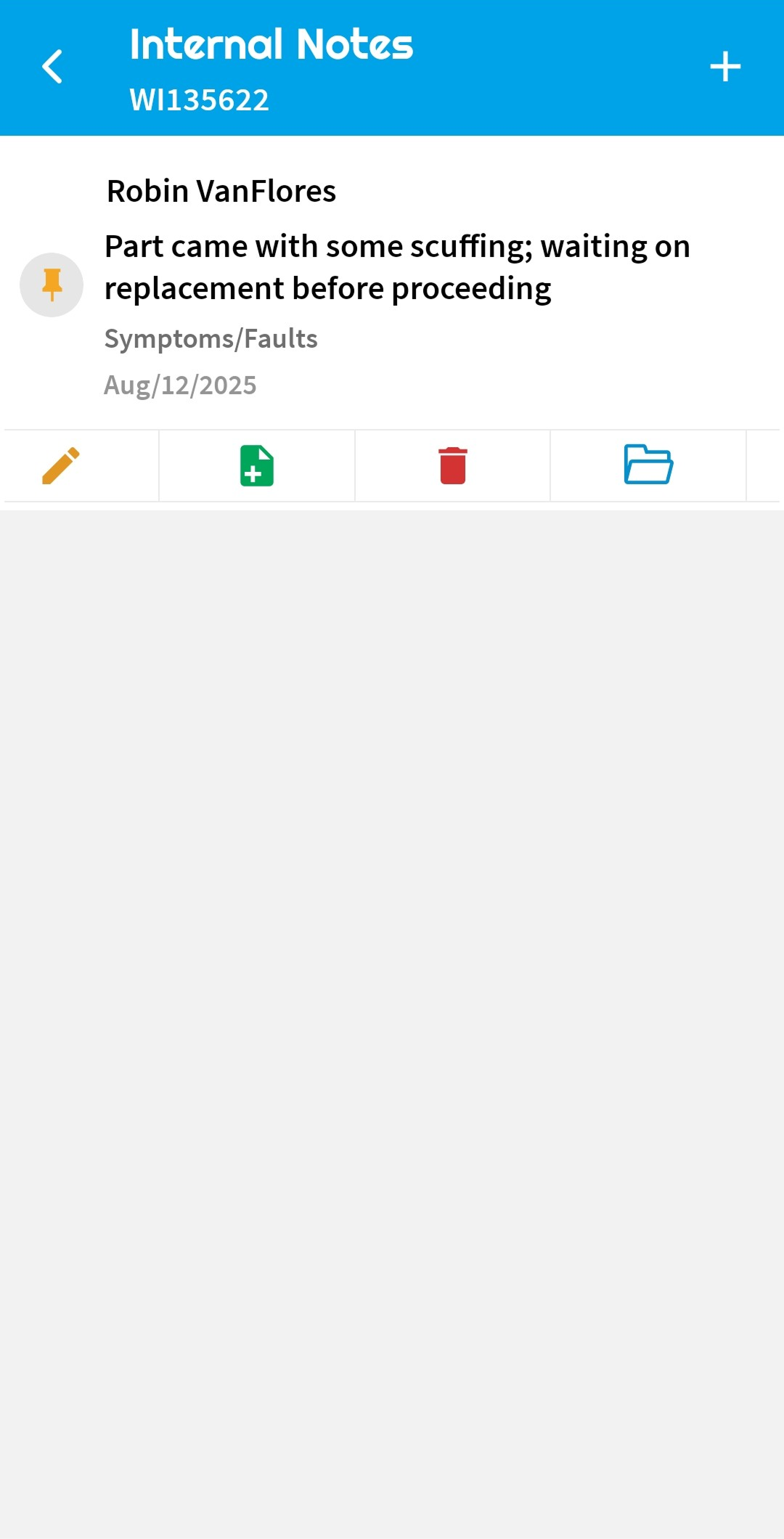
Add internal communications or cross-team comments that stay within the record and off of customer-facing docs.
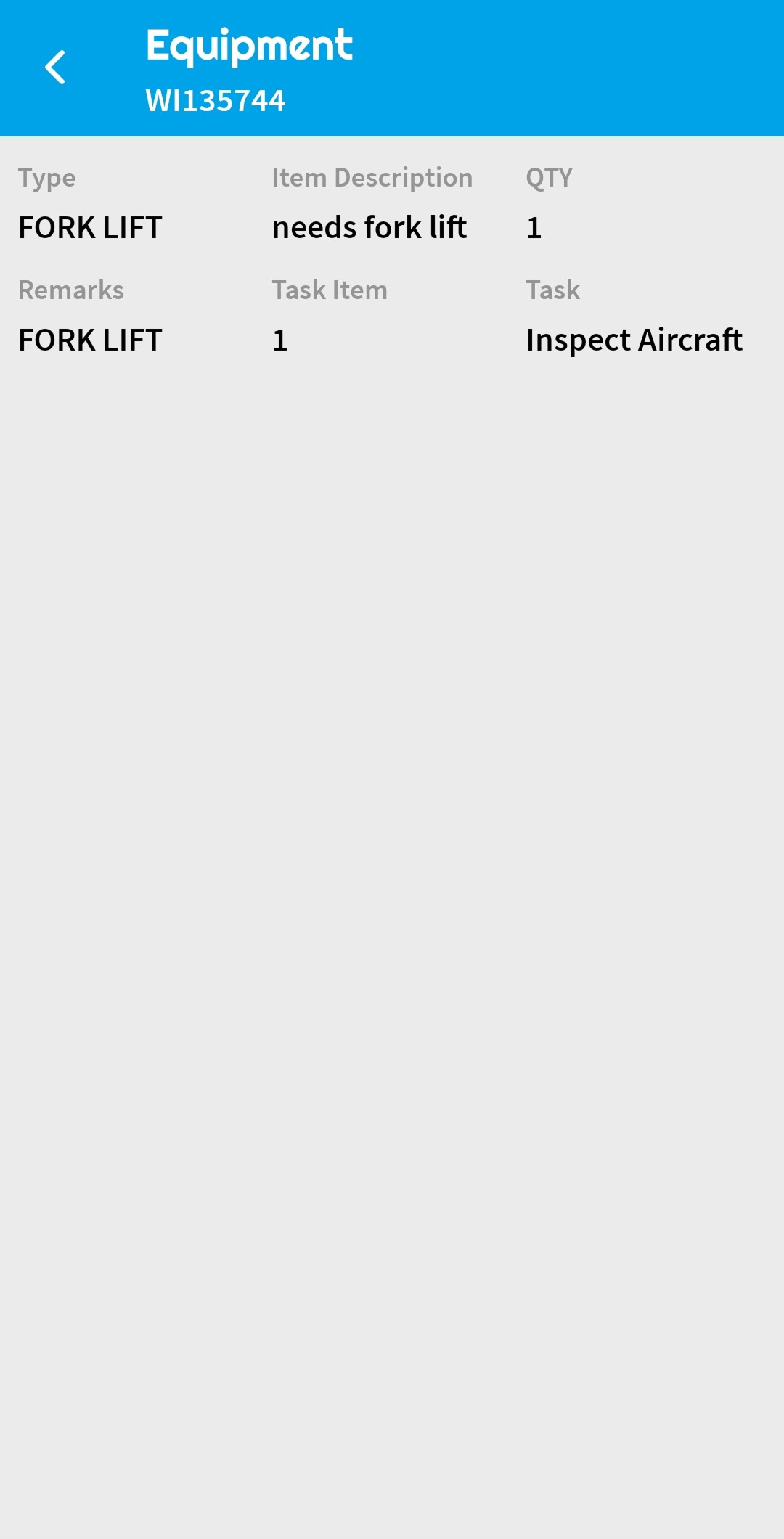
View tooling and equipment lists associated with a work order for readiness before work begins.
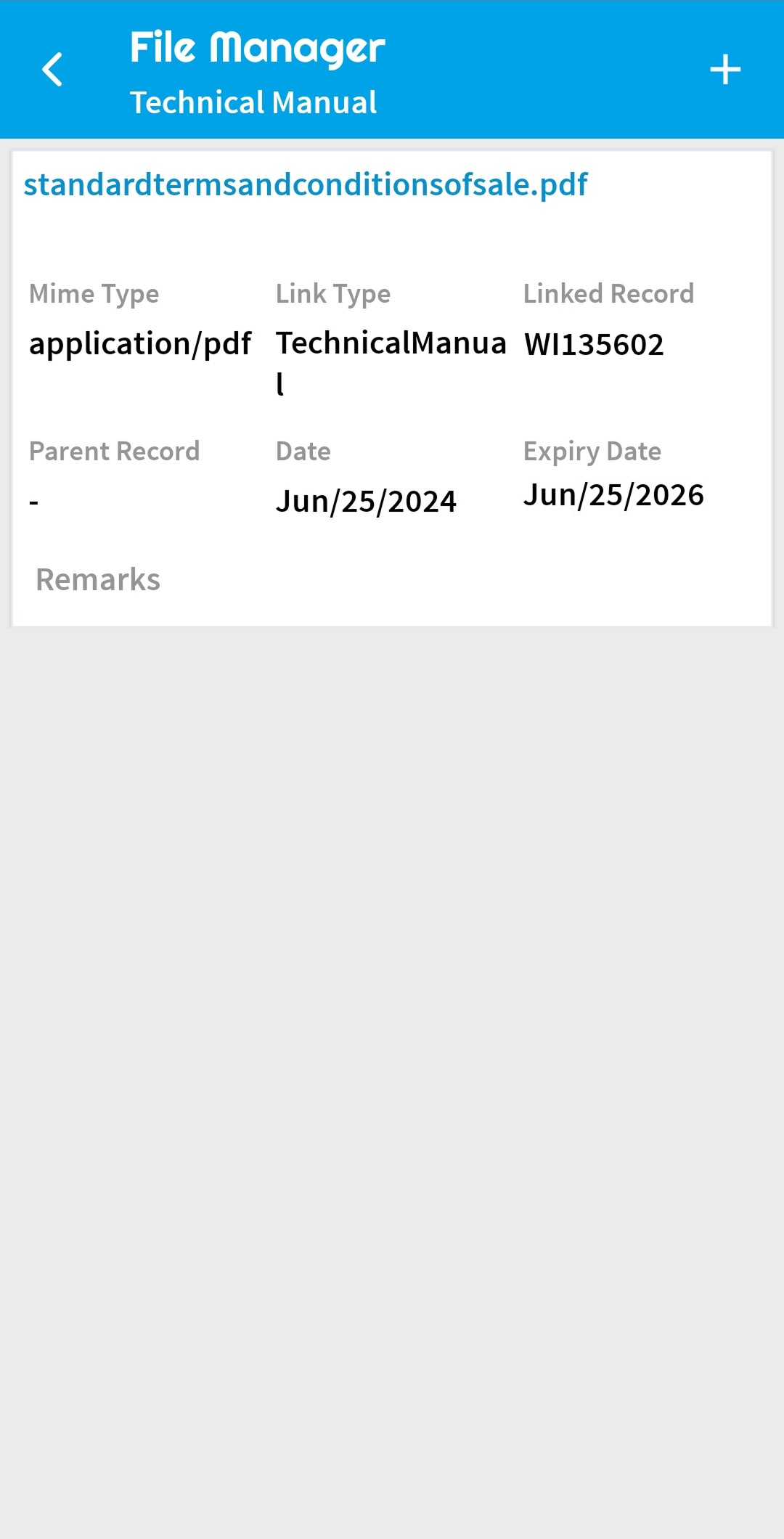
Instantly view attached manuals or documentation without leaving the task screen.
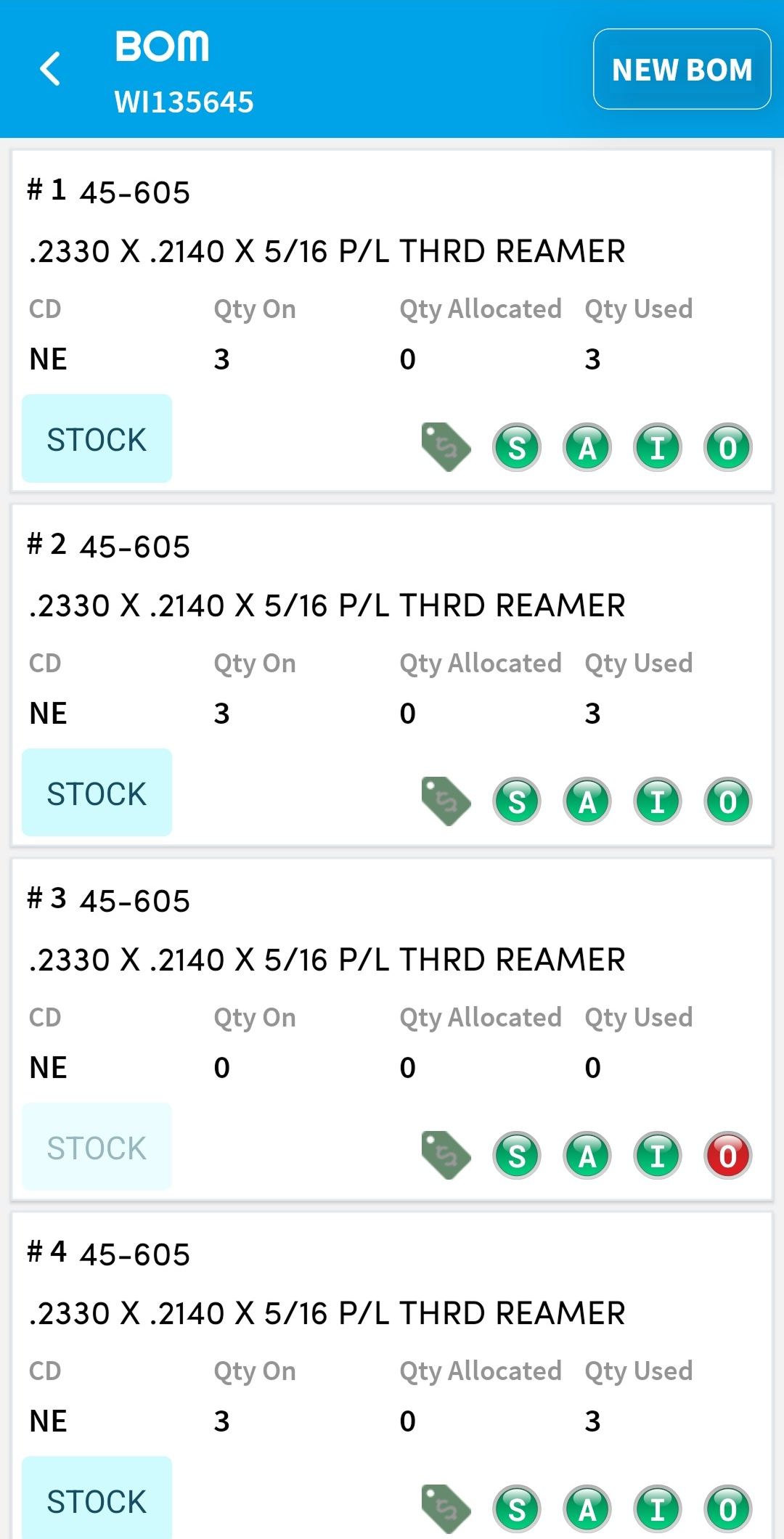
Build a complete list of parts required for a job, with quantities and conditions, from the task itself.
Allocate parts from stock and issue them directly to the work order in real time.
Use digital authentication workflows designed to align with FAA AC 120-78B guidance and support controlled sign-off records.
Complete and close entire work orders using digital signatures designed to align with FAA AC 120-78B guidance.
Labor Recording & Management
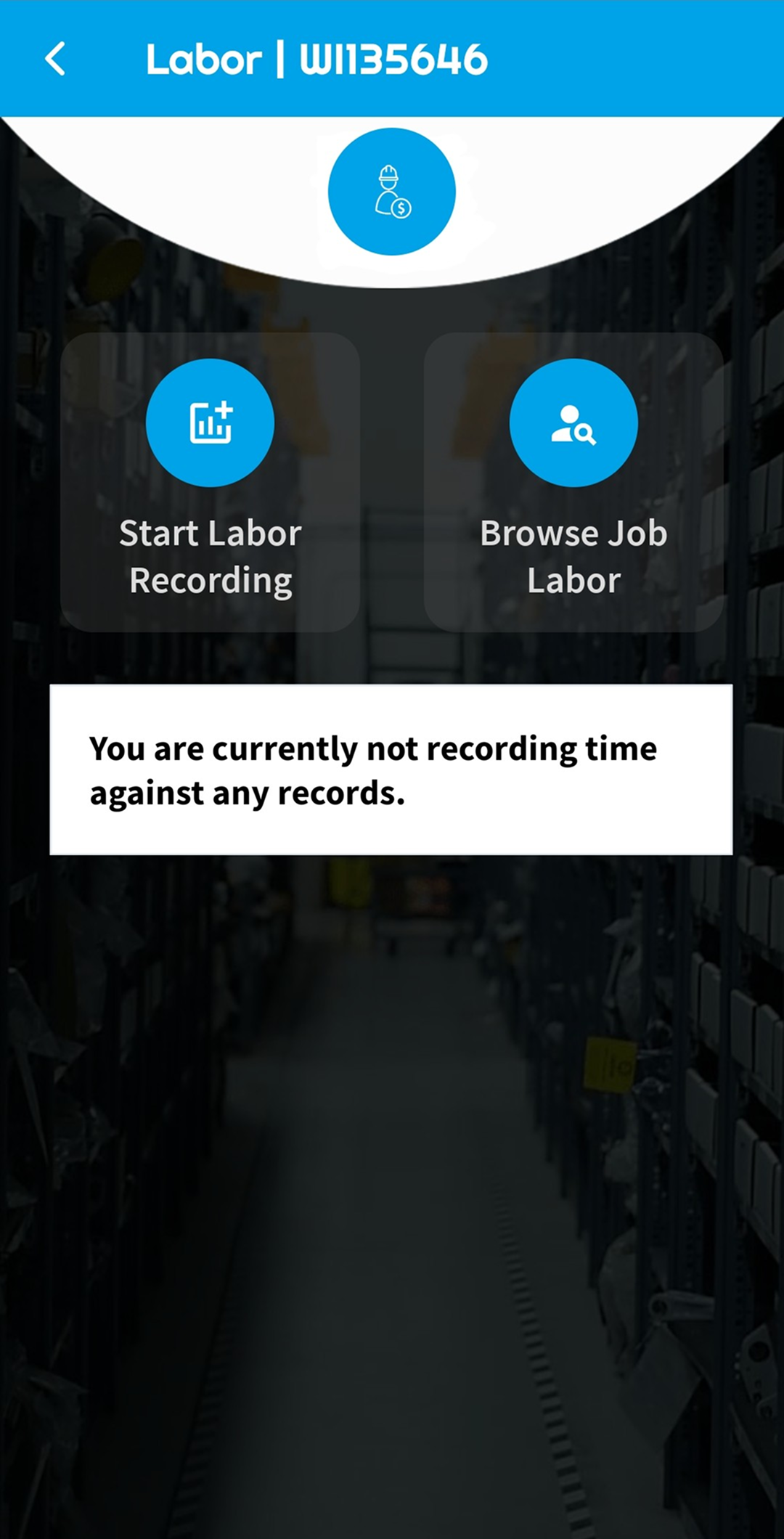
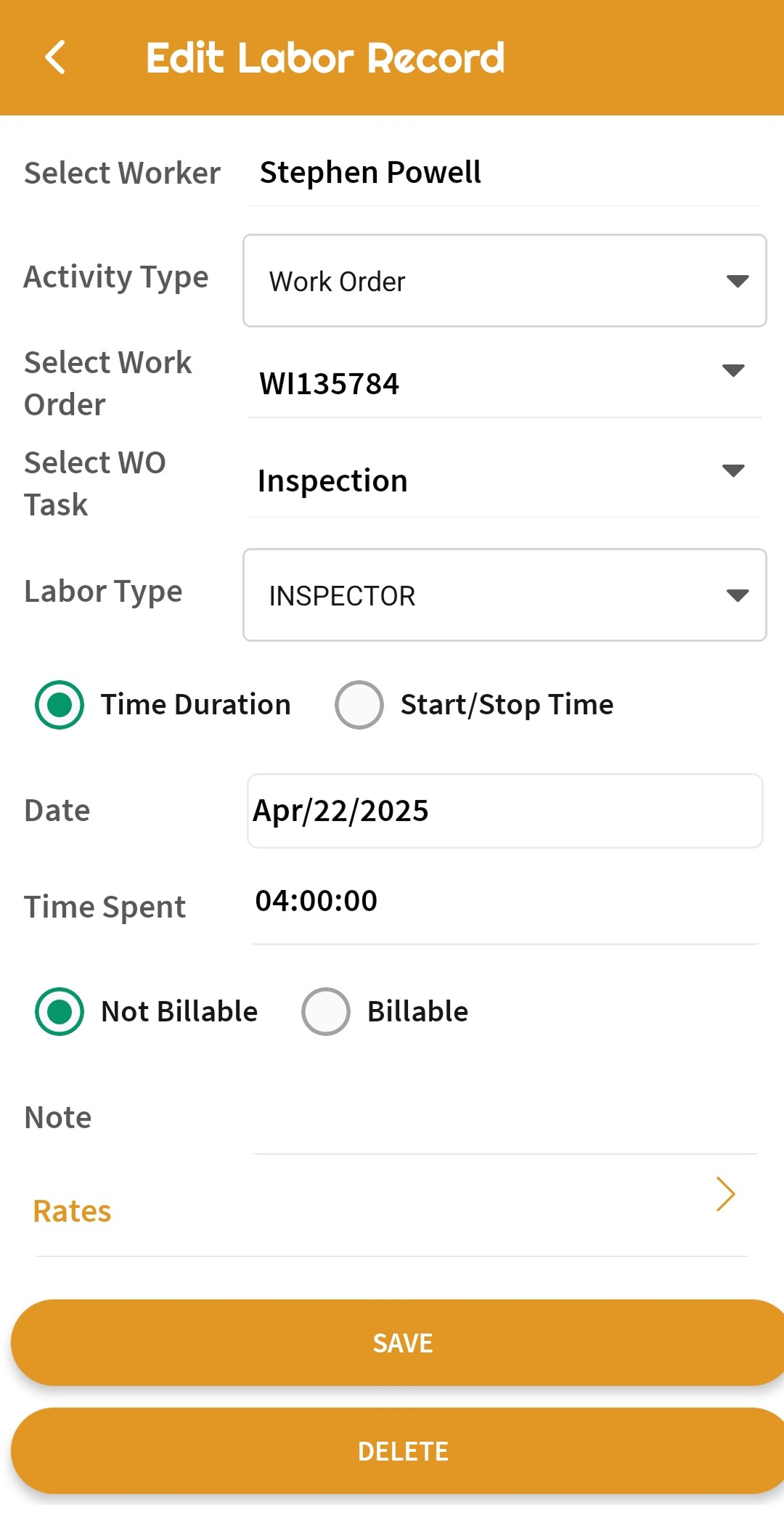
Enter hours against specific tasks, jobs, or work orders in real time or retroactively.
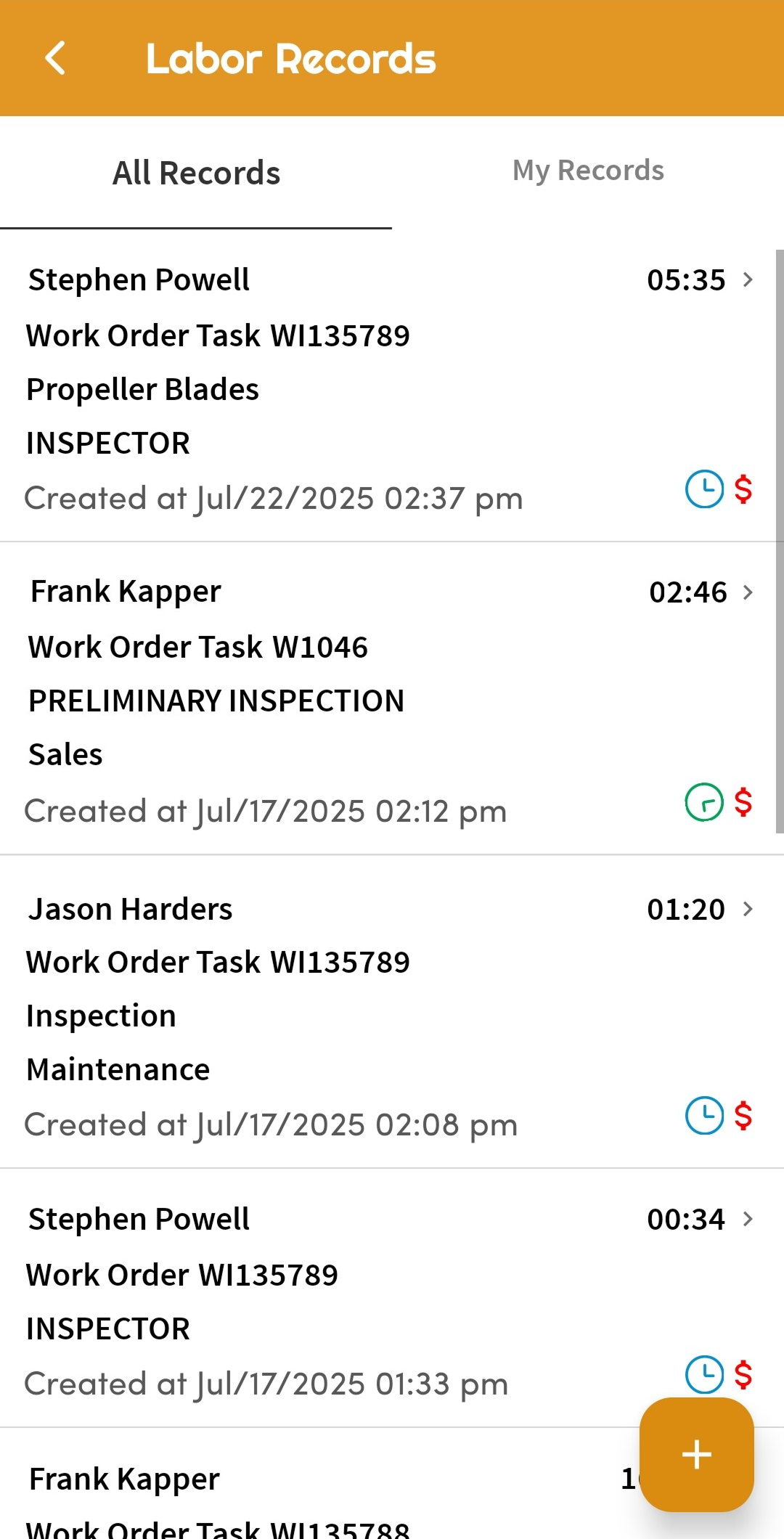
Review all labor entries across time periods, personnel, or work orders from the app.
Use QR code scans to initiate labor tracking on tasks or jobs, which is ideal for time clock-style operations.
Apply labor hours to virtually any record, including non-routine work, inspections, or setup.
Quickly log time against frequently repeated tasks with minimal taps.
Why It Matters
Repeatedly traveling to a terminal to log data or complete tasks causes delays, introduces risk, and adds opportunity cost. The Vista-Suite Enterprise mobile app helps teams complete high-value workflows remotely, keep activity tied to system records, and reduce the delay between work being done and records being updated. That gives aviation MRO and parts trading teams better visibility where frontline work actually happens.
See a demo by contacting sales@ambryhill.com



.png)
.png)